
Wherehouse authenticates as an App on Amazon through Amazon’s own
oAuth flow which ensures encrypted communication between the platforms.Steps on Wherehouse 👨💻
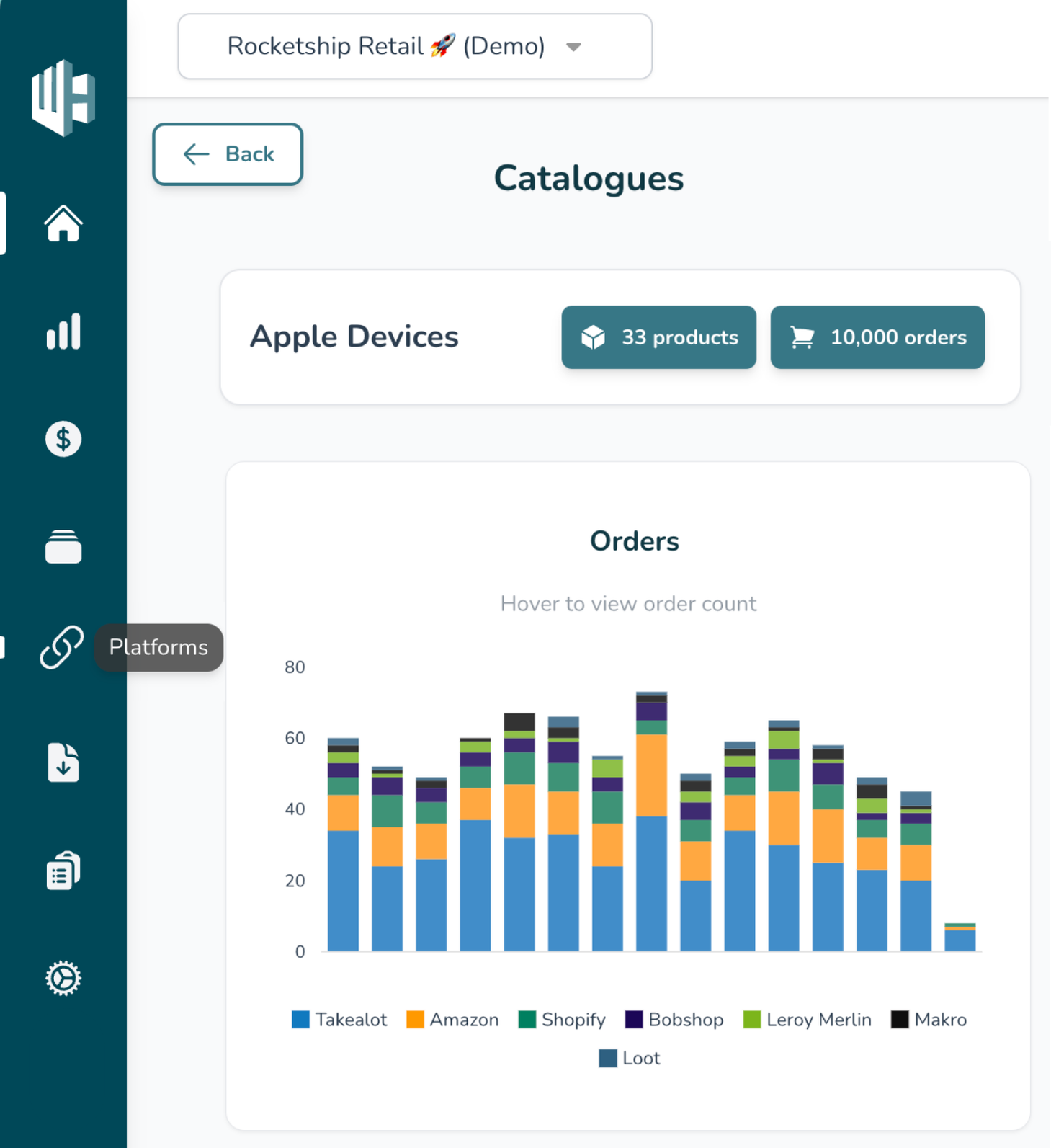
1️⃣ On the Wherehouse dashboard, within the subscription you’d like to authorize, select Platforms from the sidebar.
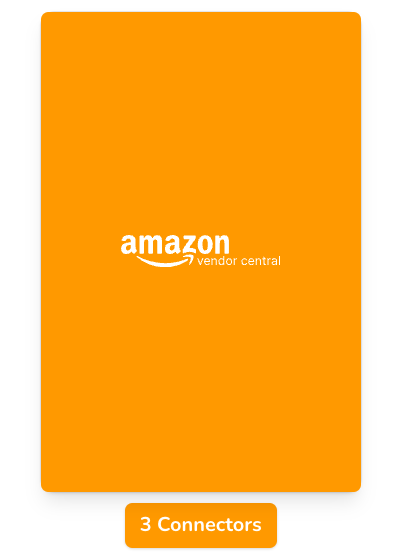
2️⃣ Look for the Amazon Vendor Central connector(s).
Each account may have multiple depending on the specific requirement, repeat the steps for each.
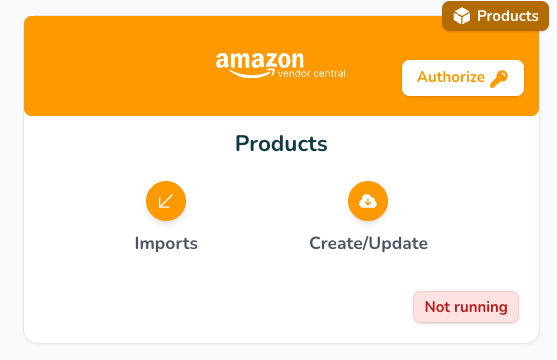
3️⃣ Click Authorize.
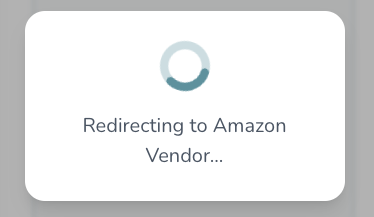
You will be automatically redirected to Amazon Vendor
Steps on Amazon Vendor 🔗
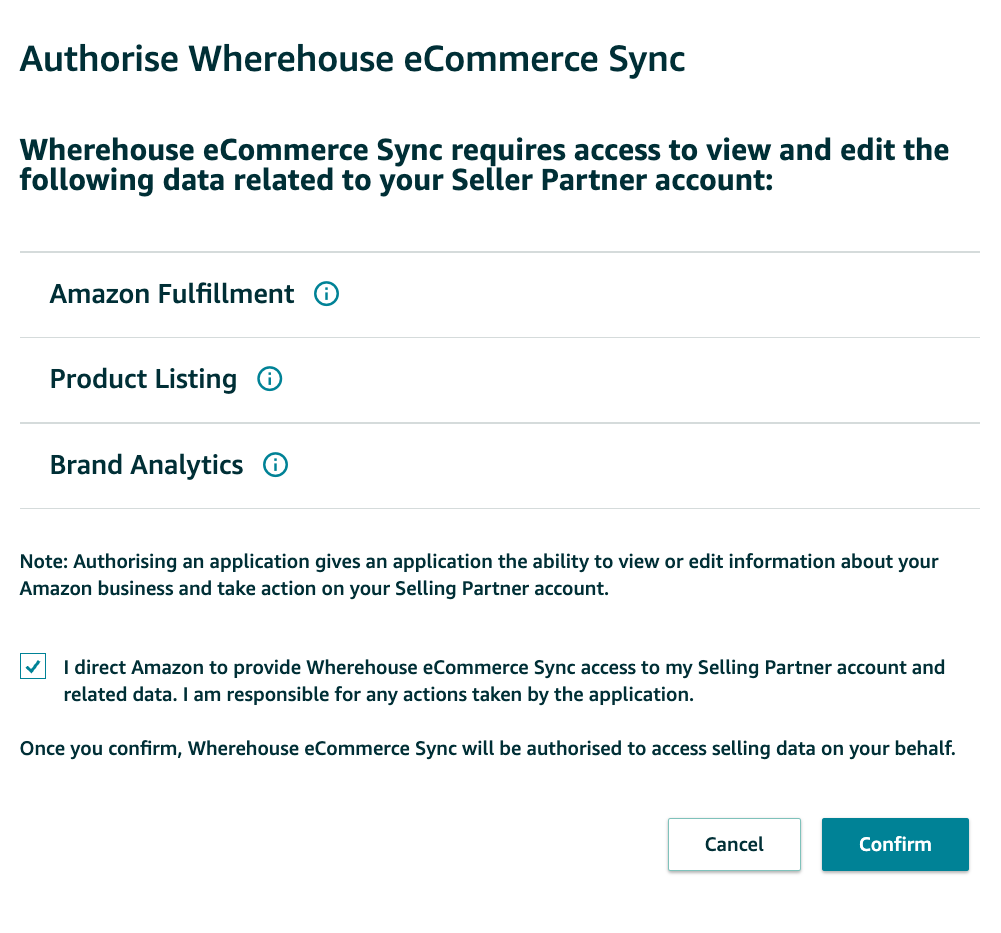
1️⃣ Log in to your Amazon Vendor account (if you aren’t already).
2️⃣ You should see an
oAuth dialogue, click Confirm.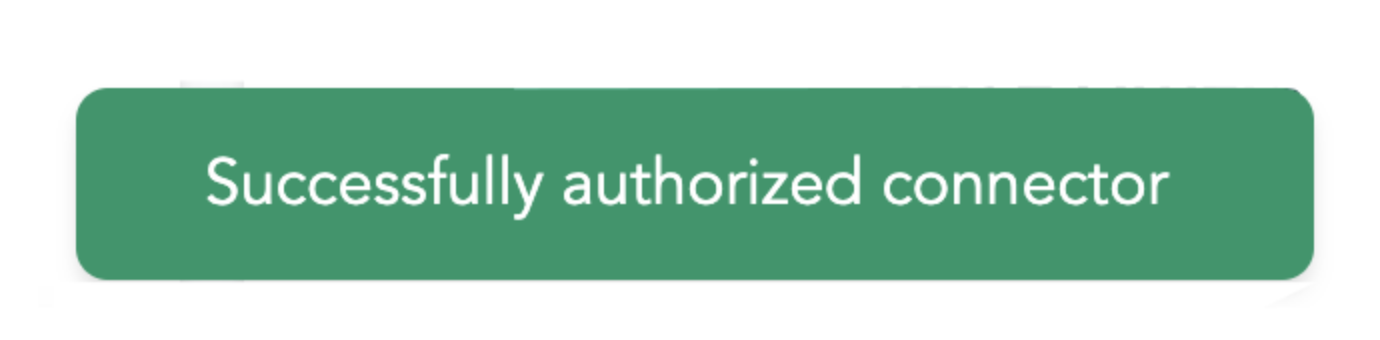
3️⃣ If all went well you should see “Successfully authorized connector”.