
Whether you have evaluated the trial period and decided to upgrade to a paid plan or you wish to resume a previous subscription, switching your plan’s billing is seamless.
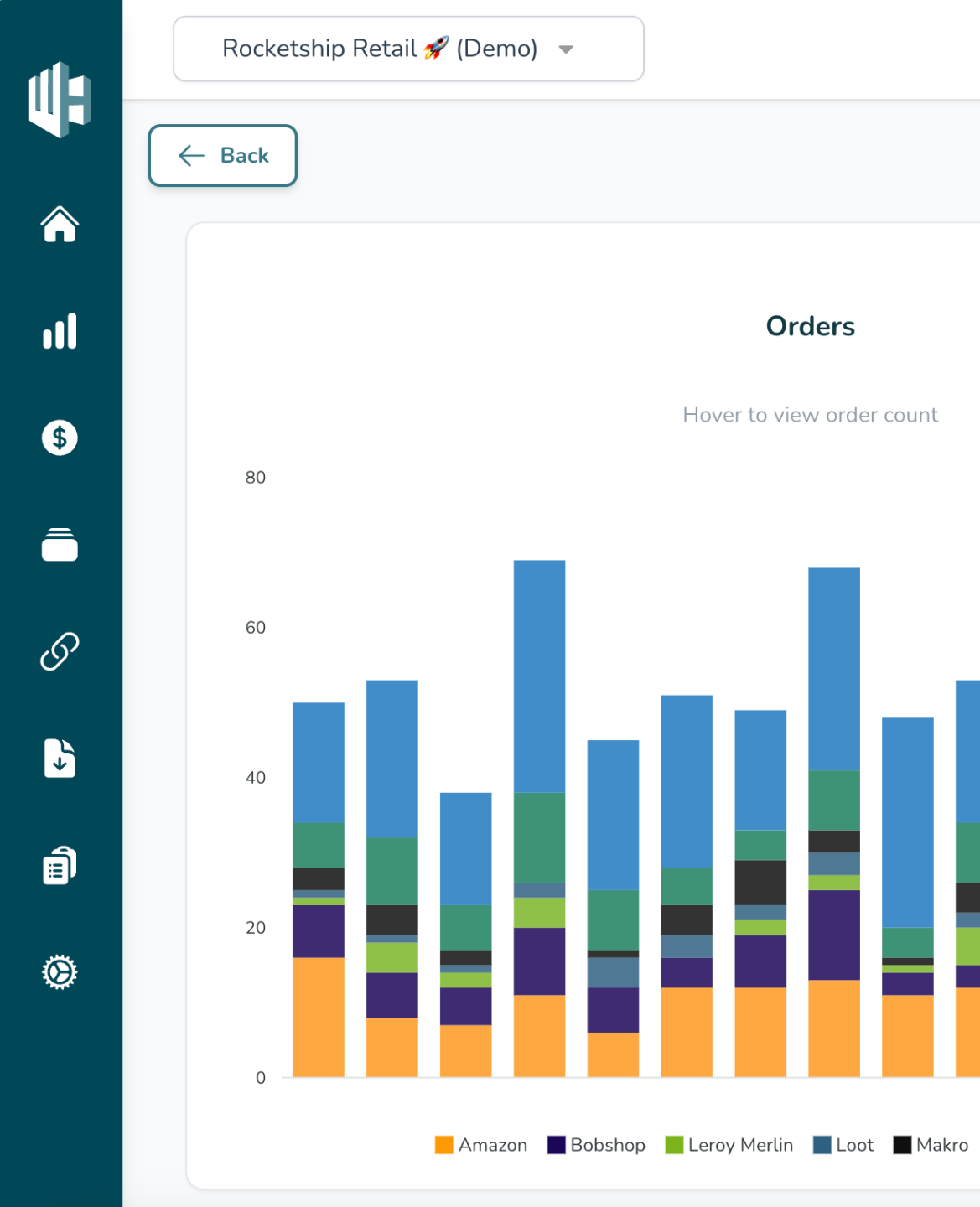
1️⃣ Head to your subscription’s Settings page.
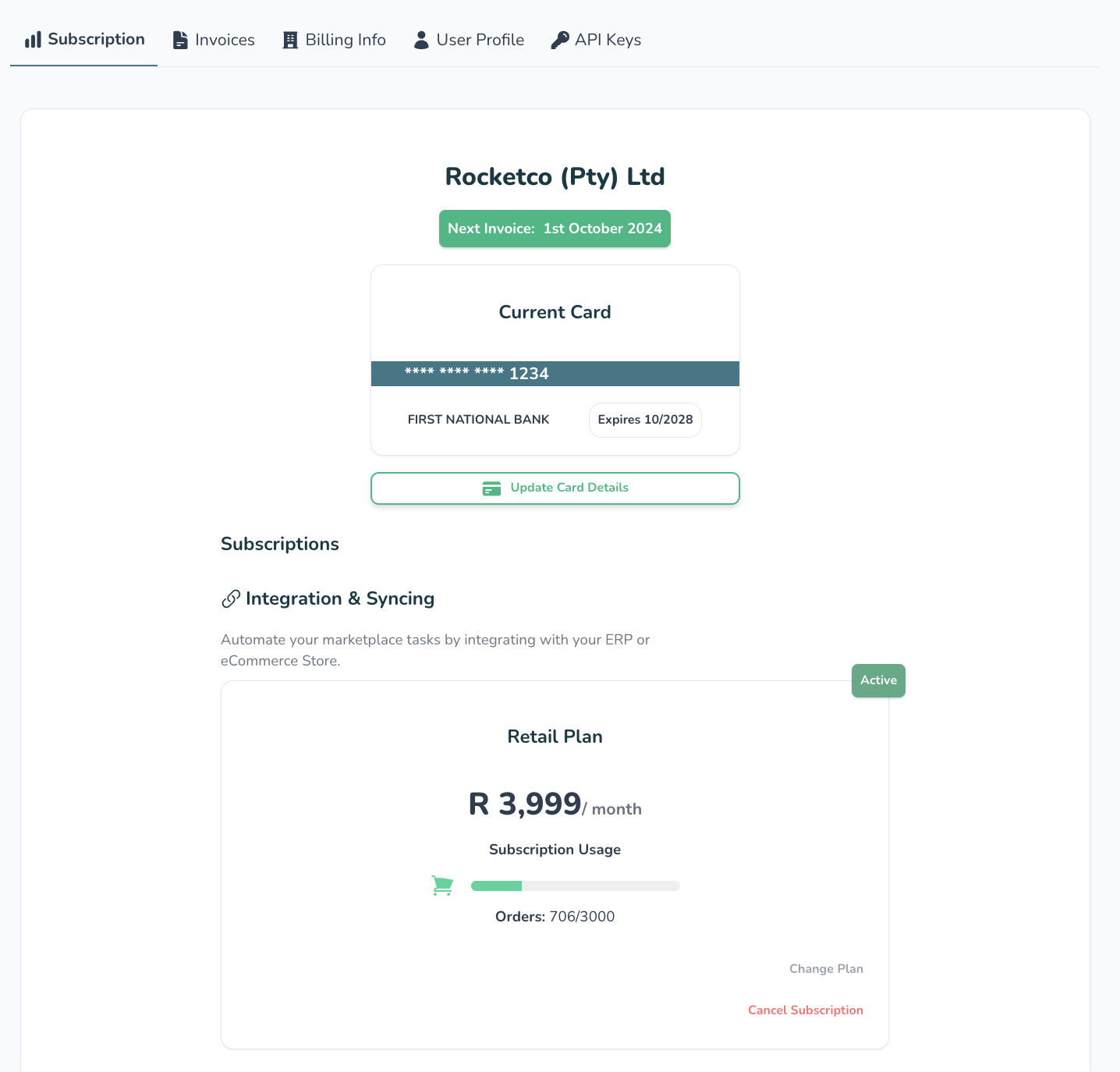
2️⃣ You’ll see your current subscription status in the “Subscription “tab.
3️⃣ Hit “Change Plan”
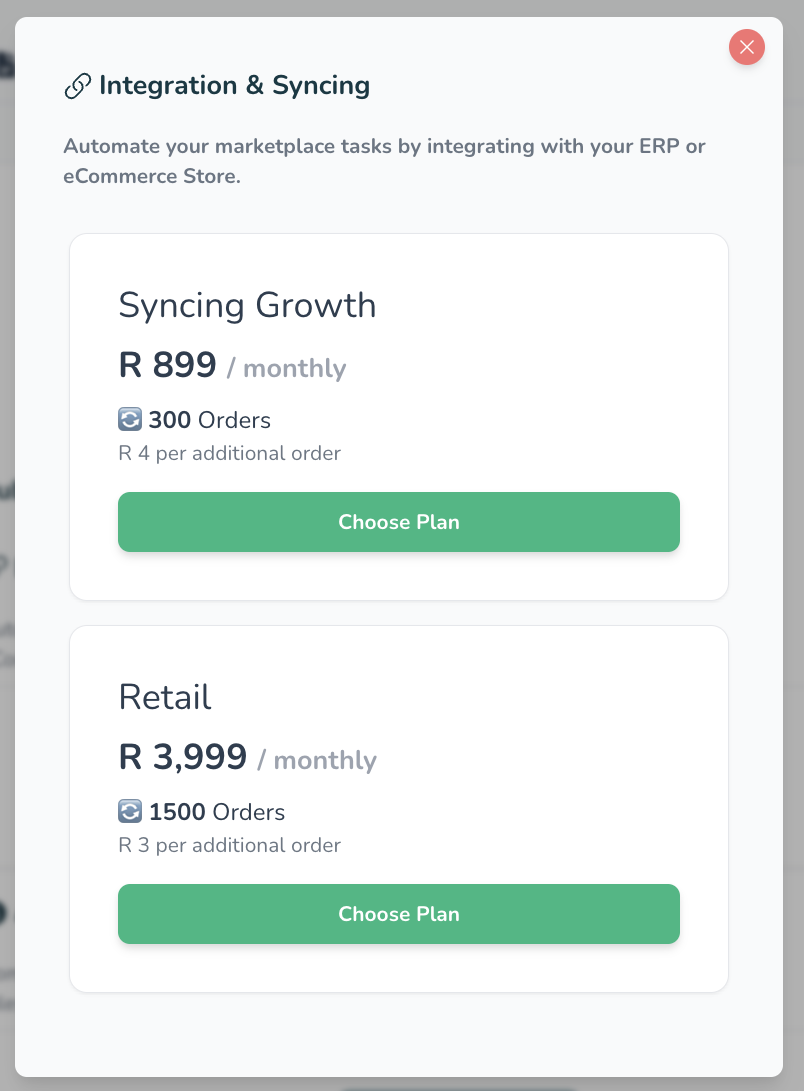
A pop-up will open with the available subscriptions
Depending on your current subscription status and your business requirements, you can choose to switch to a new plan.
4️⃣ If you’ve made your decision hit “switch to plan”
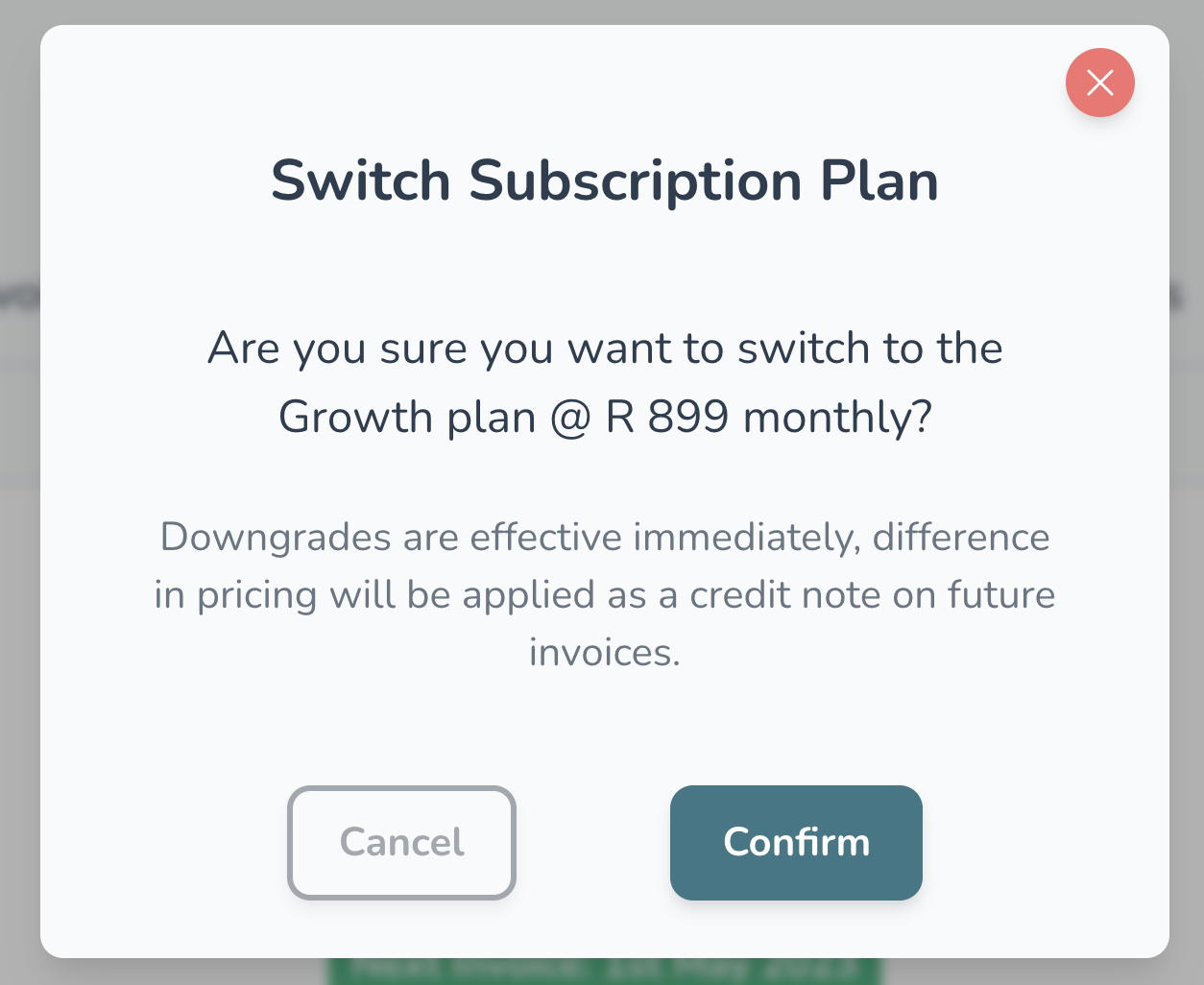
5️⃣ Confirm your selection on the next dialogue by hitting “Confirm”
You will be billed on the 1st day of the month for the usage the month prior
Downgrades ↘️
If you’re downgrading from a higher plan it will be effective immediately, the difference in pricing will be applied as a credit note on future invoices
Upgrades ↗️
Applies immediately and will be charged at the end of your billing cycle