
How to add additional users to your account 👤
Steps on Wherehouse:
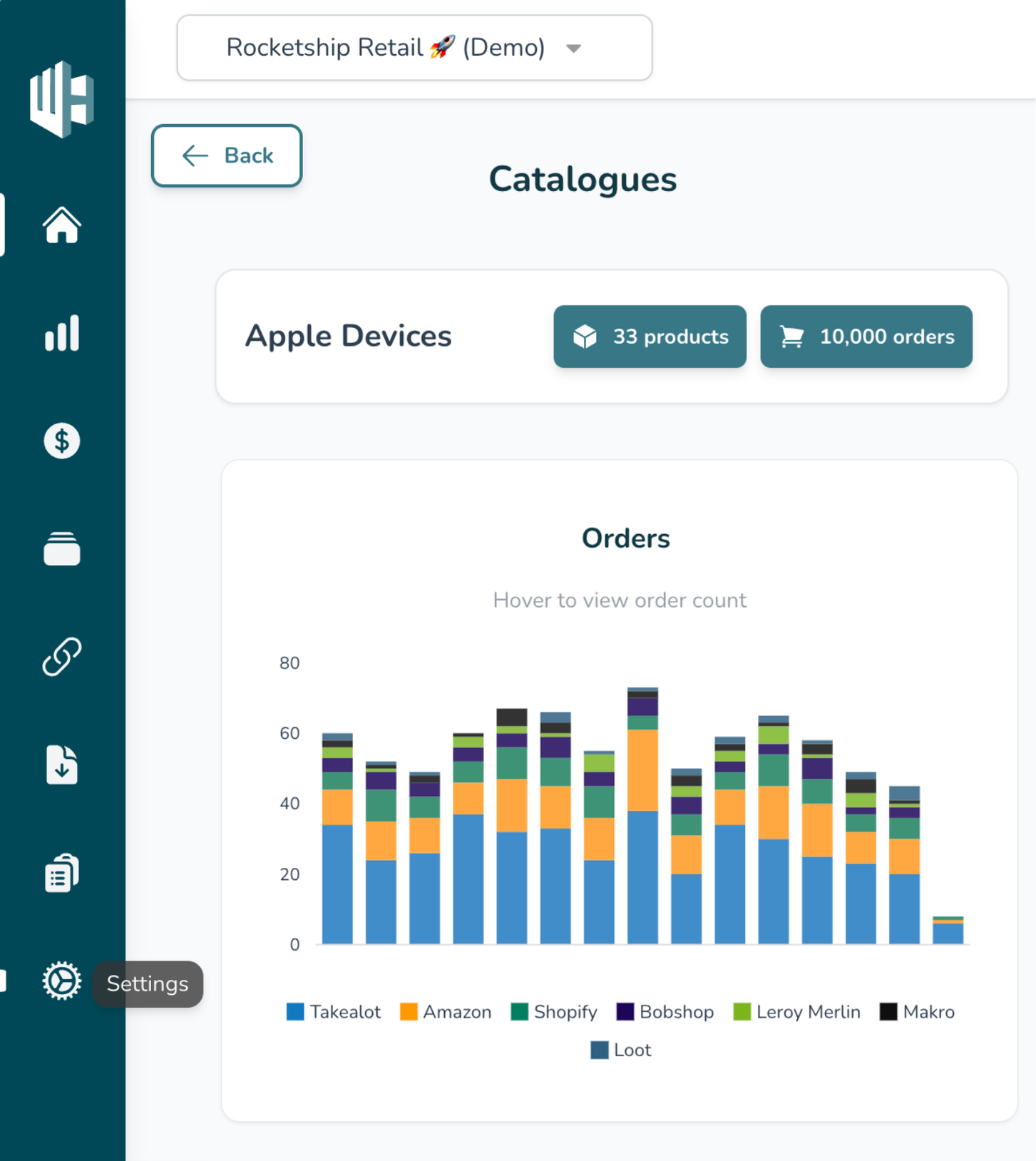
1️⃣ Sign in to your Wherehouse account.
2️⃣ Click the Settings icon (Bottom left 😉)
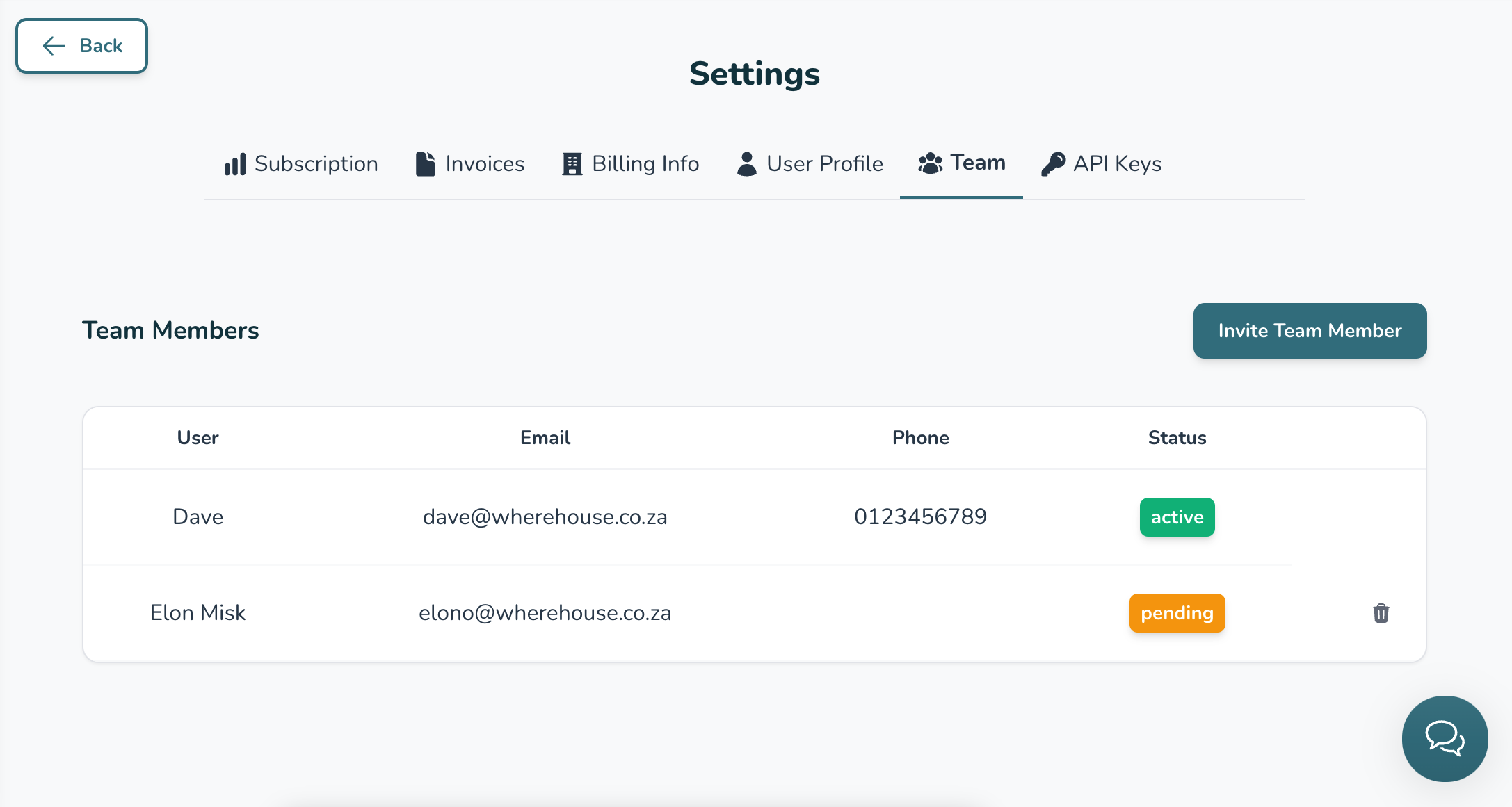
3️⃣ Click on Team
4️⃣ Hit the Invite Team Member button
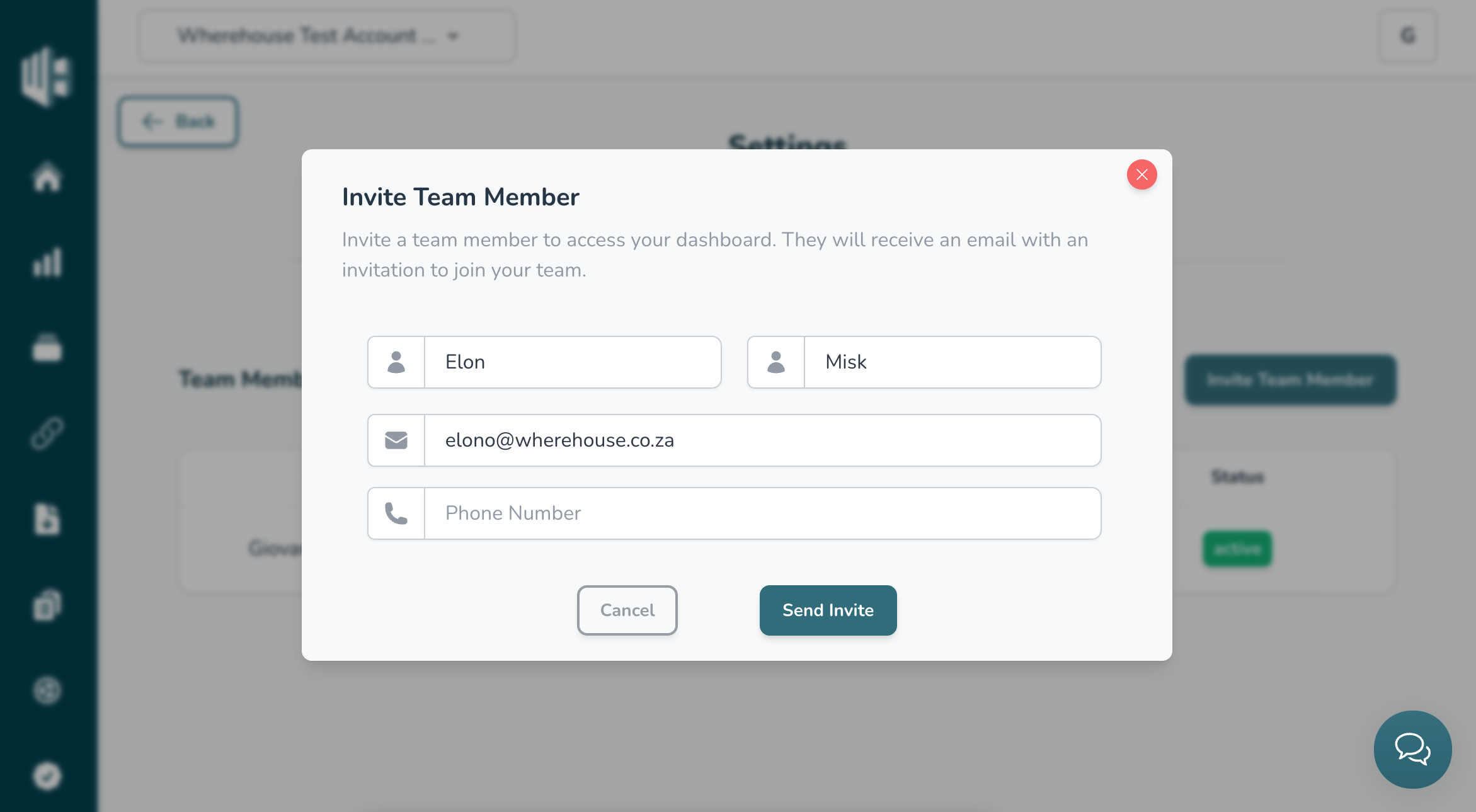
5️⃣ Enter the team member’s details:
6️⃣ Hit the Send Invite button

The team member will receive an invite via email with subject “Welcome to Wherehouse” prompting them to Signup.
7️⃣ Have the team member follow the instructions in the invite to join your account
Should the team member not receive the invite please contact us at hello@wherehouse.co.za