
How to enable 2FA 🔐
Steps on Wherehouse:
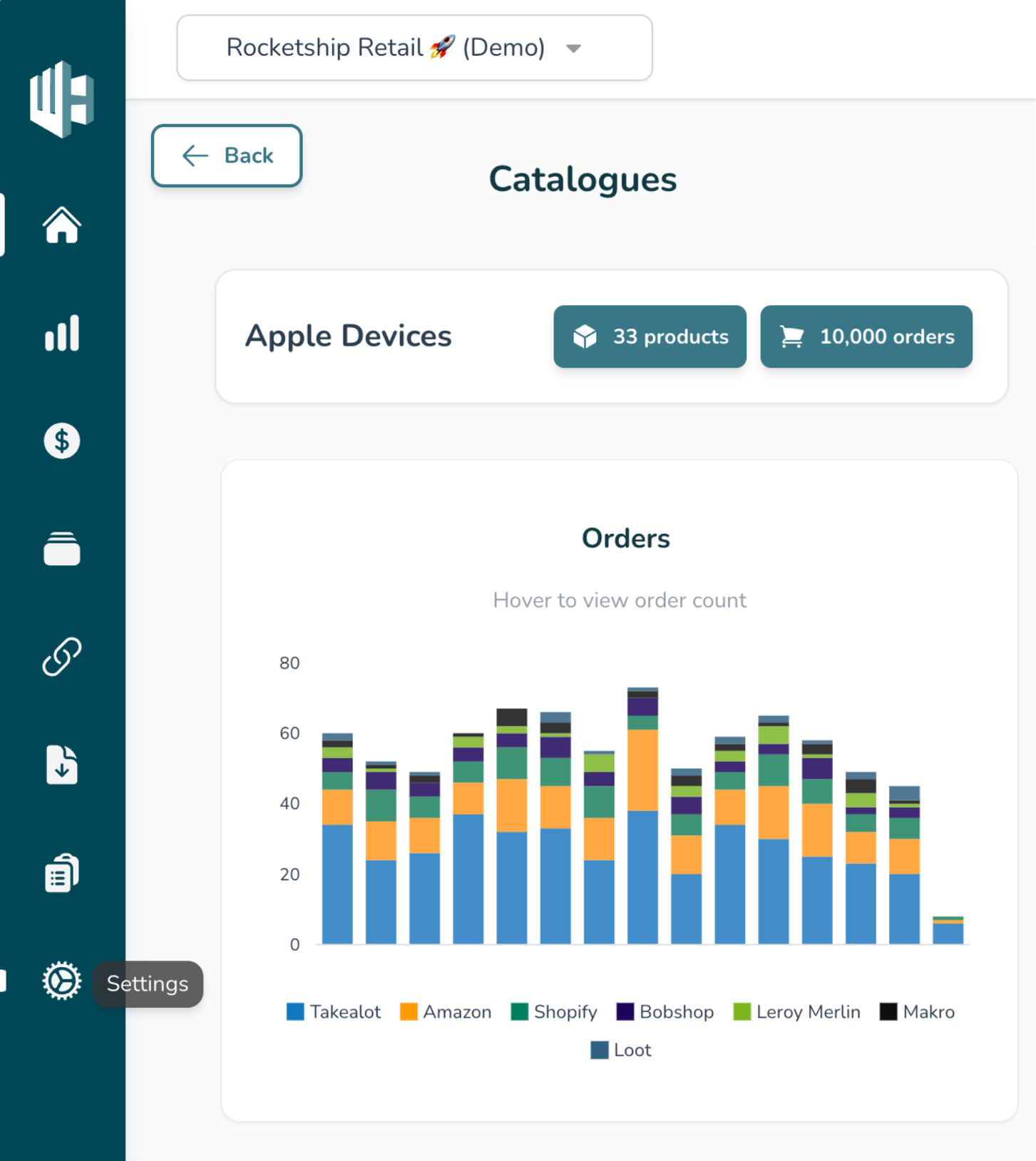
1️⃣ Sign in to your Wherehouse account with your current password
2️⃣ Click the Settings icon
(Bottom left 😉)
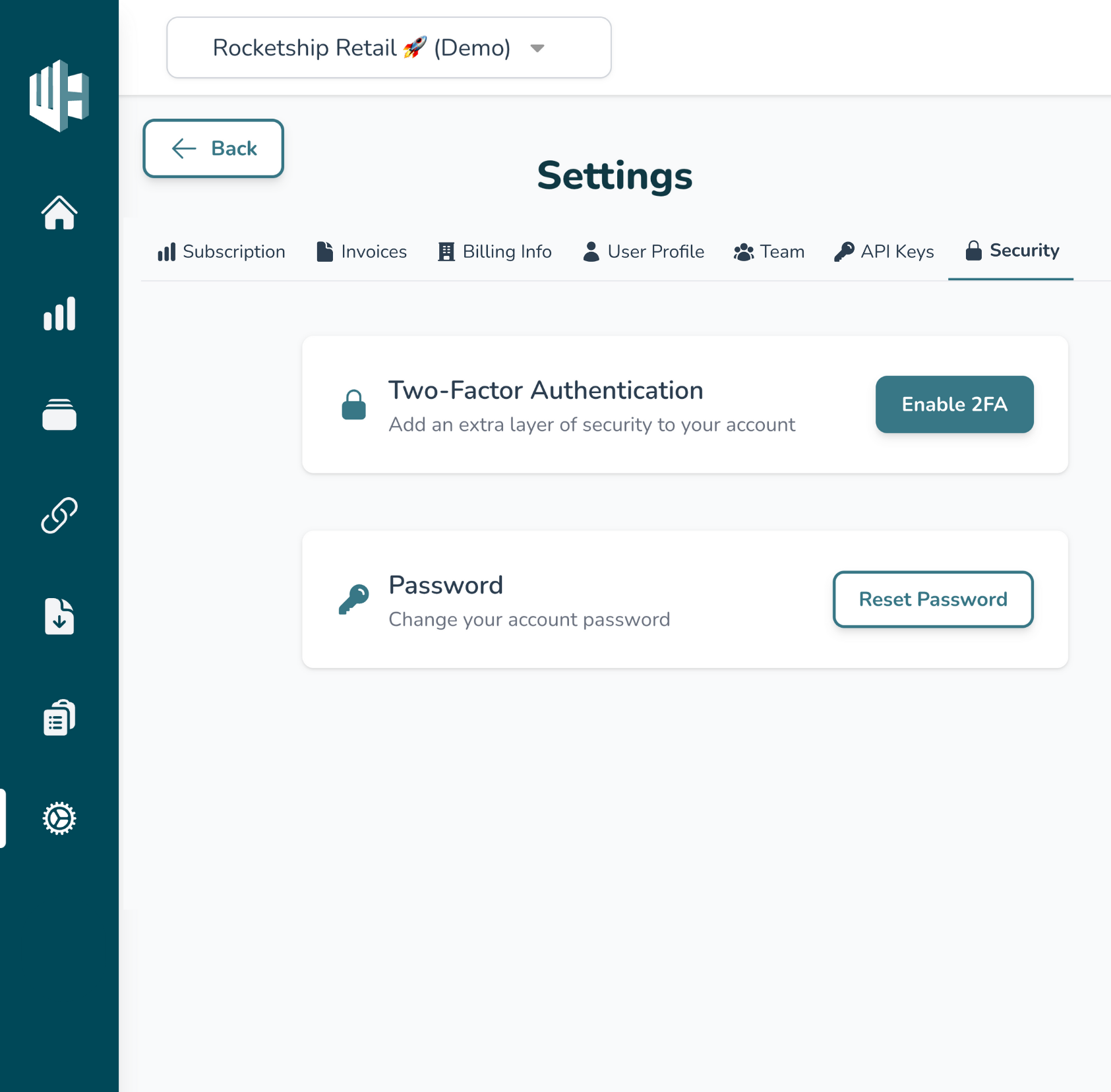
3️⃣ Click on Security
4️⃣ Click on Enable 2FA
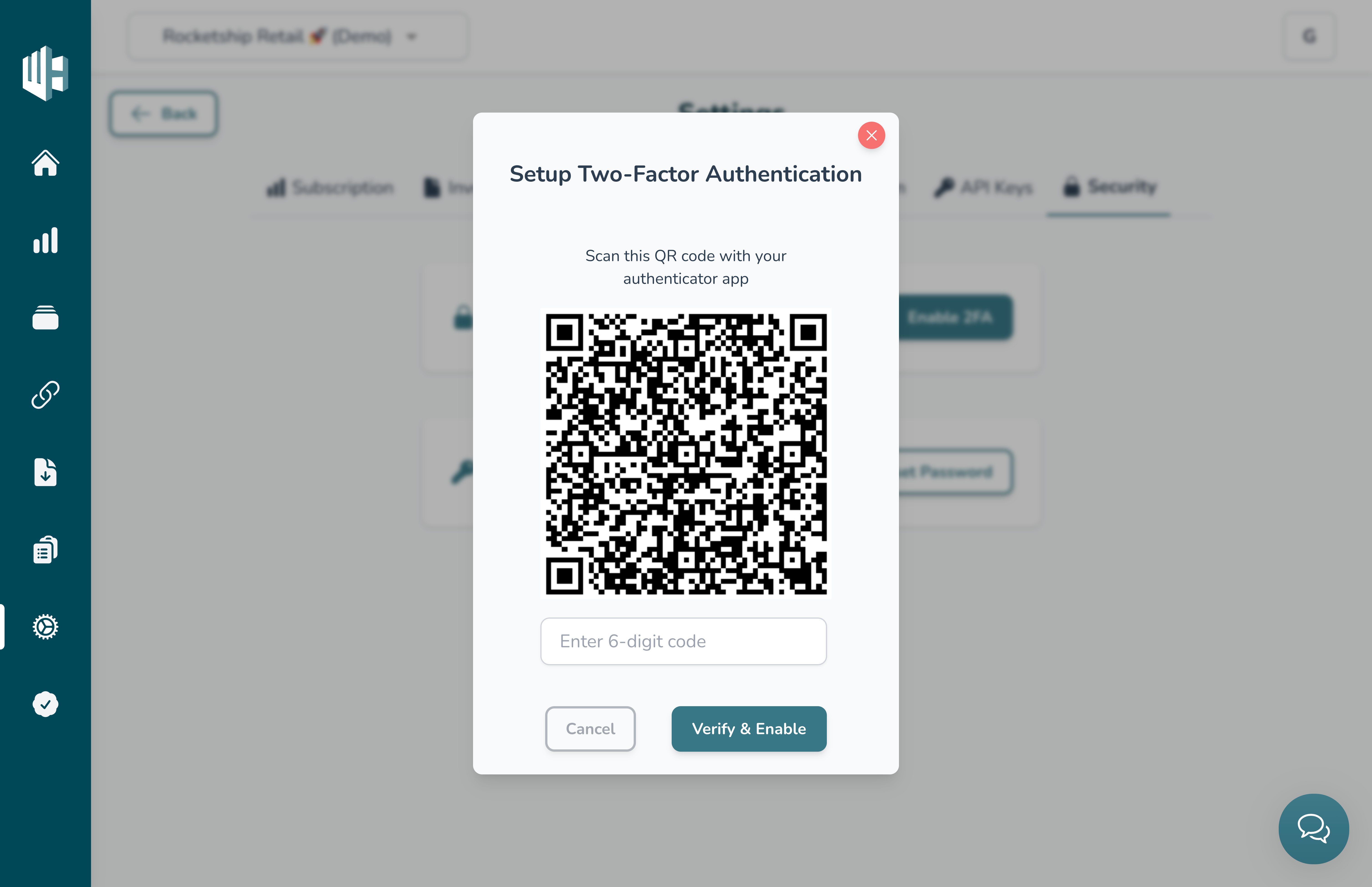
5️⃣ Scan the QR code with your Authenticator App
Use any app like Google Authenticator, Microsoft Authenticator, or Authy.
6️⃣ Enter the 6-digit code from your app
7️⃣ Click Verify & Enable
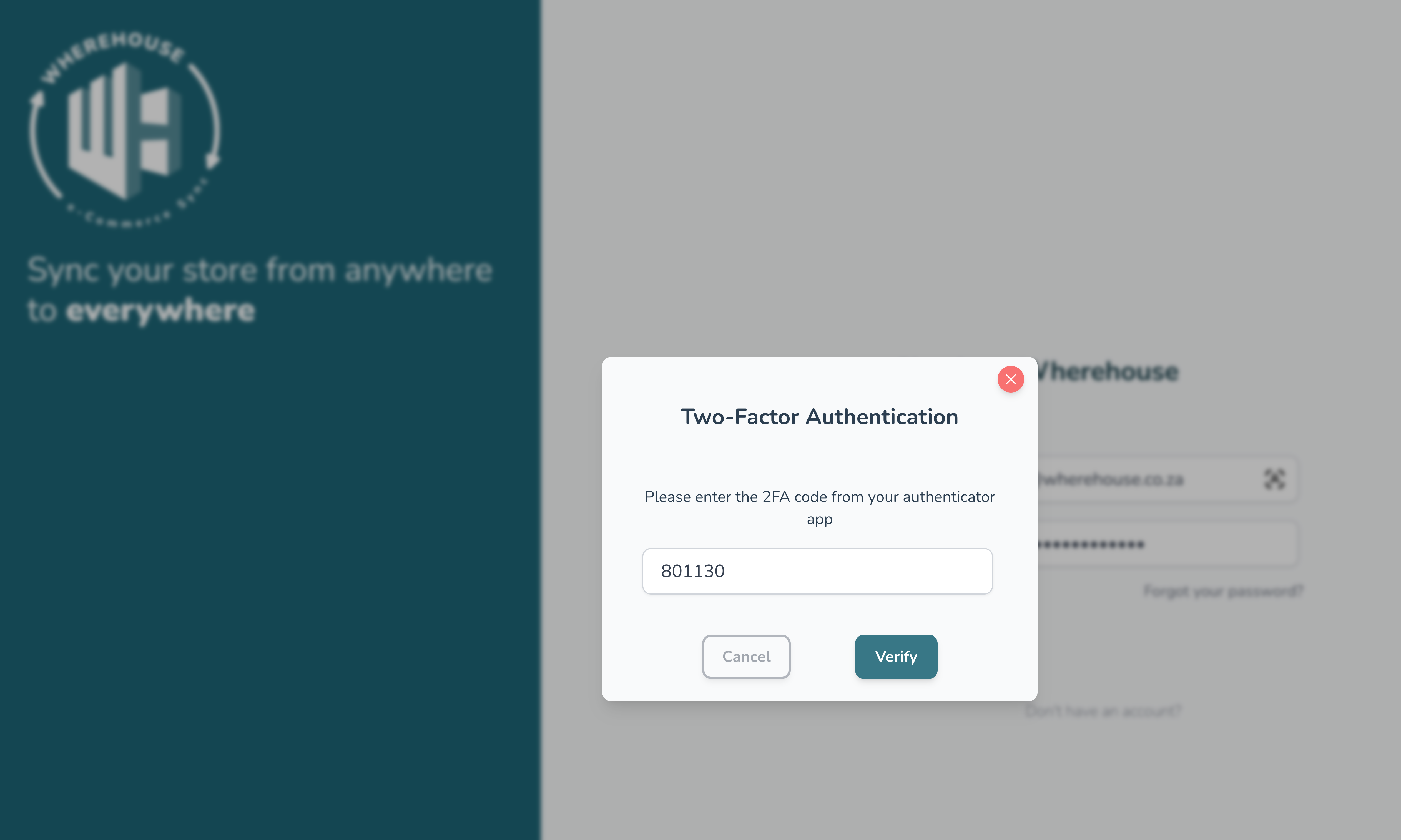
✅ You’re all set!
2FA is now active on your account. You’ll be asked to enter a code from your app whenever you log in.
Lost access to your authenticator app?
Reach out to us at 📧 hello@wherehouse.co.za and we’ll help you recover your Wherehouse account.