
What is a connector? 🔗
Connectors allow Wherehouse to securely communicate with your eCommerce platforms. On your dashboard you will see import & export connectors.
Steps on Wherehouse👨💻
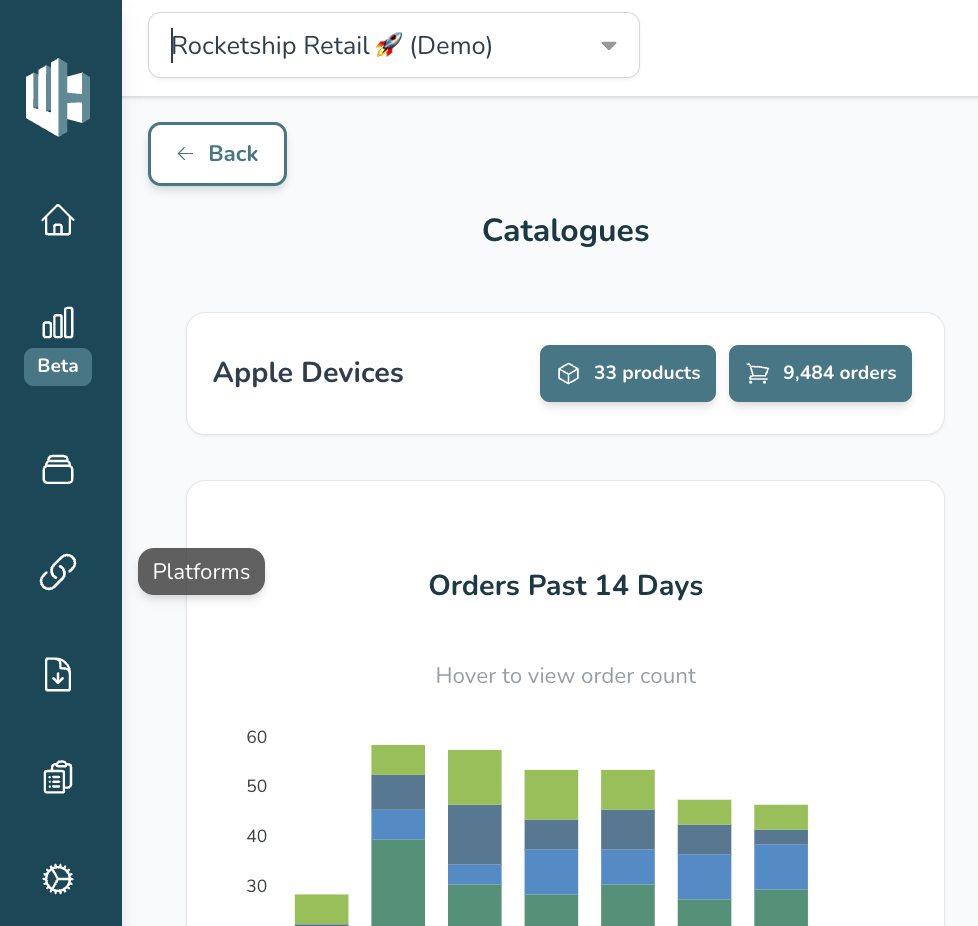
1️⃣ Sign in to your Wherehouse account
2️⃣ Click the Platforms icon 🔗
Taskbar on the left
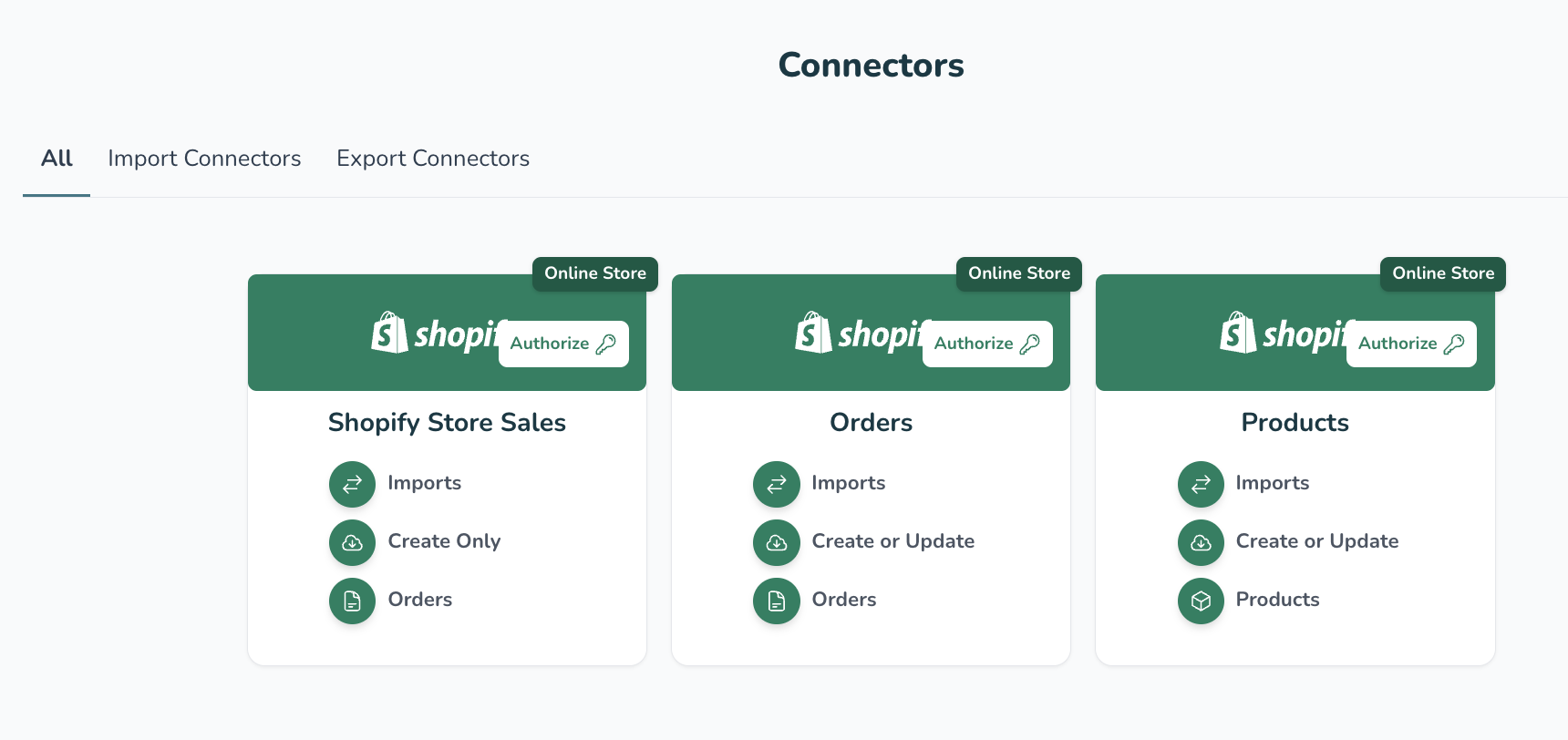
3️⃣ Within the relevant platform select the connector you want to run
You can select IMPORT or EXPORT connectors to make the search easier. You can also use the filters function.
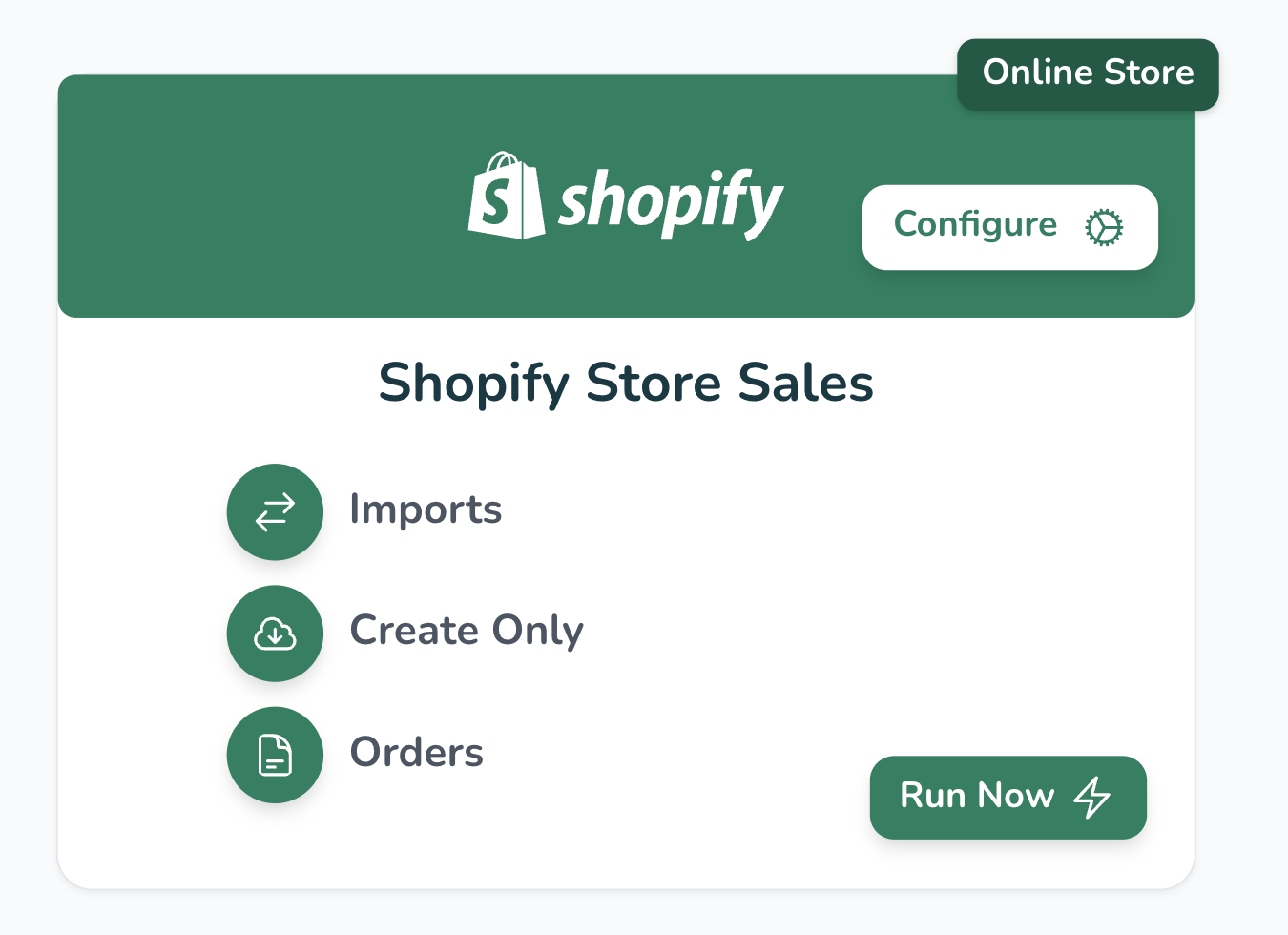
4️⃣ Hit the Run Now button!
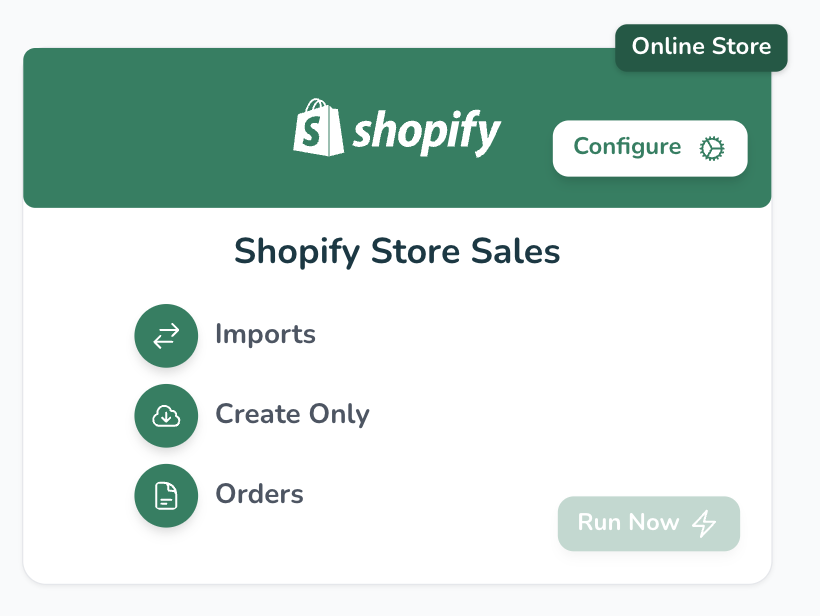
If the “Run Now” button is greyed out it means the connector is disabled or being updated in the backend
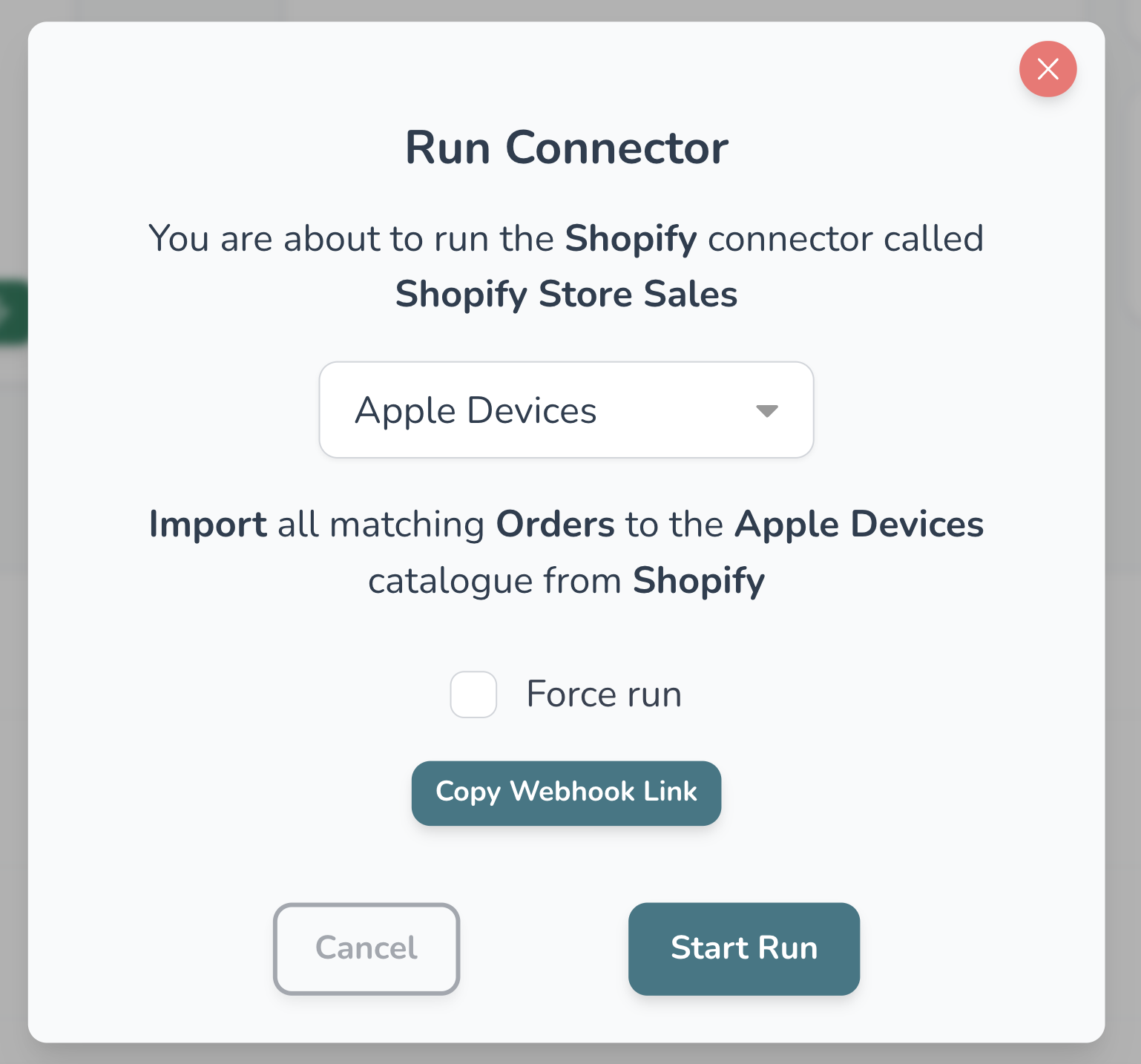
5️⃣ Use the drop down menu to select the correct catalogue
Catalogues are a collection of products. Selecting a catalogue determines the collection of products the connector will run on.
If you only have one catalogue you can skip this step
6️⃣ Select the tickbox if you want to auto-run the next connector (if relevant)
7️⃣ Hit the “Start Run” button
The steps above not working? We’ve got your back, contact us at:
hello@wherehouse.co.za