
When generating a loadsheet you need to match your internal categories (the categories on your catalogue) to the categories on the platform you are generating a loadsheet for.
Our category mapping function simplifies this process.
Steps on Wherehouse
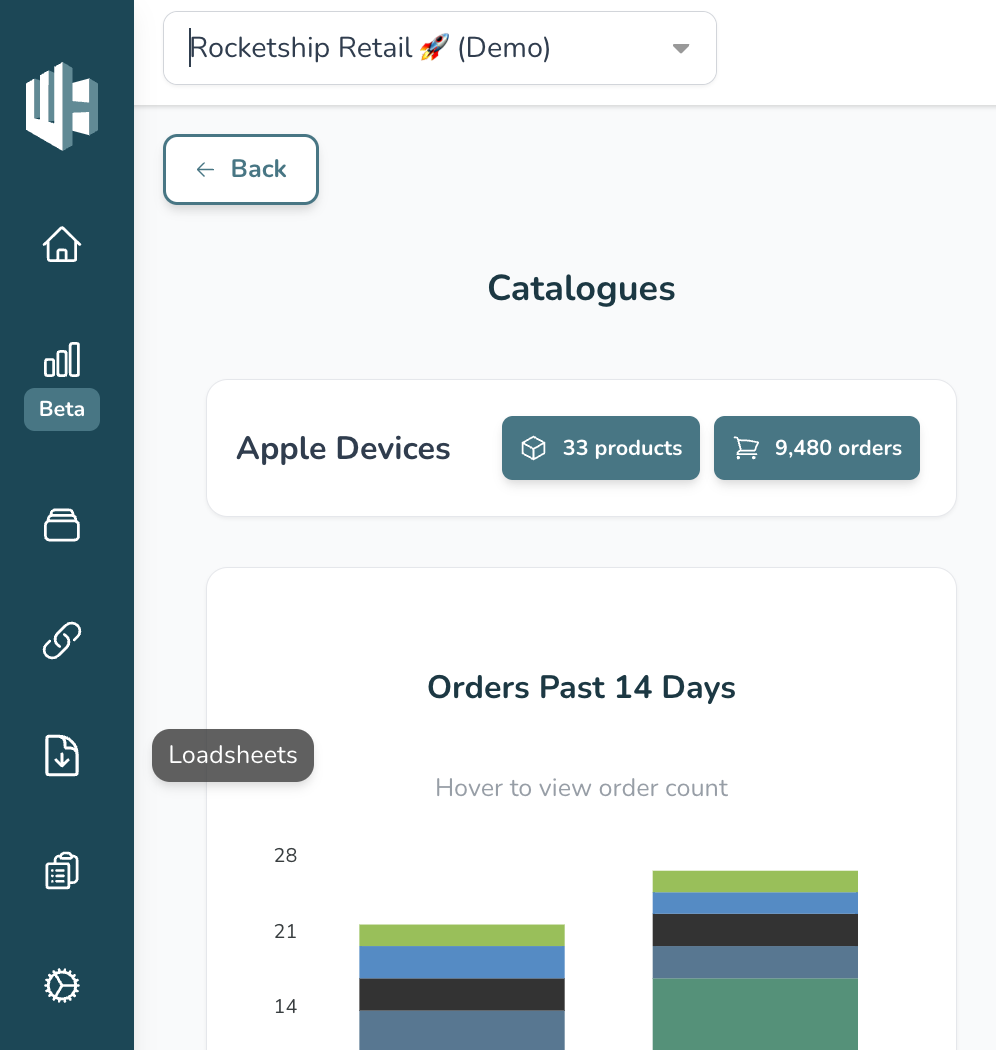
1️⃣ On the Wherehouse dashboard, within the subscription you’d like to update, select Loadsheets from the sidebar.
2️⃣ Hit the Configure button on the loadsheet that you would like to map.
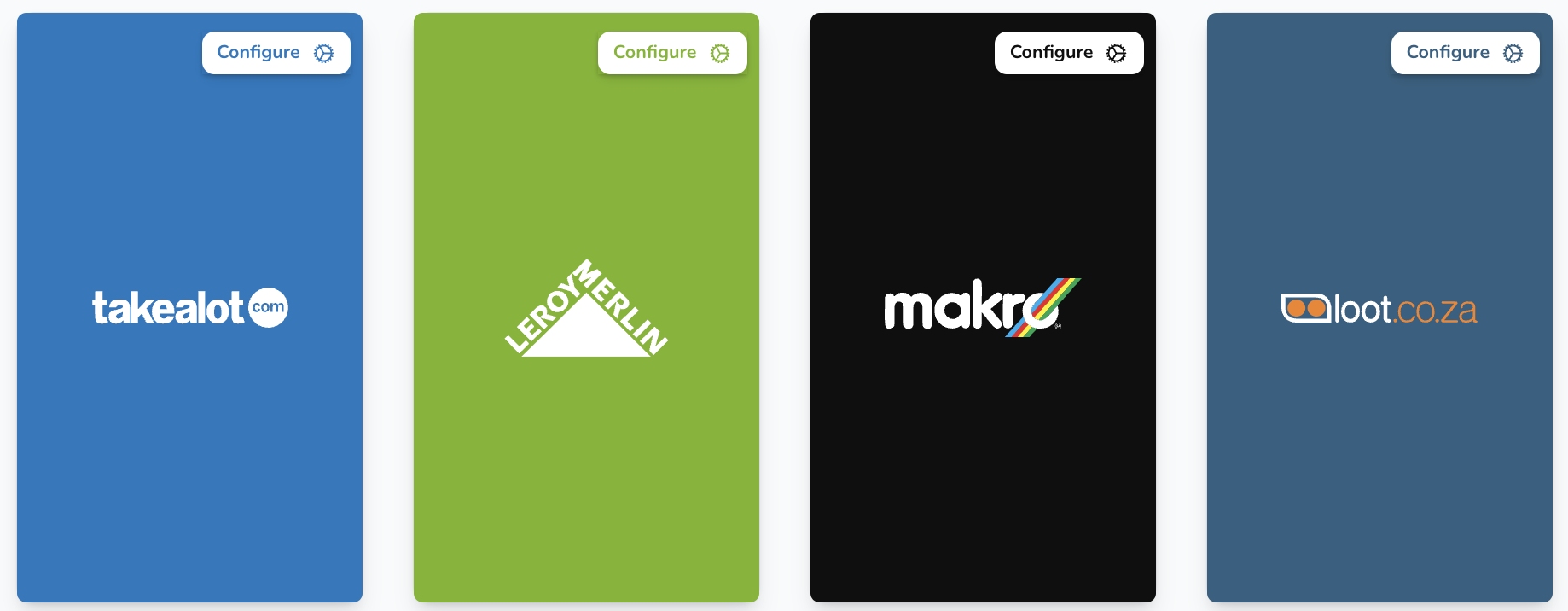
Let’s use a Takealot loadsheet as an example.

All existing mapping will be visible here.
3️⃣ Click on the dropdown arrow.
A list of Takealot categories will appear.
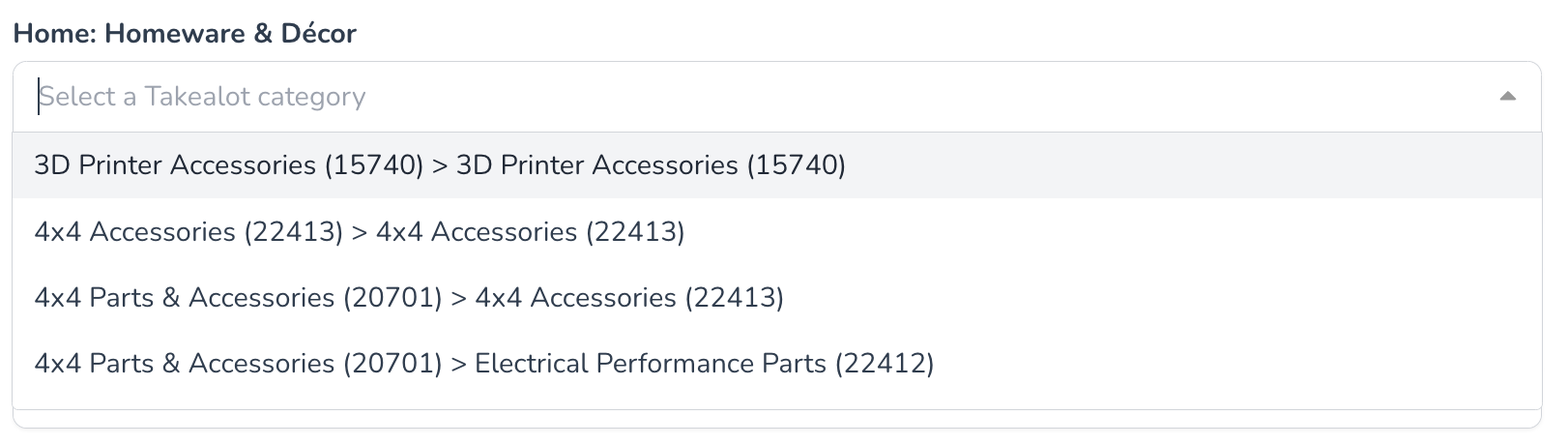
You can scroll through or type to search for a relevant category.
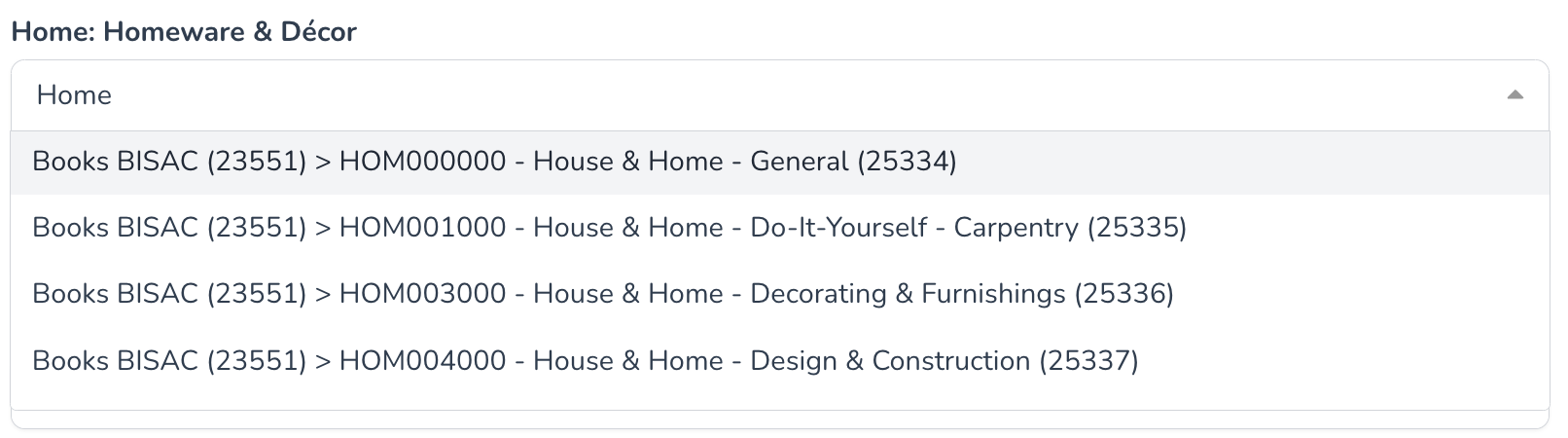
4️⃣ For each of your categories, select the corresponding marketplace category.
These categories will automatically be swopped out when a loadsheet is generated.

5️⃣ When you’re done, hit Save.

If all went well you should see “Category mapping saved”.