
You can pause repricing for all of your products in Global Settings on the Buy Box Repricer page.
This will stop repricing on all of your products until you've disabled the setting again.
Steps on Wherehouse
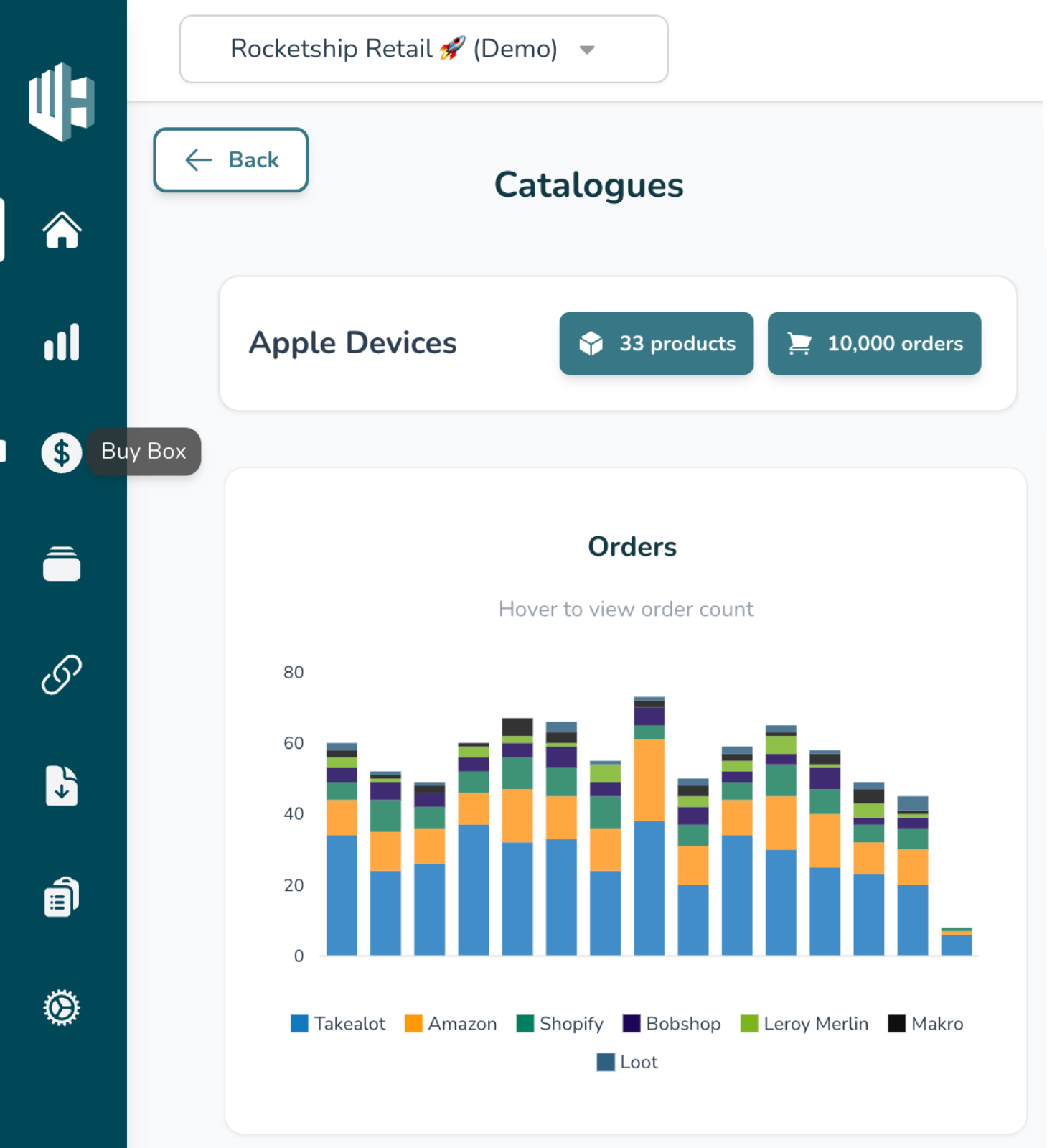
1️⃣ Sign into the Wherehouse Dashboard
2️⃣ Select Buy Box Repricer from the sidebar (💰 icon)
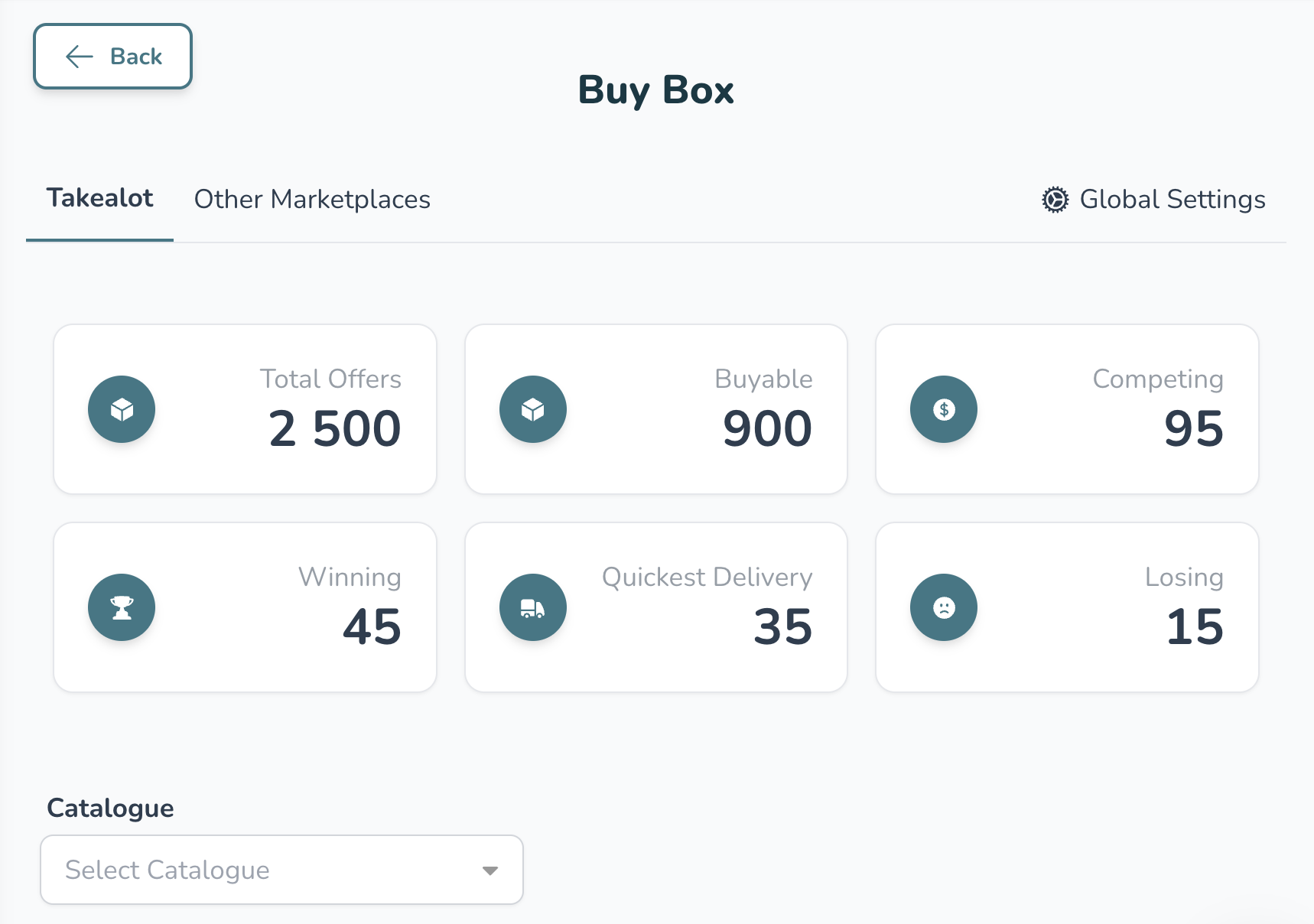
3️⃣ Click on Global Settings (top right)
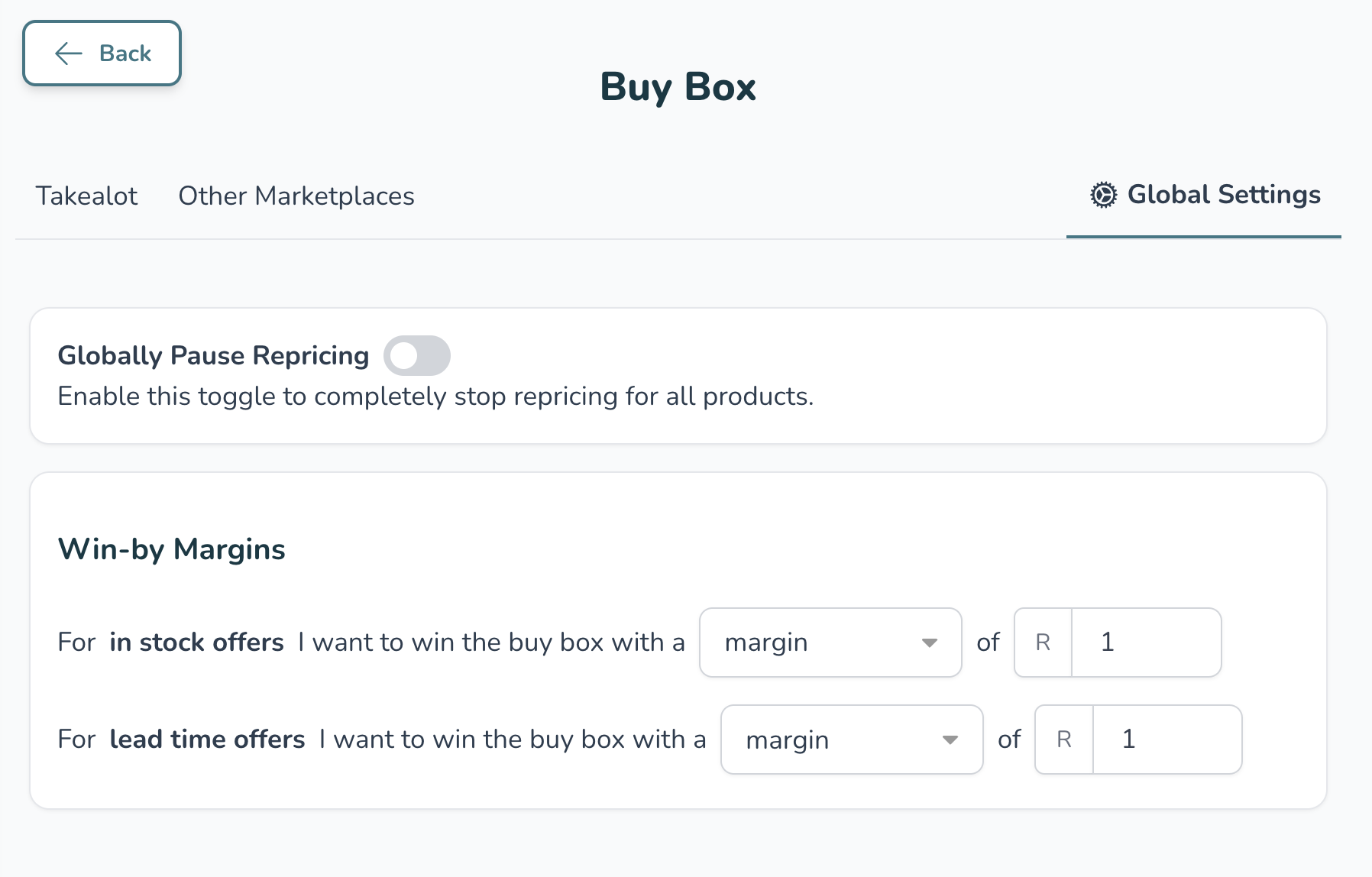
4️⃣ Enable the toggle called Globally Pause Repricing
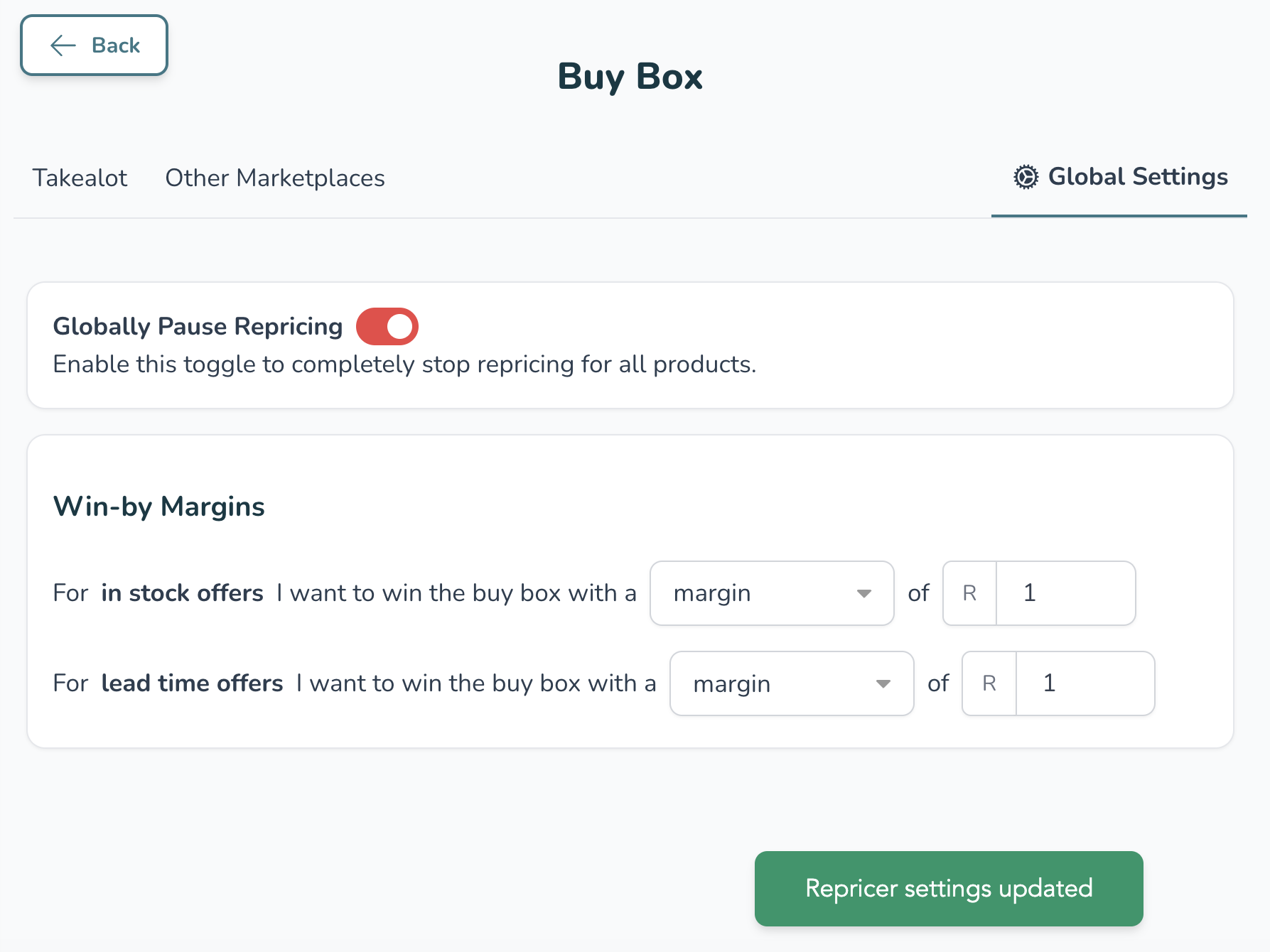
If all went well you should see “Repricer settings updated”, and the toggle will appear red