
How to reset your password 🔑
Steps on Wherehouse:
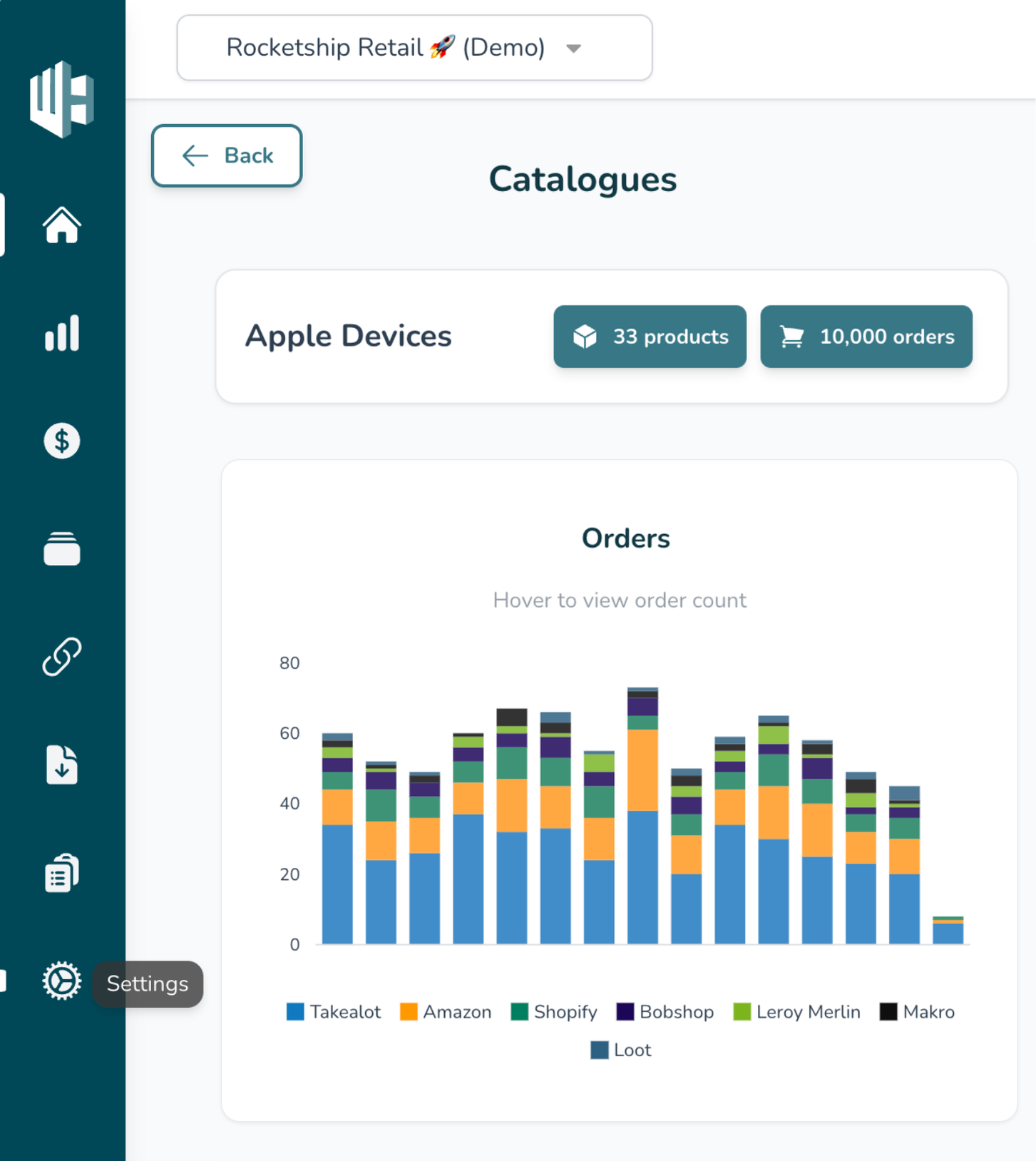
1️⃣ Sign in to your Wherehouse account with your current password.
2️⃣ Click the Settings icon
(Bottom left 😉)
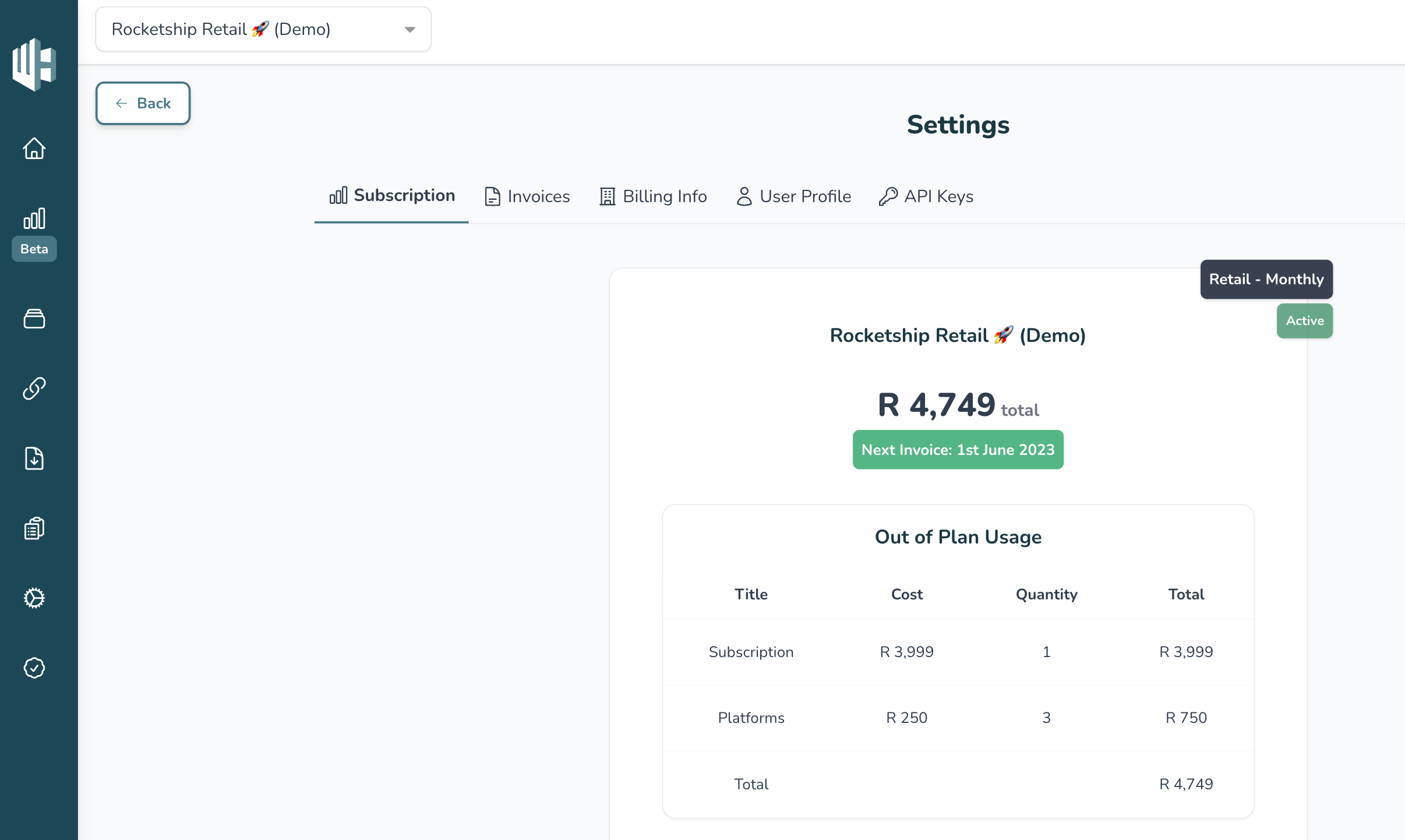
3️⃣ Click on User Profile
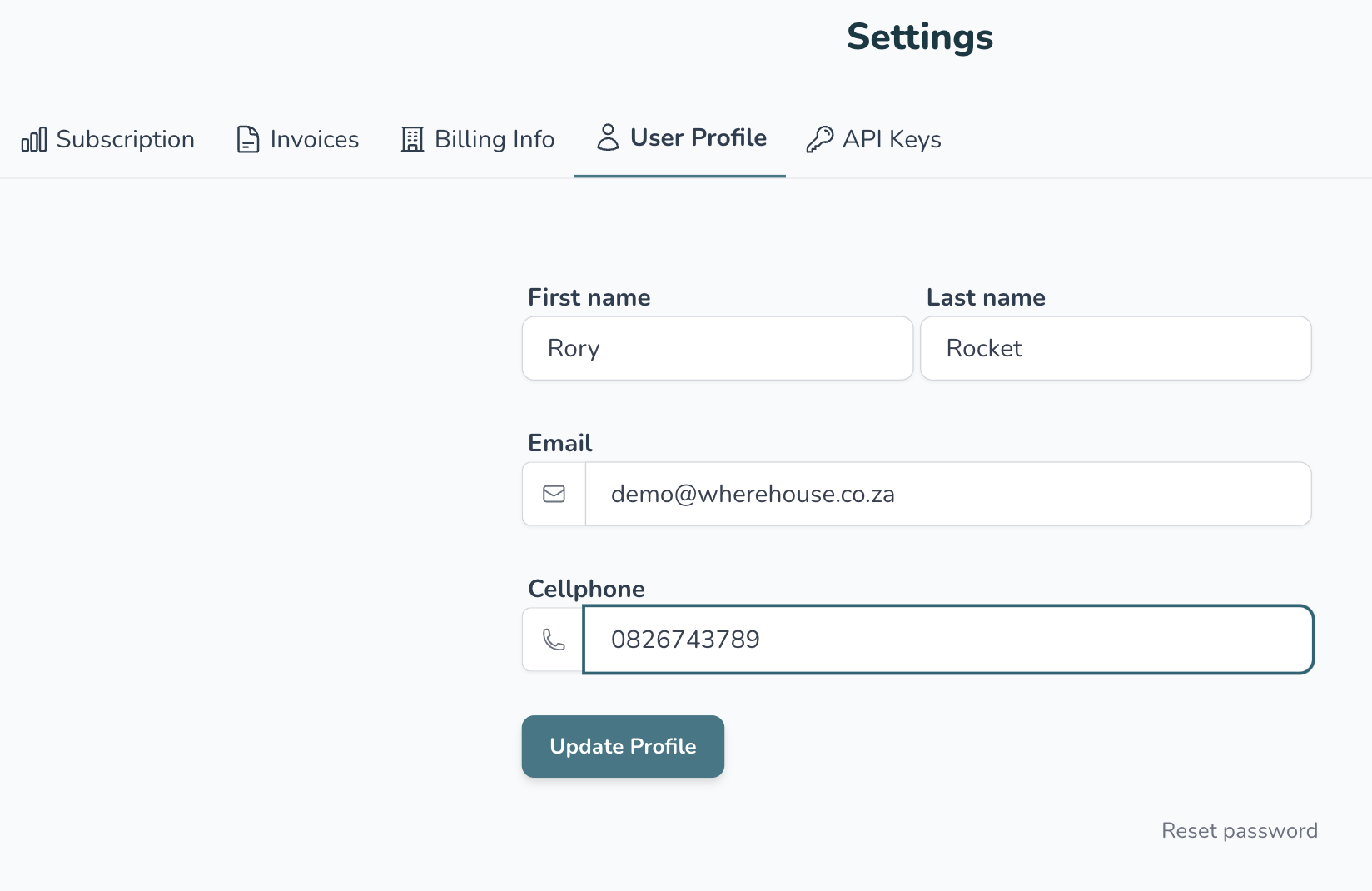
4️⃣ Hit the Reset Password button
(Bottom right) 😉
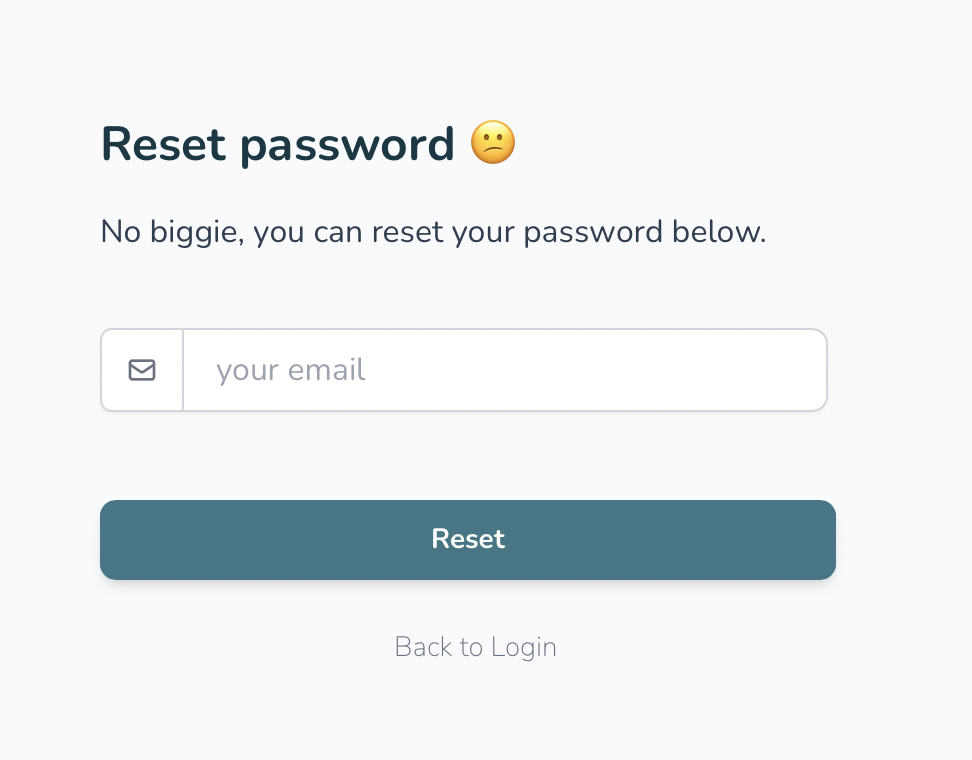
5️⃣ Enter your email
Be sure to make this the same email you use to log in to your Wherehouse dashboard
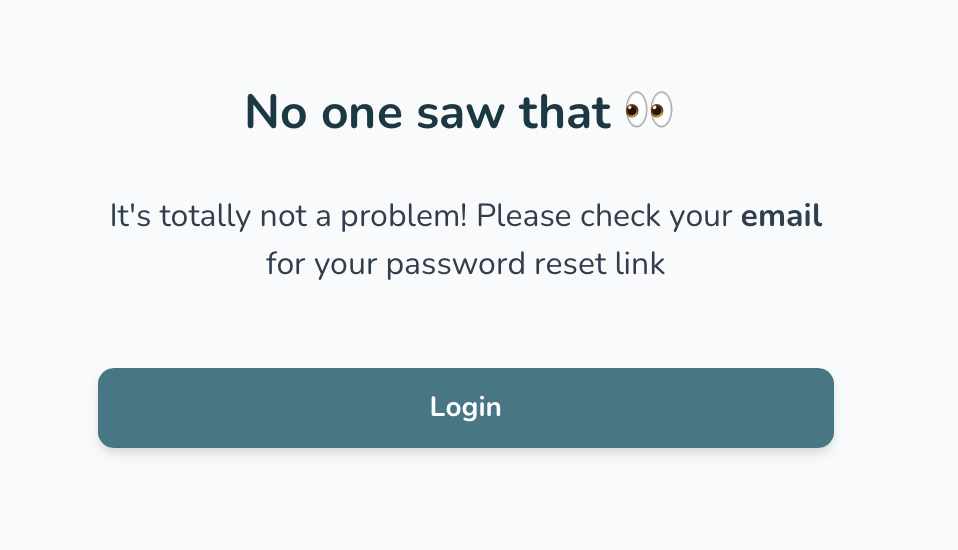
6️⃣ Check your email, you will receive a password reset link
Should you not receive the link please contact us at hello@wherehouse.co.za