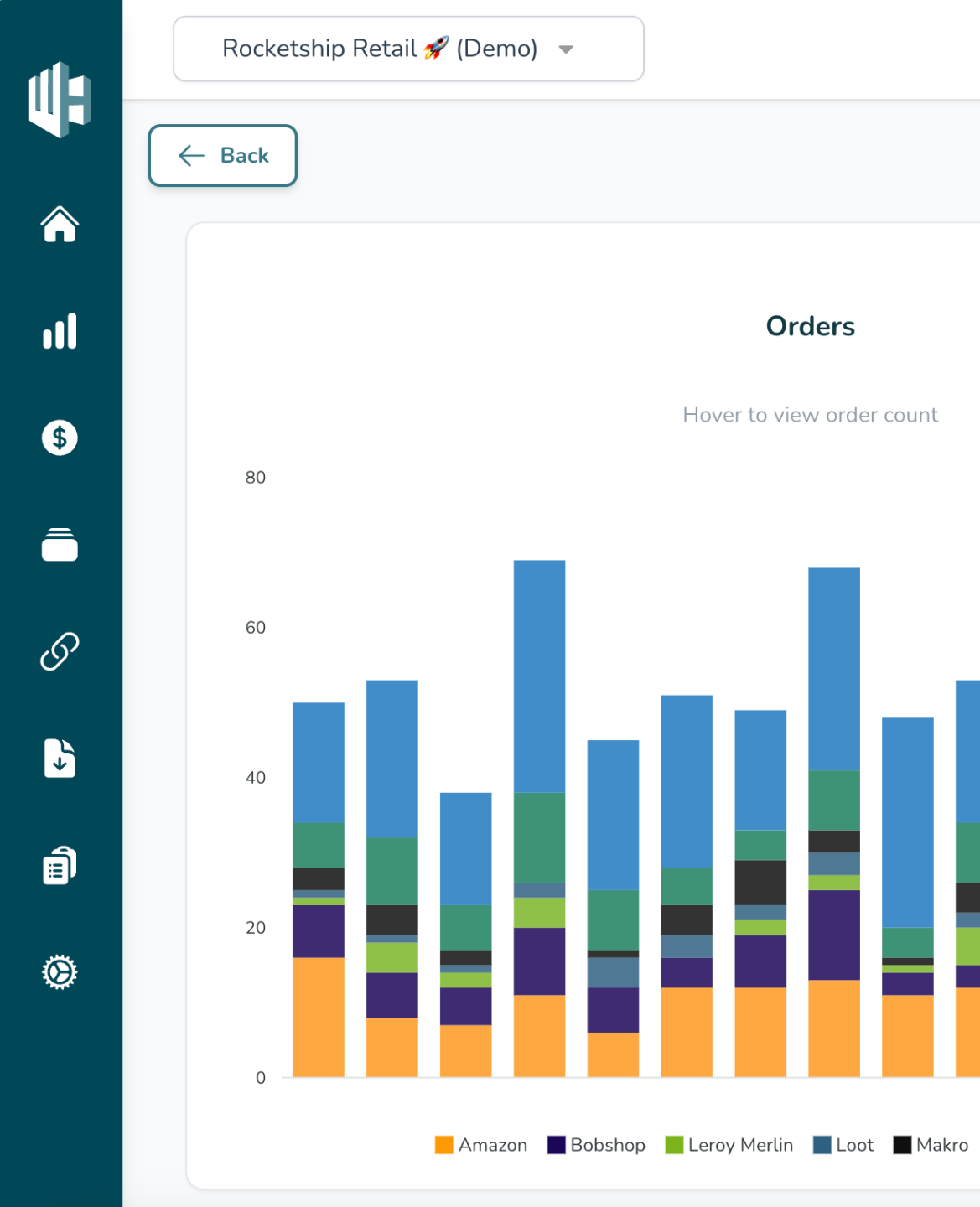
1️⃣ Sign into the Wherehouse Dashboard
2️⃣ Hit the Settings icon ⚙️ (bottom left)
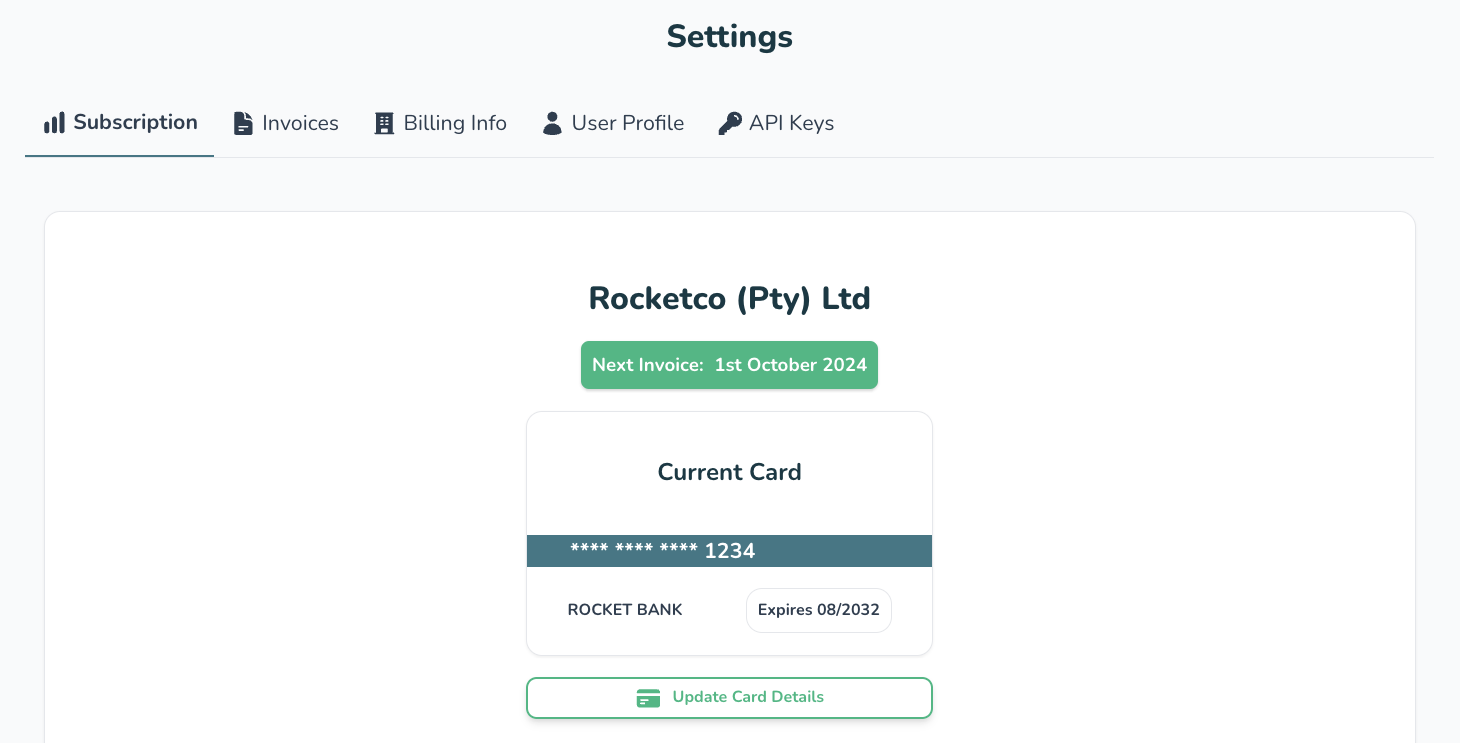
2️⃣ Select the “Billing Info” tab
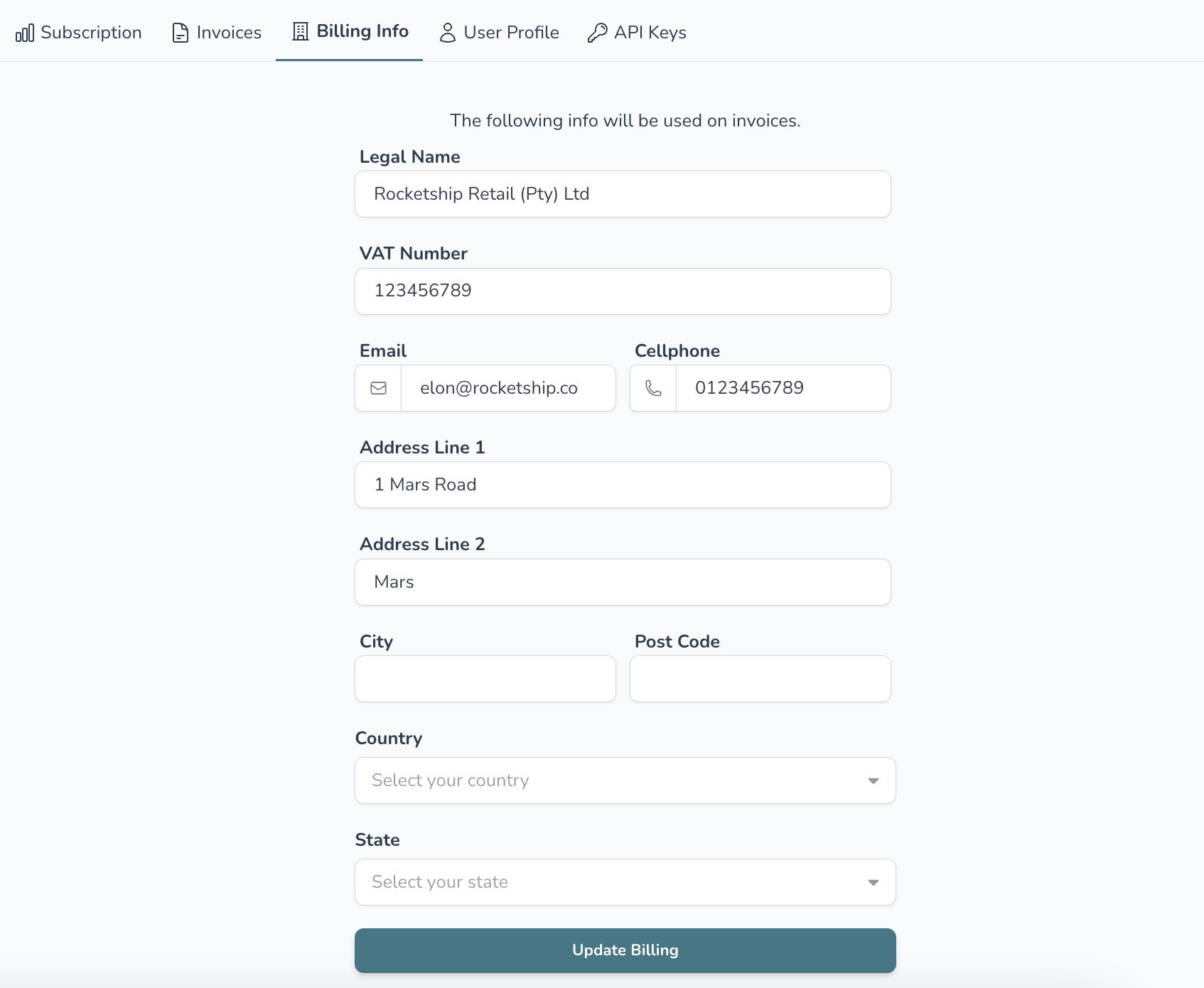
3️⃣ Update your info
The info entered here will be used on invoices
4️⃣ When you’re done hit “Update Billing”
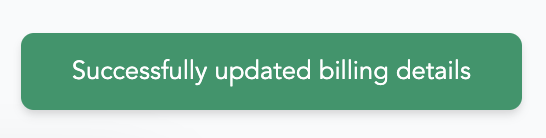
5️⃣ If all went well you should see “Successfully updated billing details”