
Simple & safe steps on how to update you card detail on the Wherehouse Dashboard.
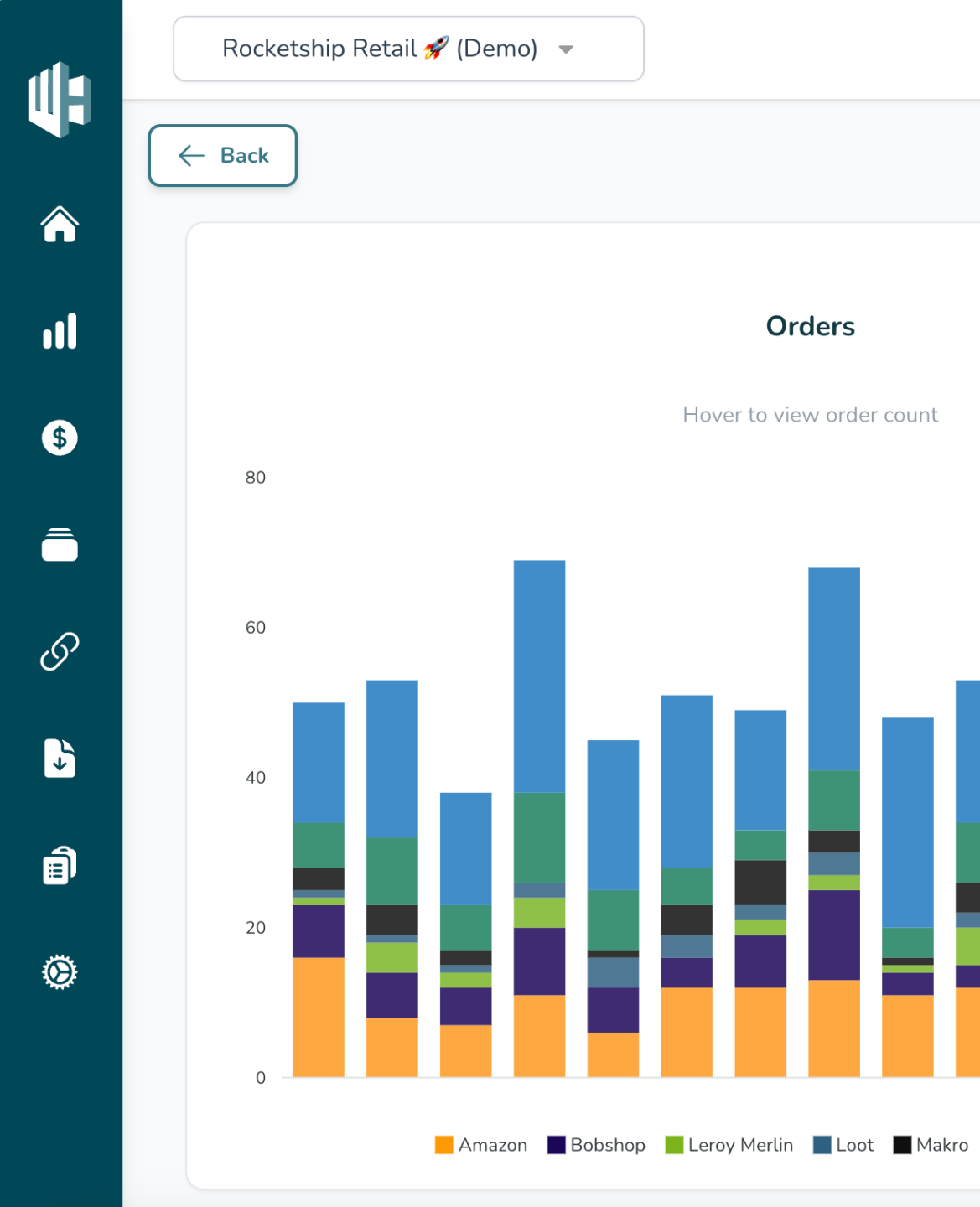
1️⃣ Sign into the Wherehouse Dashboard
2️⃣ Hit the Settings icon ⚙️ (bottom left)
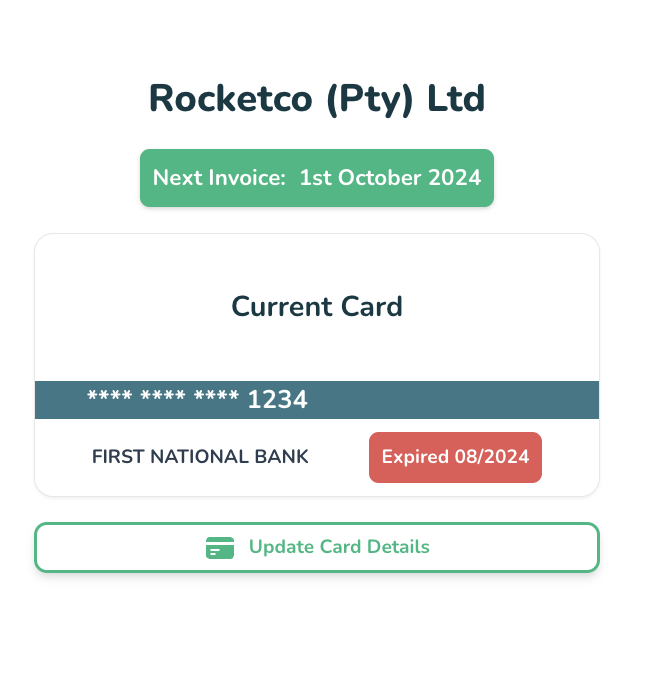
In the subscription tab you’ll see your current subscription and current card details
3️⃣ Click on the “Update Card Details” button
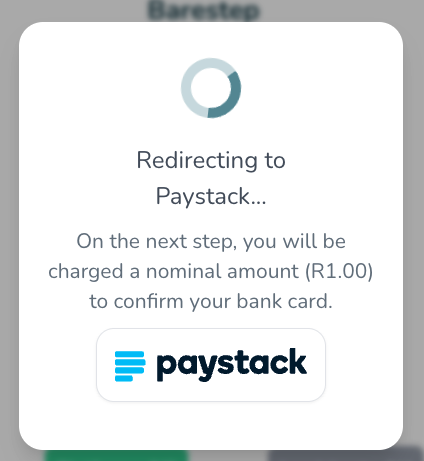
You will then be redirected to the Paystack page to enter your card details
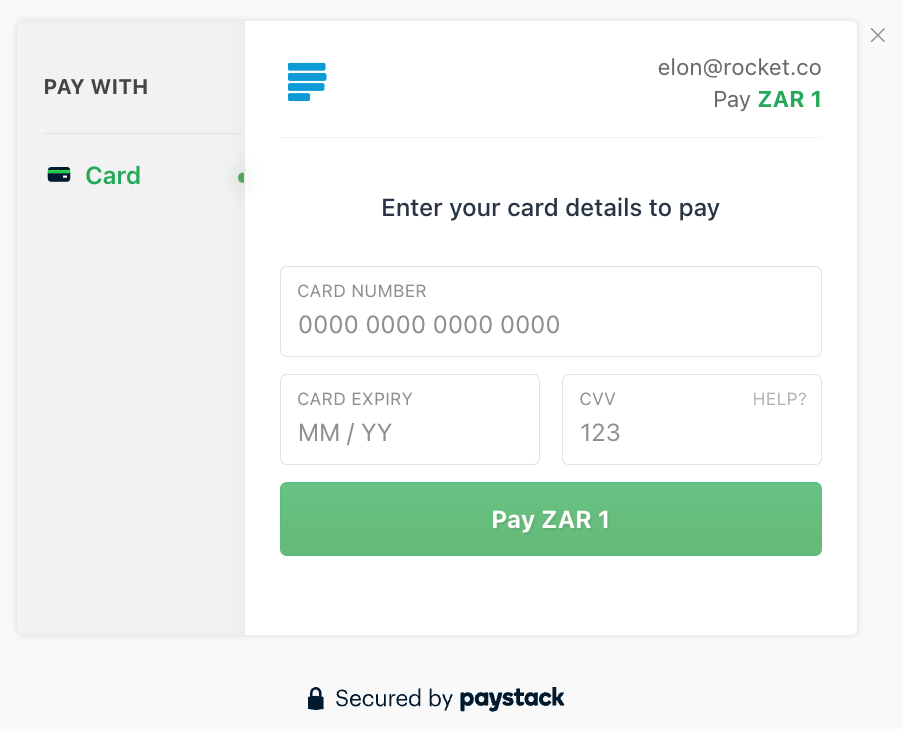
4️⃣ Enter your card details on the secure Paystack page
5️⃣ Click on “Pay ZAR 10” to save and confirm your card details
When adding or updating card details, a nominal charge of R10 will be deducted from your account, this charge serves as a confirmation to validate the authenticity of the provided card details
If you’ve updated your card details the next payment will automatically be charged to the new card
We process payments through our legal entity: PulseDroid Technology (Pty) Ltd. Registration: 2019/560342/07. VAT: 4310310547