
When you enable repricing for a product, Wherehouse automatically adjusts your product offer to help you win the Buy Box.
Learn more about how the Takealot Buy Box works here:
How does the Takealot Buy Box workRepricers can be set up and adjusted individually for each offer.
Check out our docs on setting up repricers individually:
However, when you need to make multiple changes across several offers, you can do so efficiently using CSV files.
How to export, edit, and import a CSV file for repricer updates
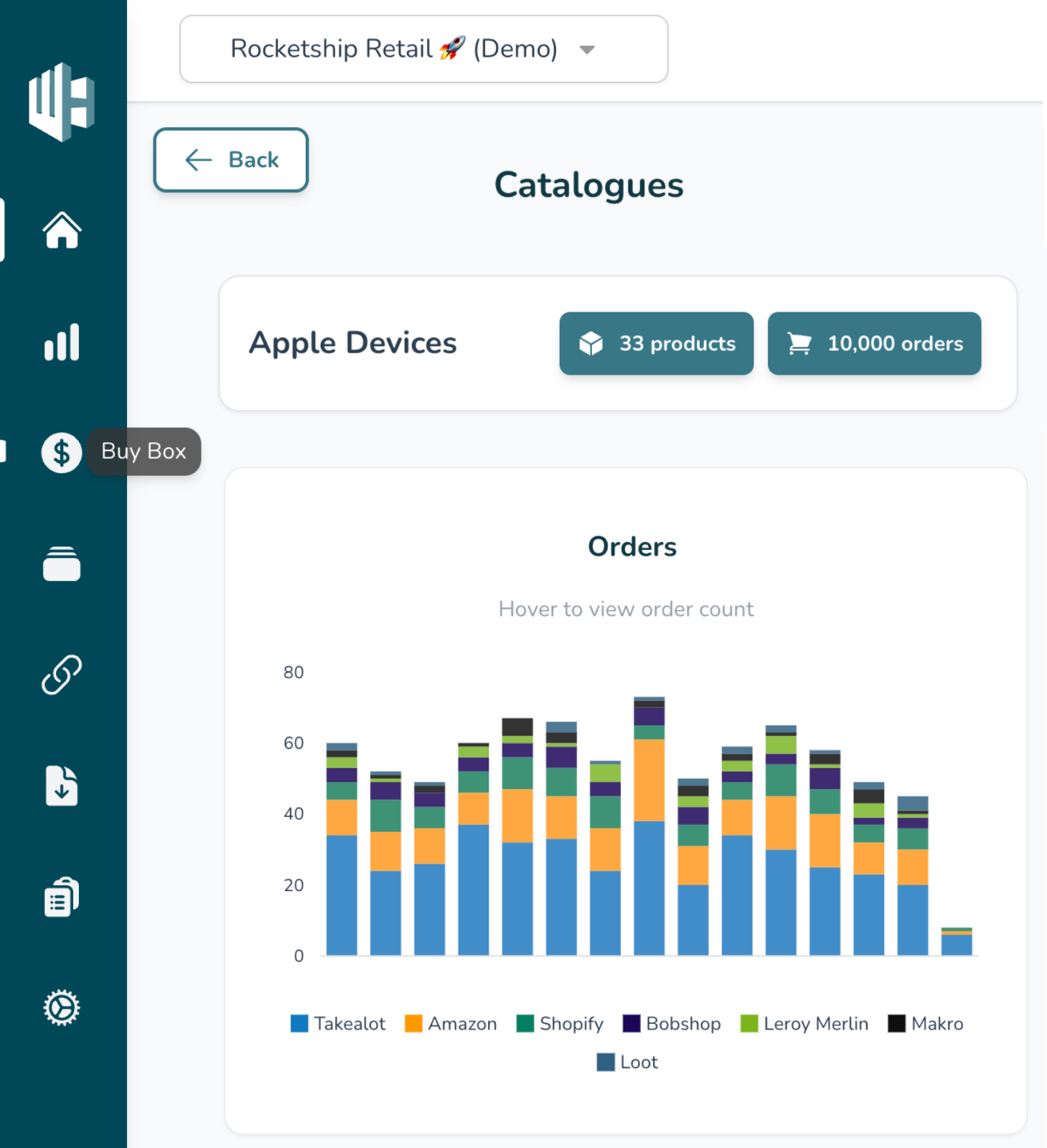
1️⃣ Sign into the Wherehouse Dashboard.
2️⃣ Select Buy Box Repricer from the sidebar (💲 icon).
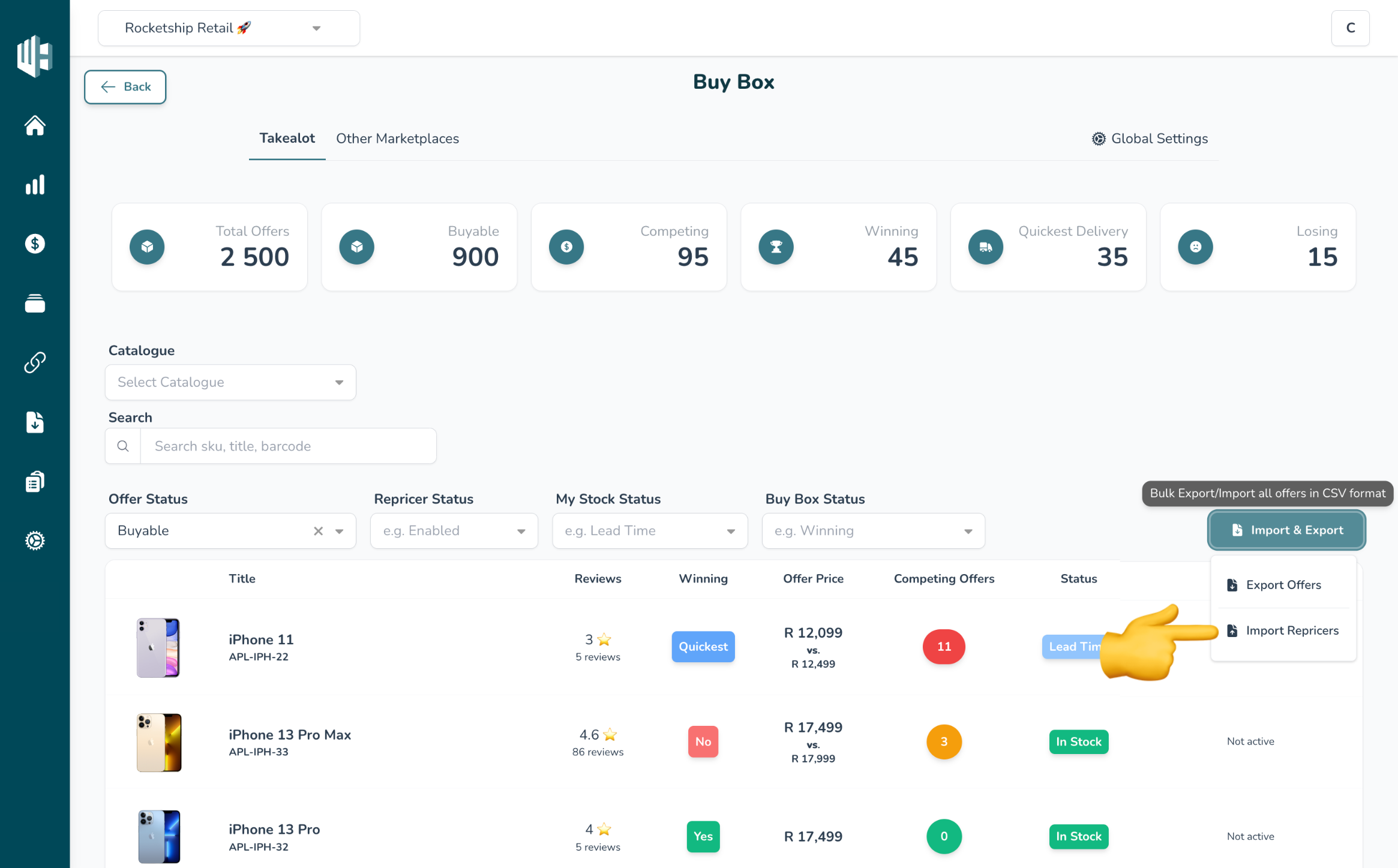
3️⃣ Click on Import & Export.
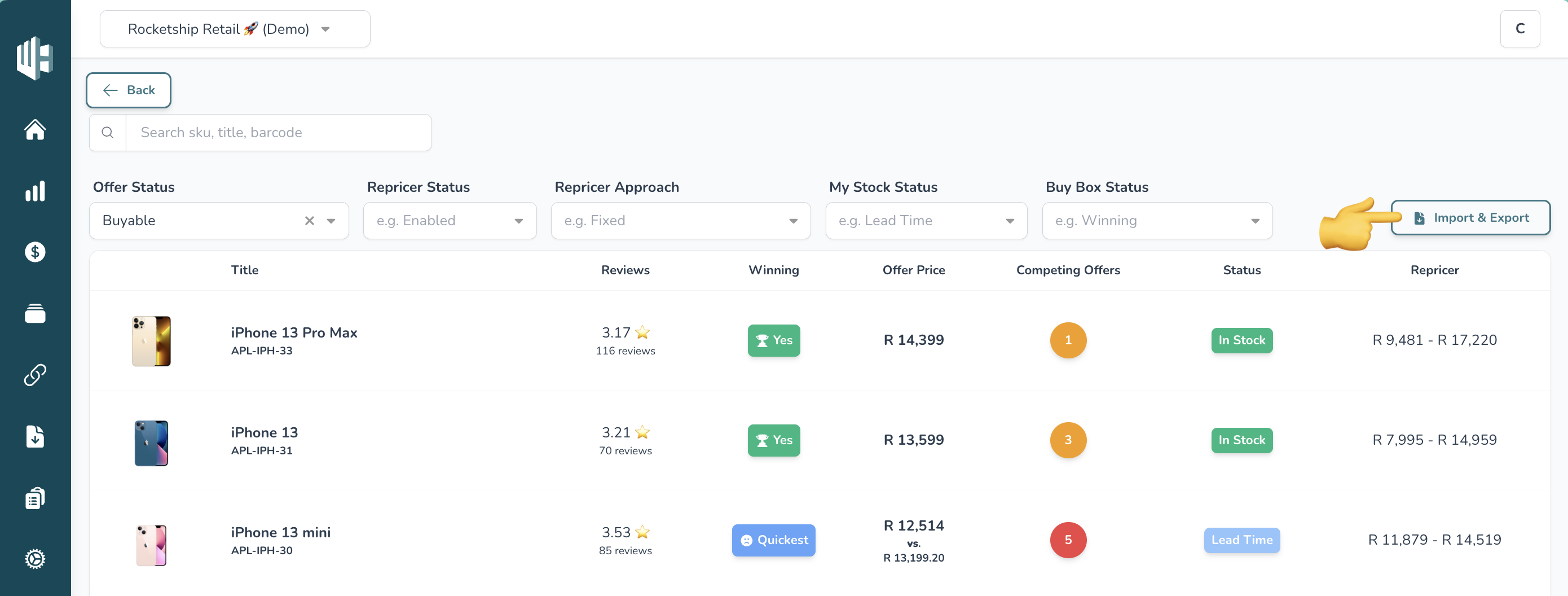
4️⃣ Choose your export type.
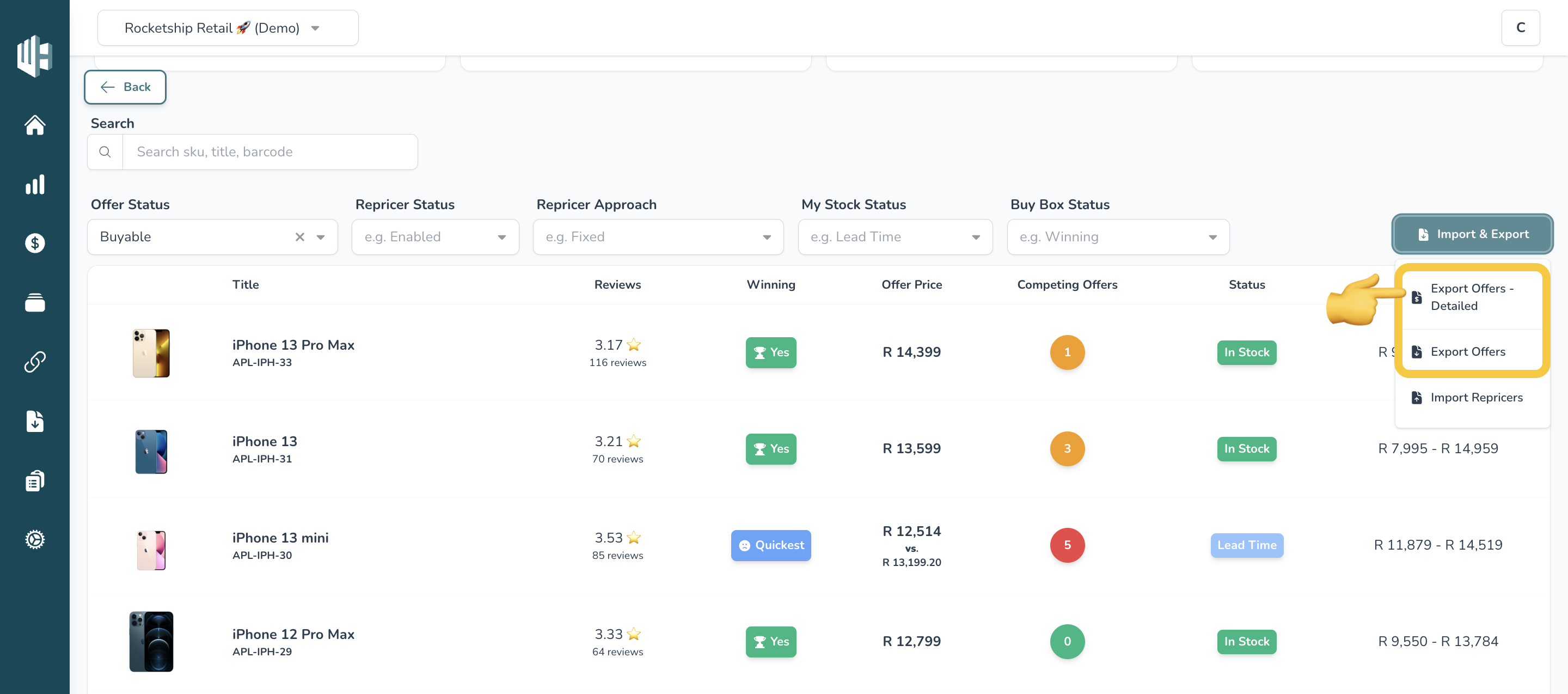
You’ll see two export options:
- Export Offers – A simplified CSV file with only the essential fields for setting up fixed repricers. Best for users migrating from other repricer software.
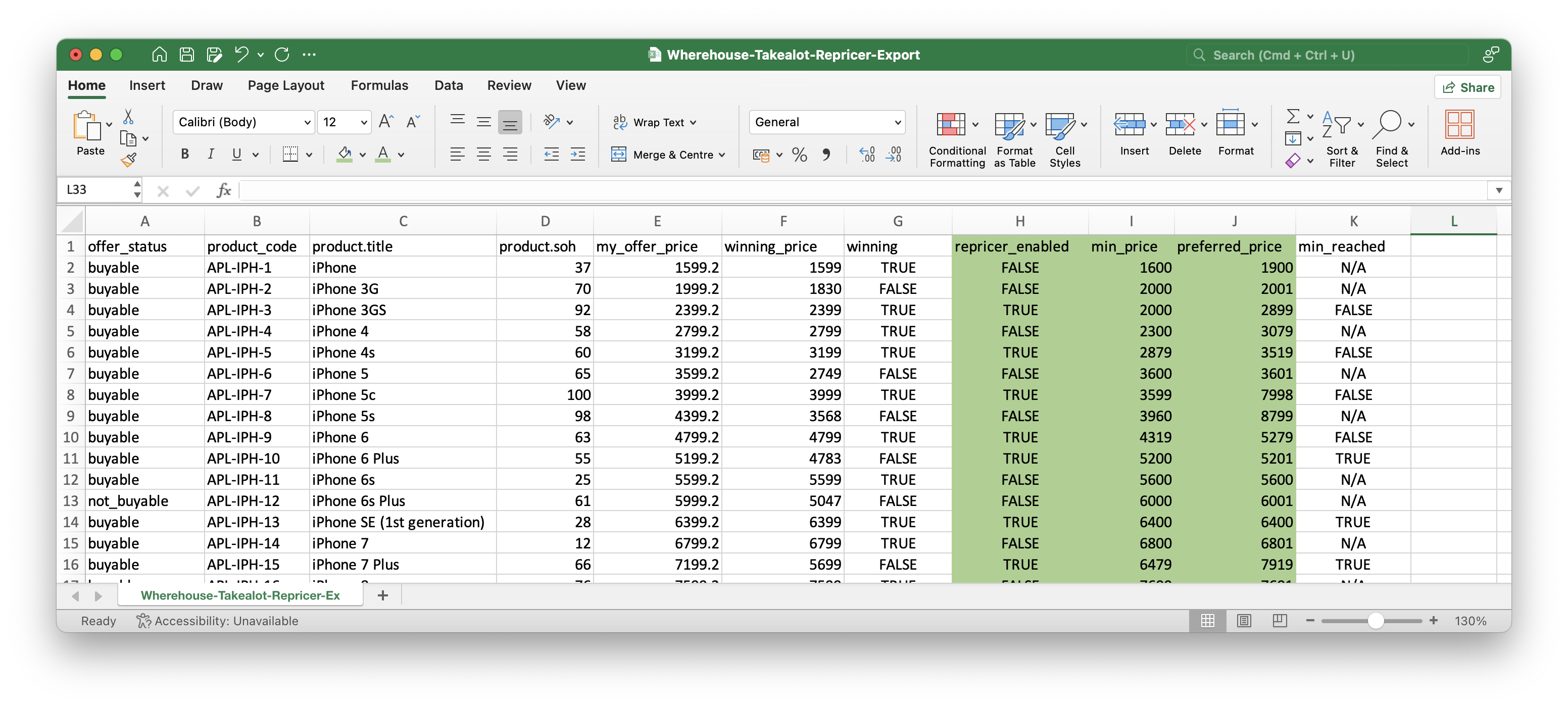
- Export Offers - Detailed – A more comprehensive file that includes options for fixed and cost-based repricers, plus buy box strategies.
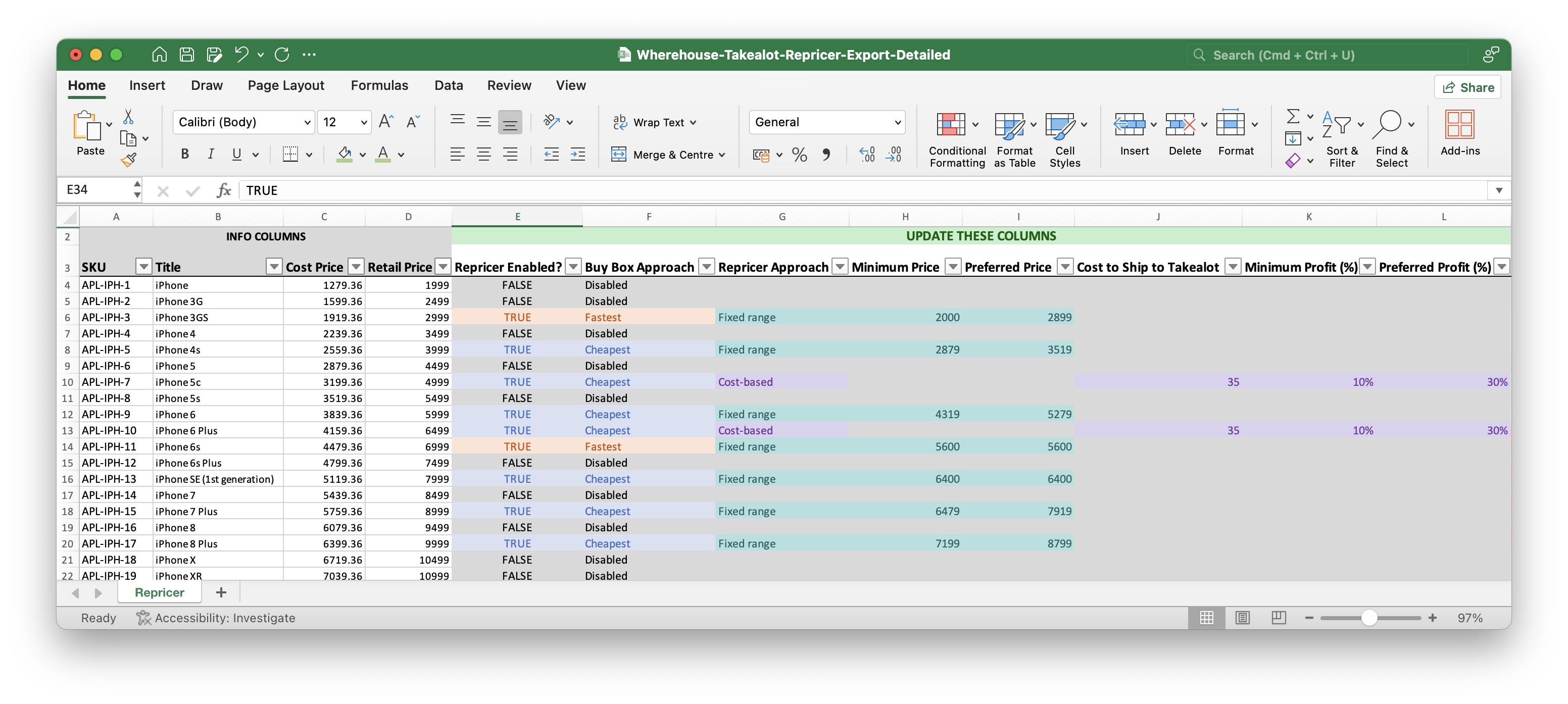
After selecting an option, the CSV file will download to your device.
5️⃣ Open the CSV file.
6️⃣ Navigate to the relevant columns where you’ll make updates.
Need Editing Guidelines? Check out our guides:
7️⃣ Once edits are complete, save the file as a CSV (.csv).
8️⃣ Return to the Wherehouse dashboard and click on Import Repricers.
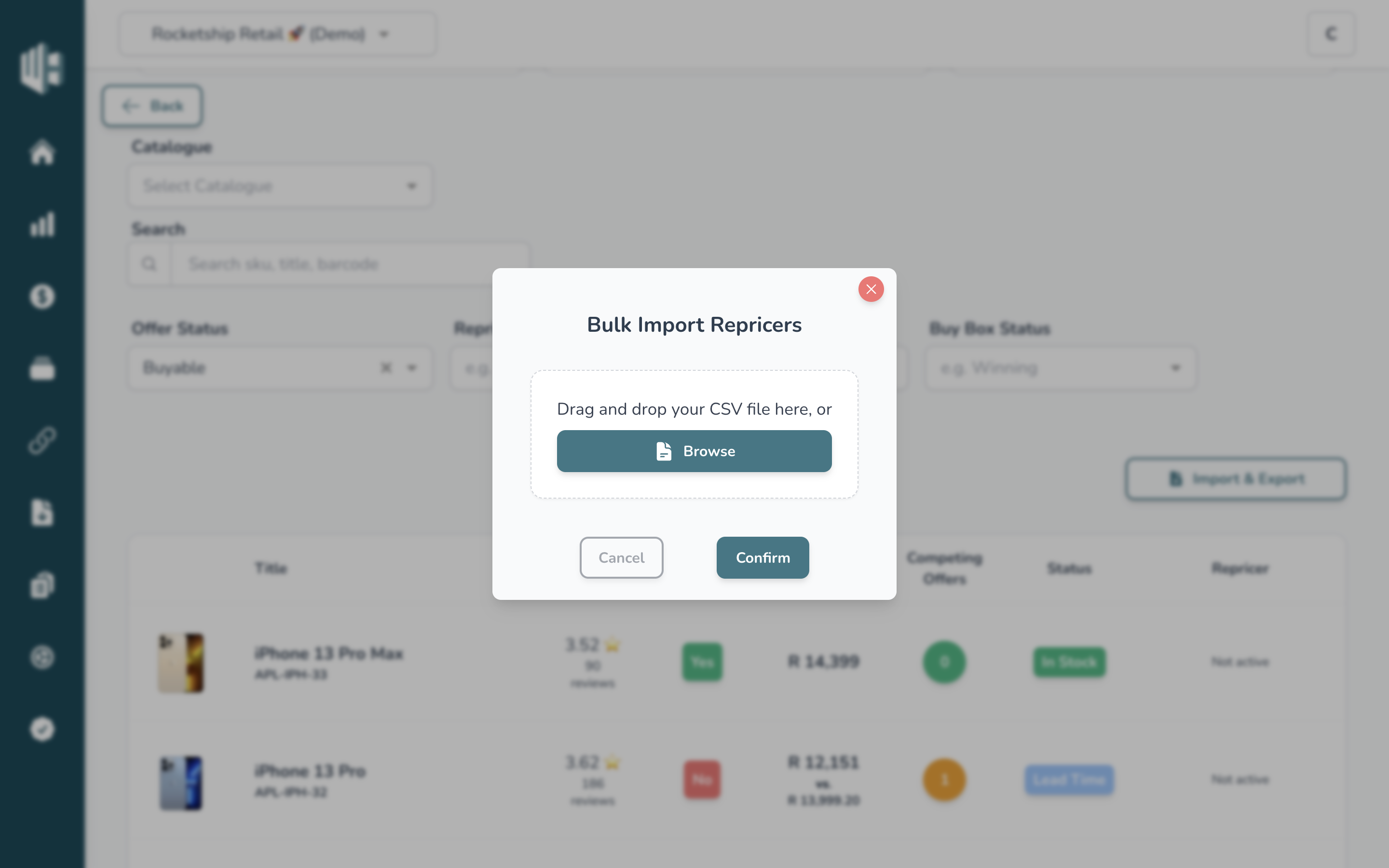
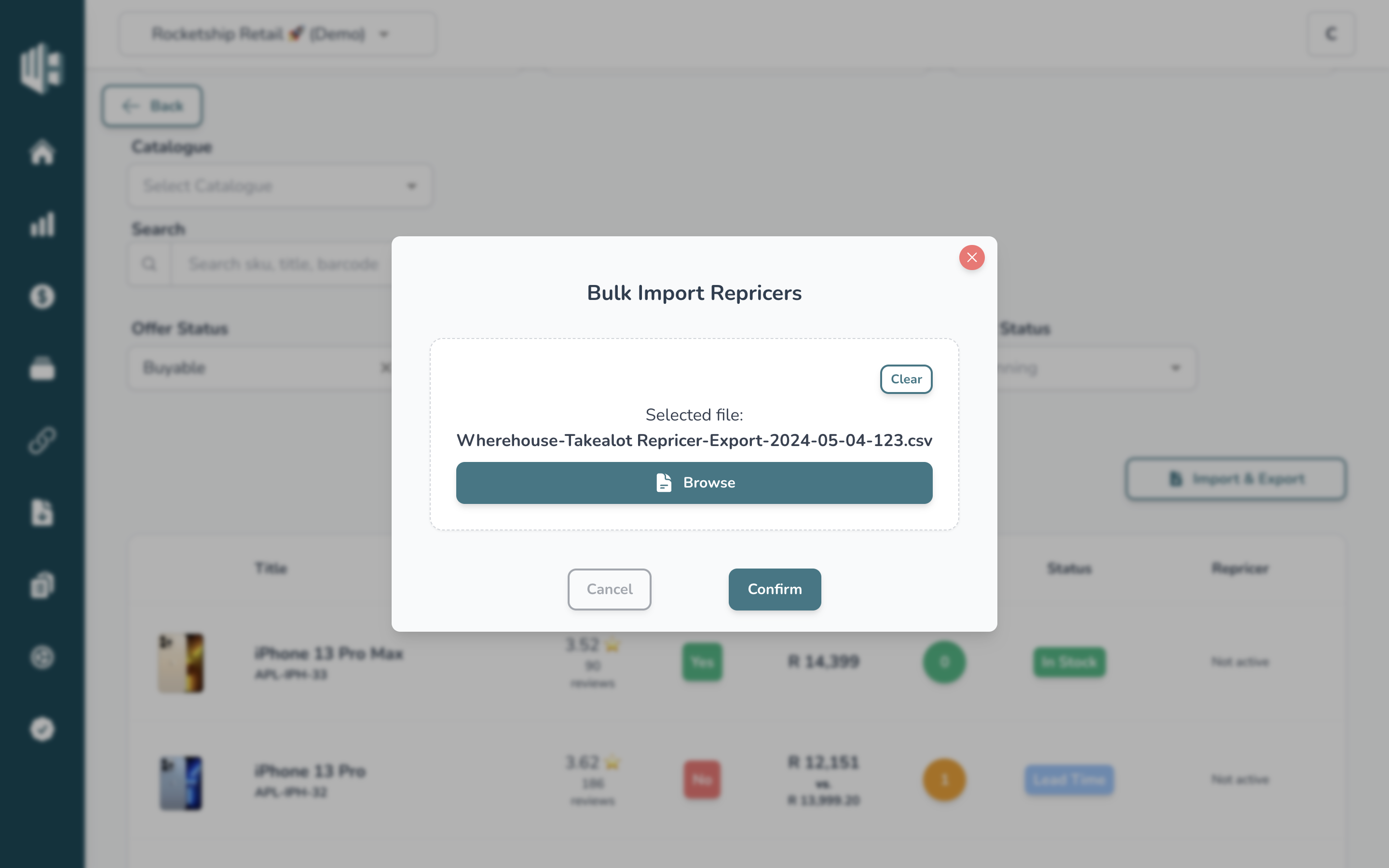
9️⃣ Drag and drop the CSV file, or click on Browse to select it manually.
🔟 Click Confirm to begin processing.
Processing may take 30 seconds to 5 minutes, depending on the number of offers being updated. During this time, avoid making any changes directly on the dashboard, as they may be overwritten by the CSV upload.