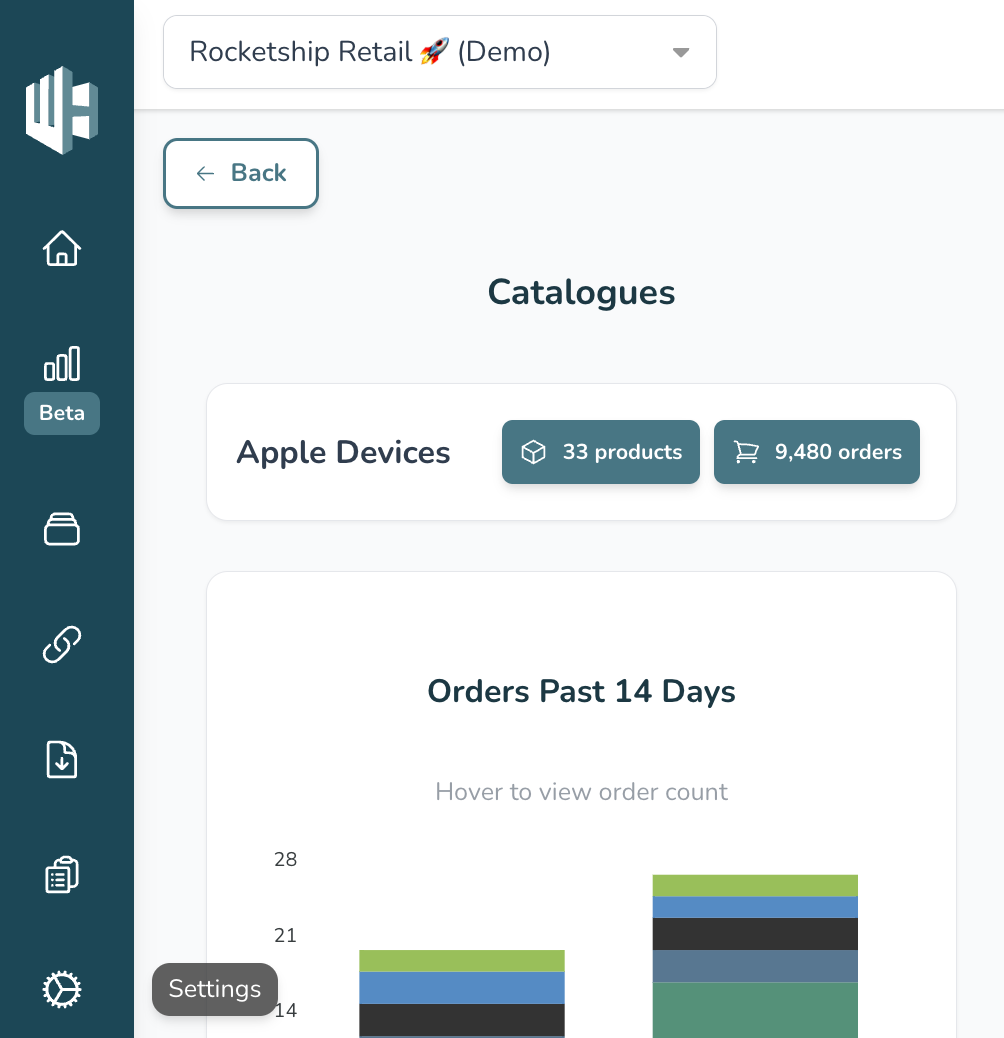
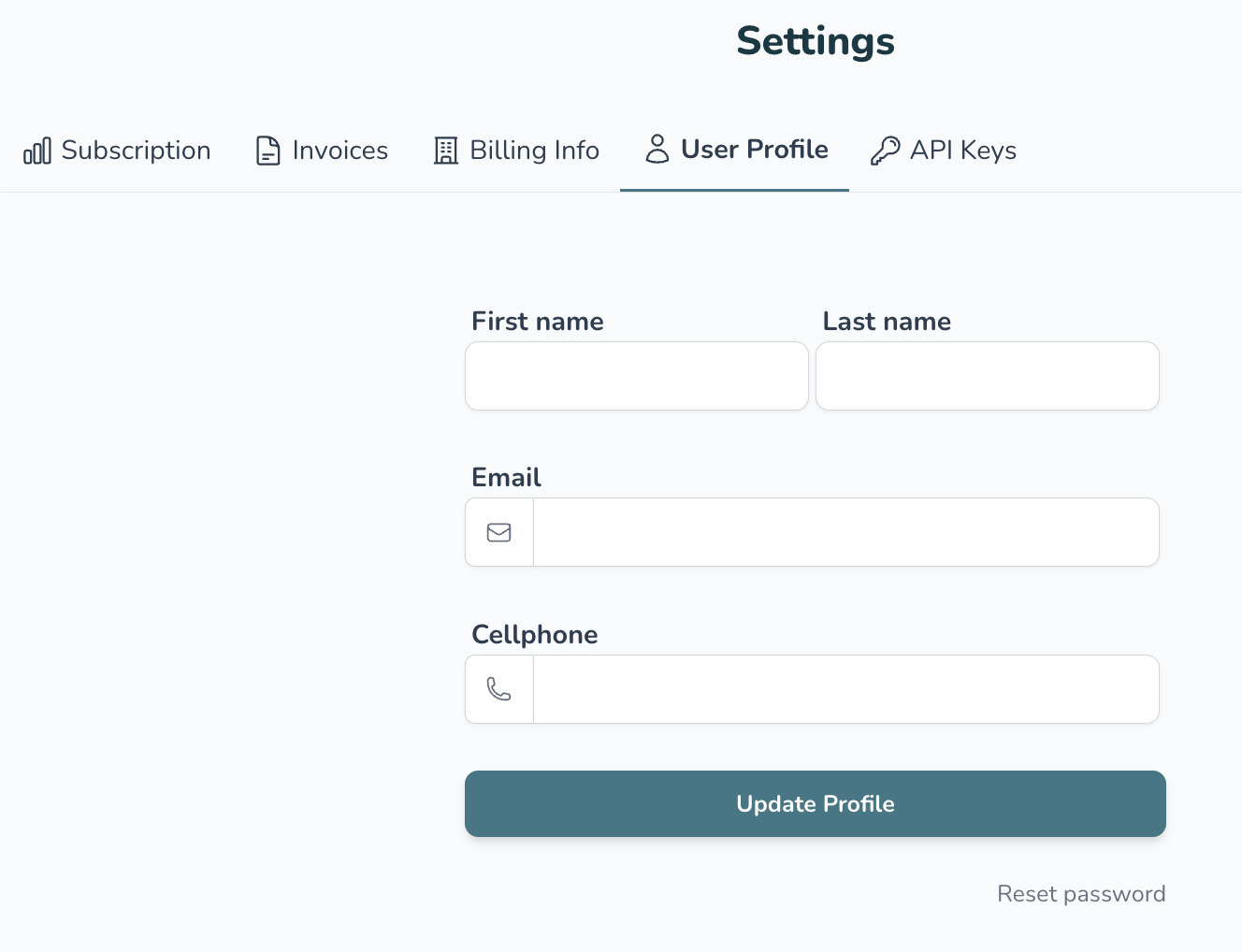
How to update your profile / email 👨💻1️⃣ Sign in to your Wherehouse accountapp.wherehouse.co.zahttps://app.wherehouse.co.za/login?return_to=/dashboard2️⃣ Click the Settings icon (Bottom left 😉)3️⃣ Click on User Profile4️⃣ Update your info5️⃣ Hit the Update profile button 🚀 The steps above not working? We’ve got your back, contact us at:hello@wherehouse.co.za