
Wherehouse wherever you are 📱
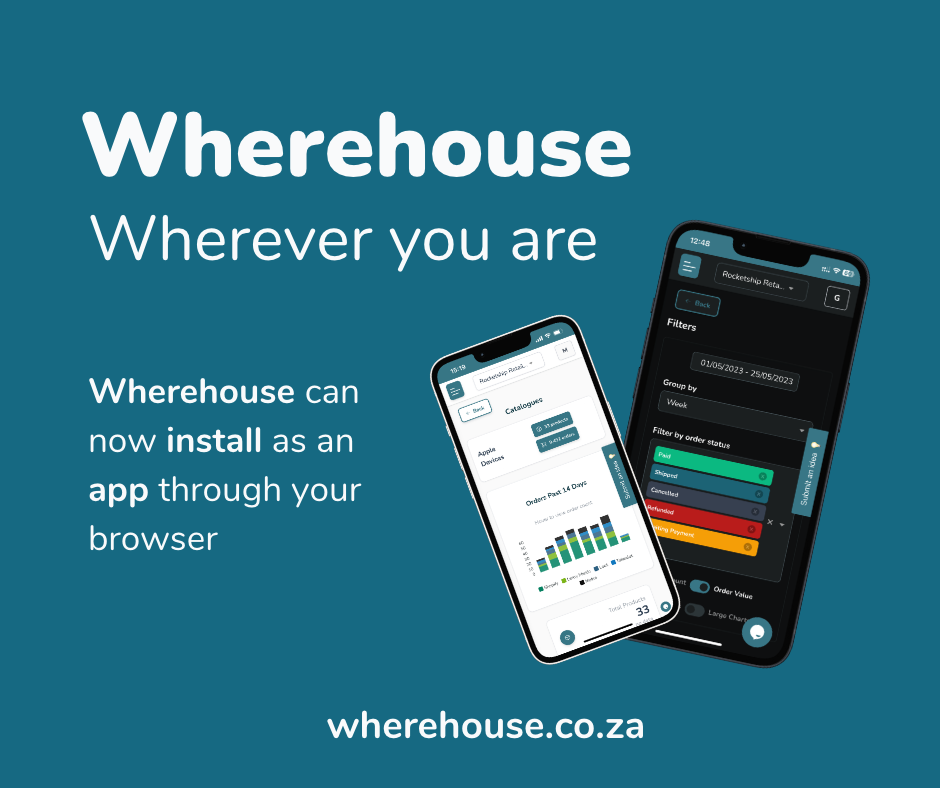
You can install Wherehouse as a mobile app through your browser.
This allows quick on-the-go management and analytics across all of your sales channels.
Steps on Apple devices
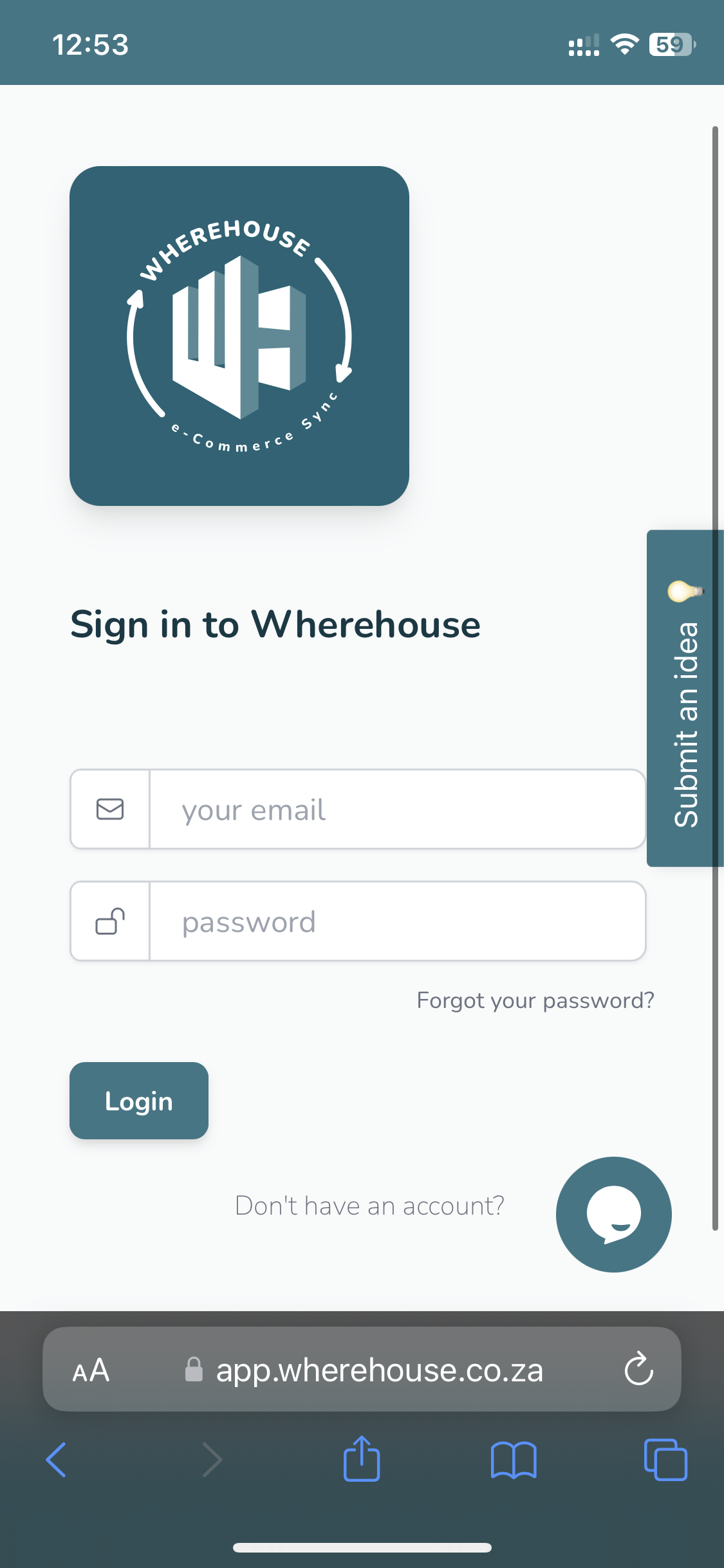
1️⃣ Go to app.wherehouse.co.za on your mobile browser
iOS must use the Safari browser
2️⃣ Click the “share arrow” in the taskbar at the bottom of your screen
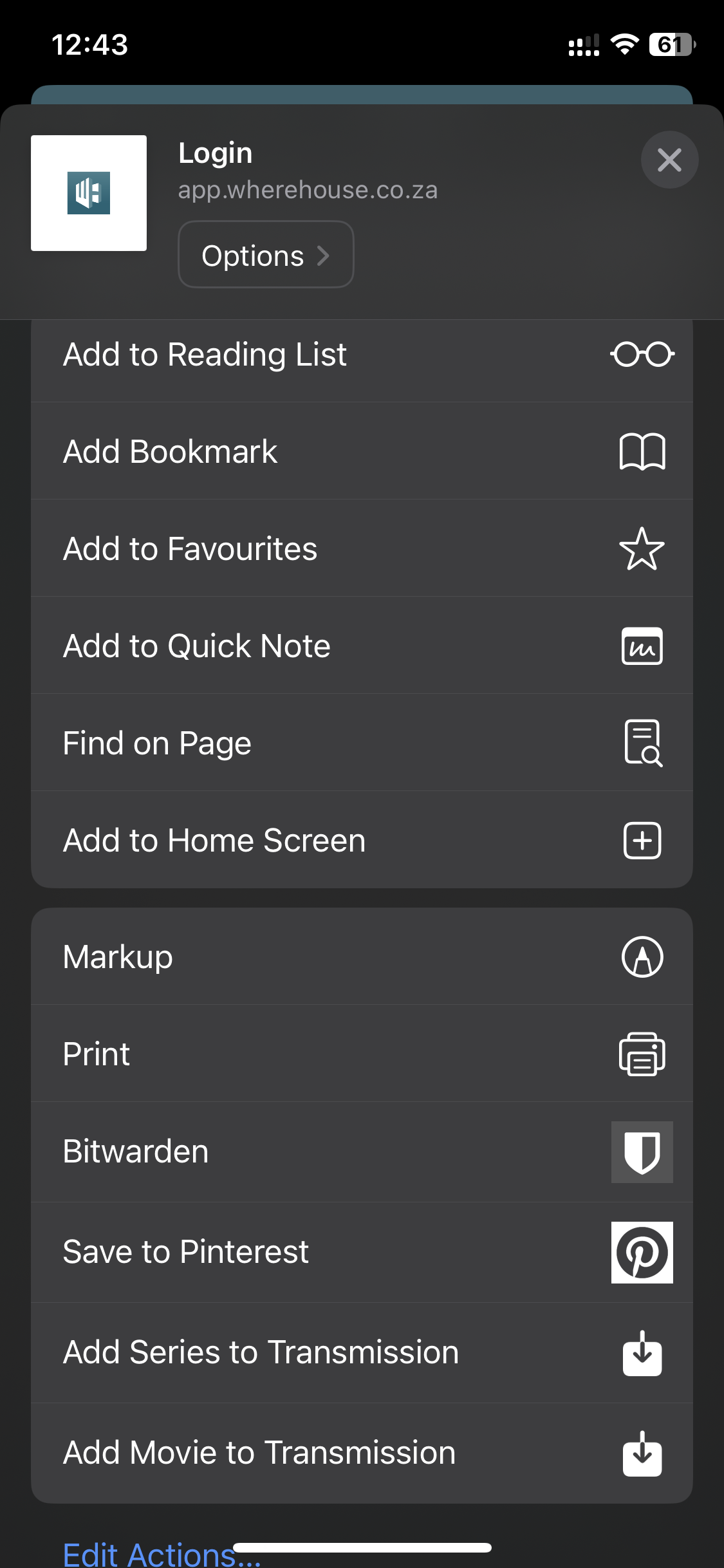
3️⃣ Click “Add to Home Screen”
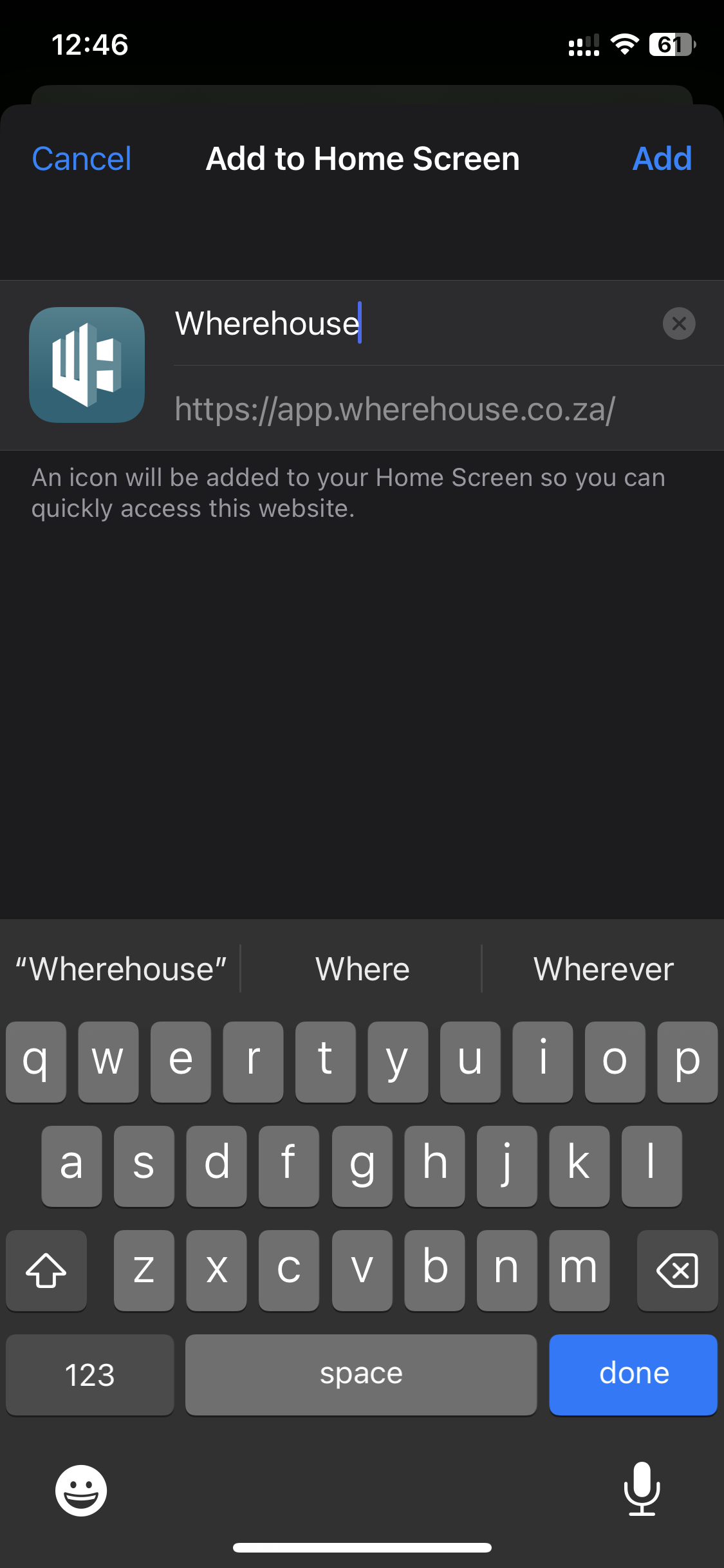
4️⃣ Click “Add” in the top right corner
The Wherehouse app will now be available on the home screen and is cached for quicker access
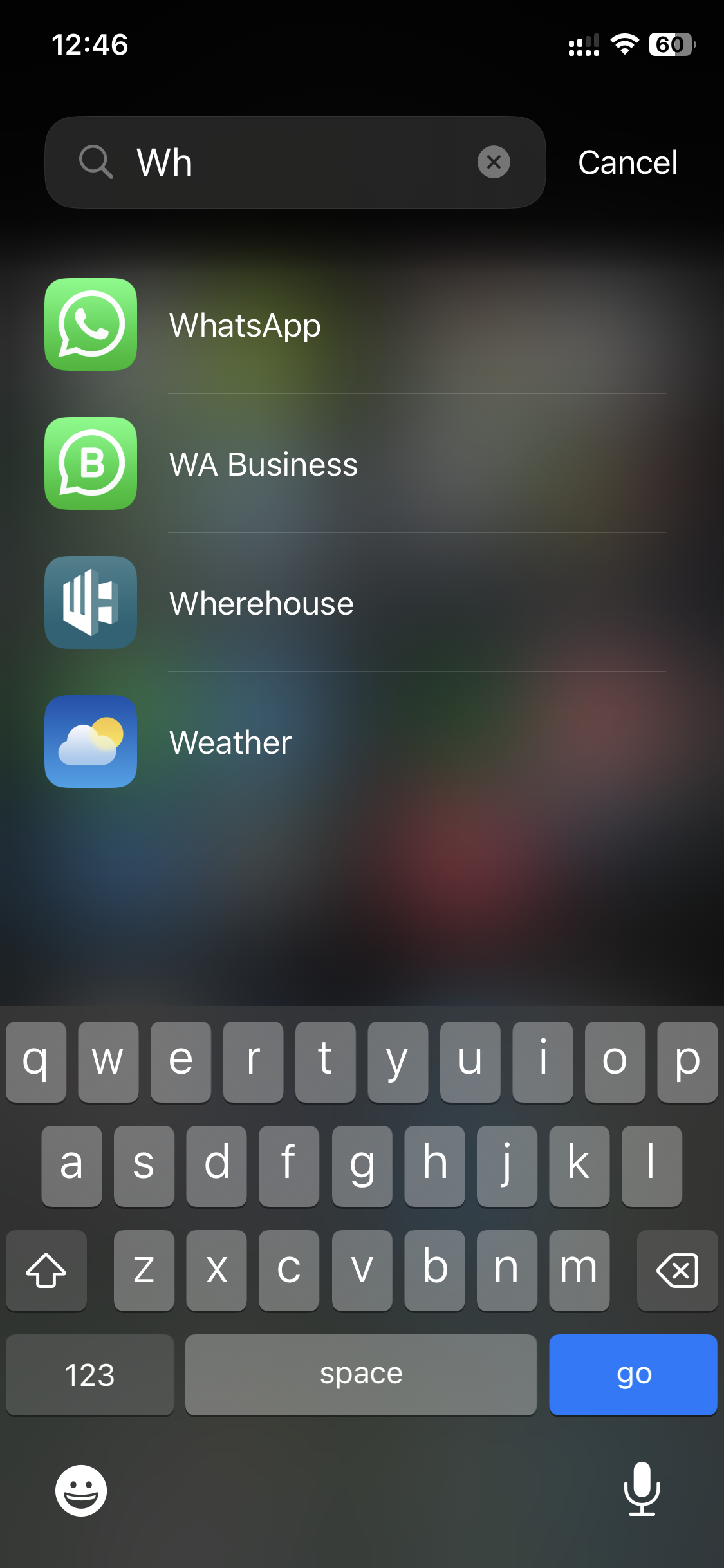
You can use the search function in the app library to find the app and add it to your home screen
Steps on Android devices
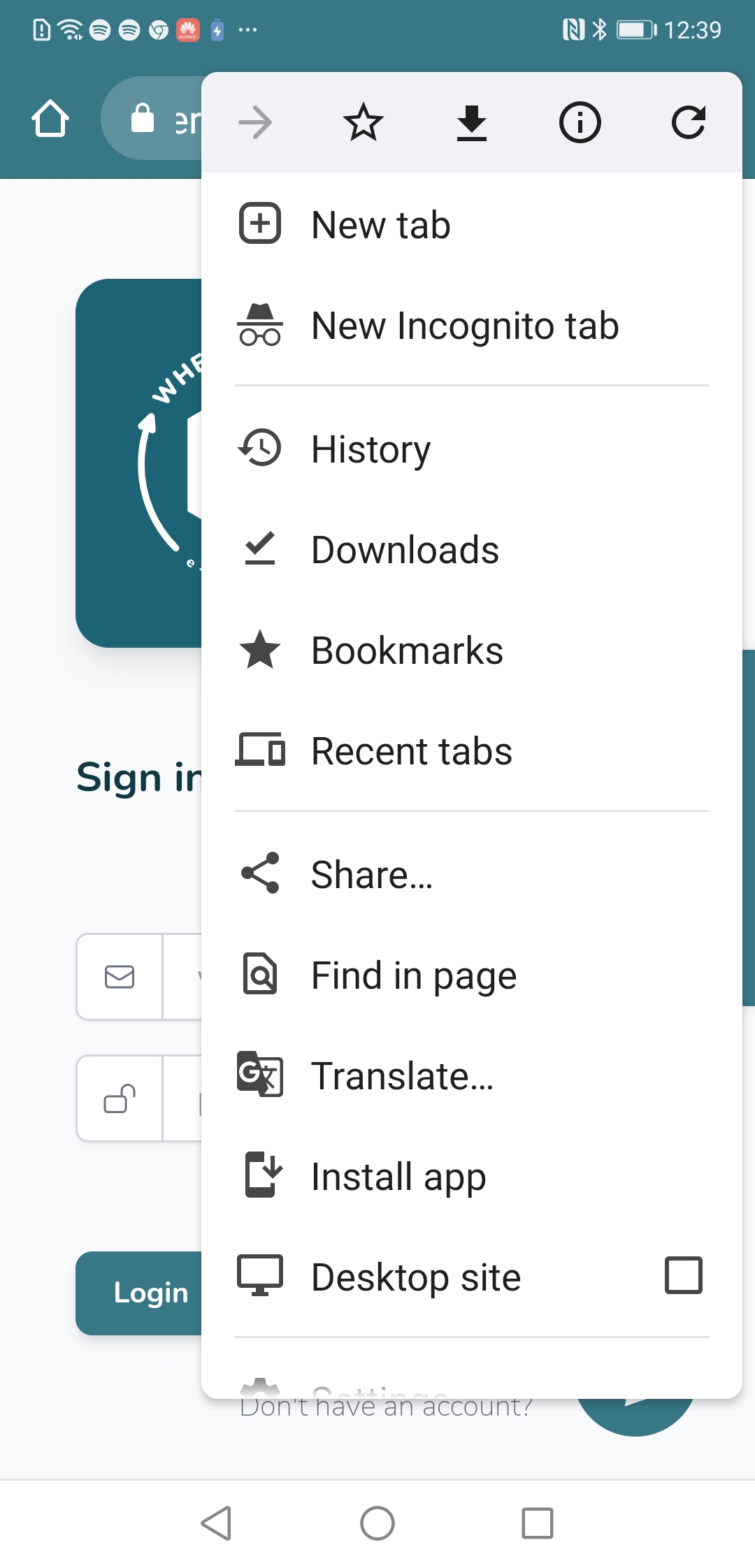
1️⃣ Go to app.wherehouse.co.za on your mobile browser
Android must use the Chrome browser
2️⃣ Click the dots in the taskbar at the top of your screen (on the right 😉)
3️⃣ Click “Install app”
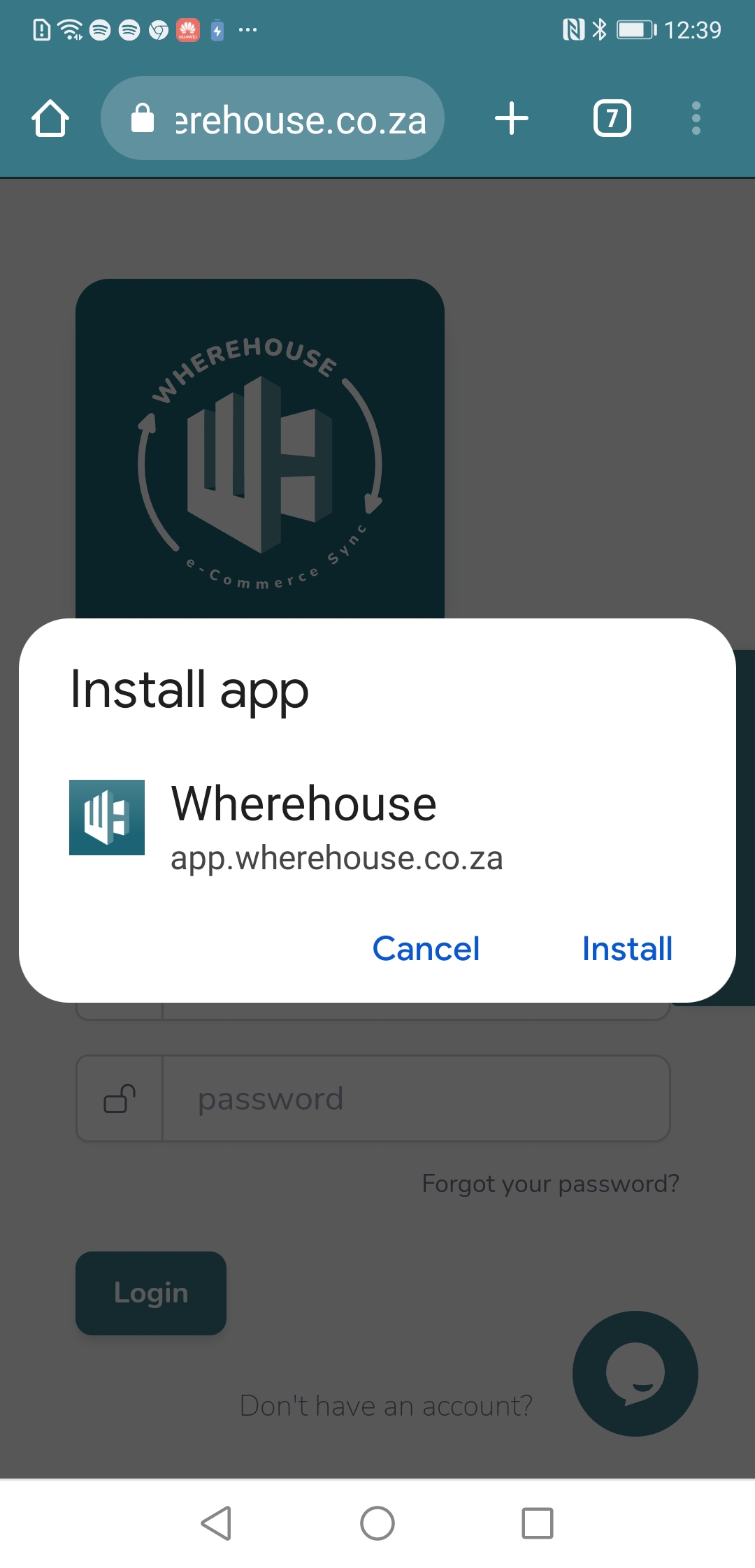
4️⃣ Hit “Install”
The Wherehouse app will now be available on the home screen and is cached for quicker access
Features on the app
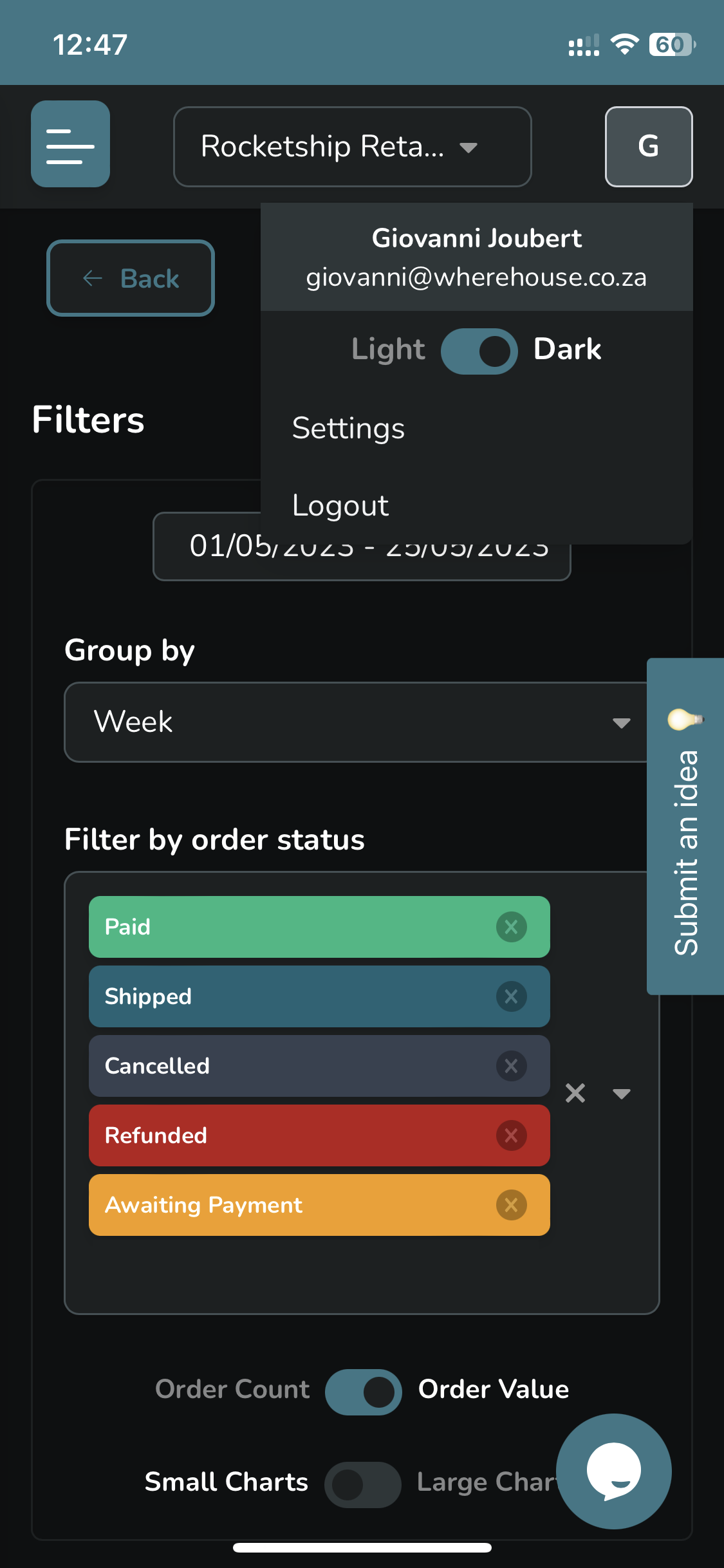
When in the app you can click the user icon in the top right corner and toggle between Light and Dark mode
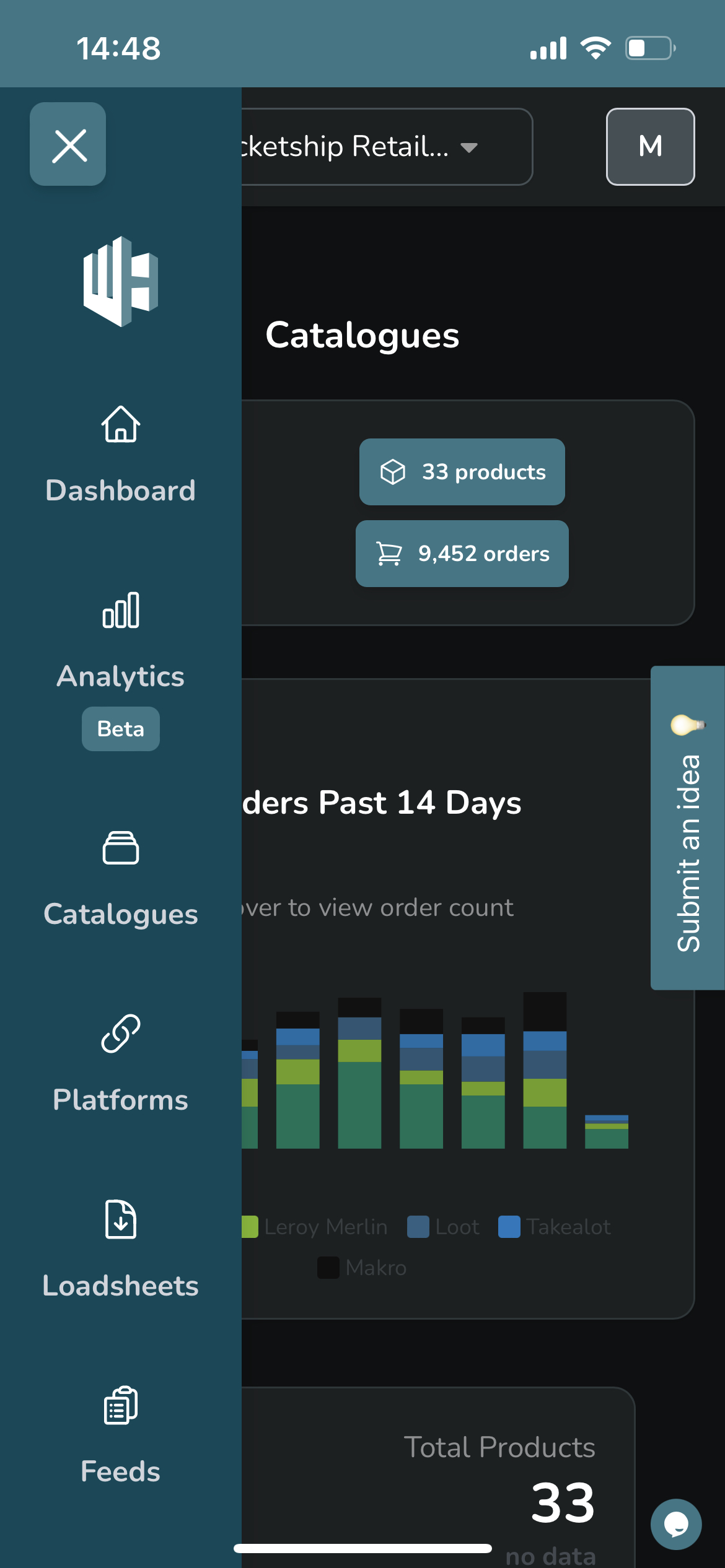
Use the burger menu in the top left corner to access your usual dashboard features