
Wherehouse communicates with Leroy Merlin (Mirakl System) through their API.
Each Leroy Merlin Marketplace merchant has their own unique access token called an
API Key. Below we guide you through authorising Wherehouse to connect with your account.Steps on Wherehouse 👨💻
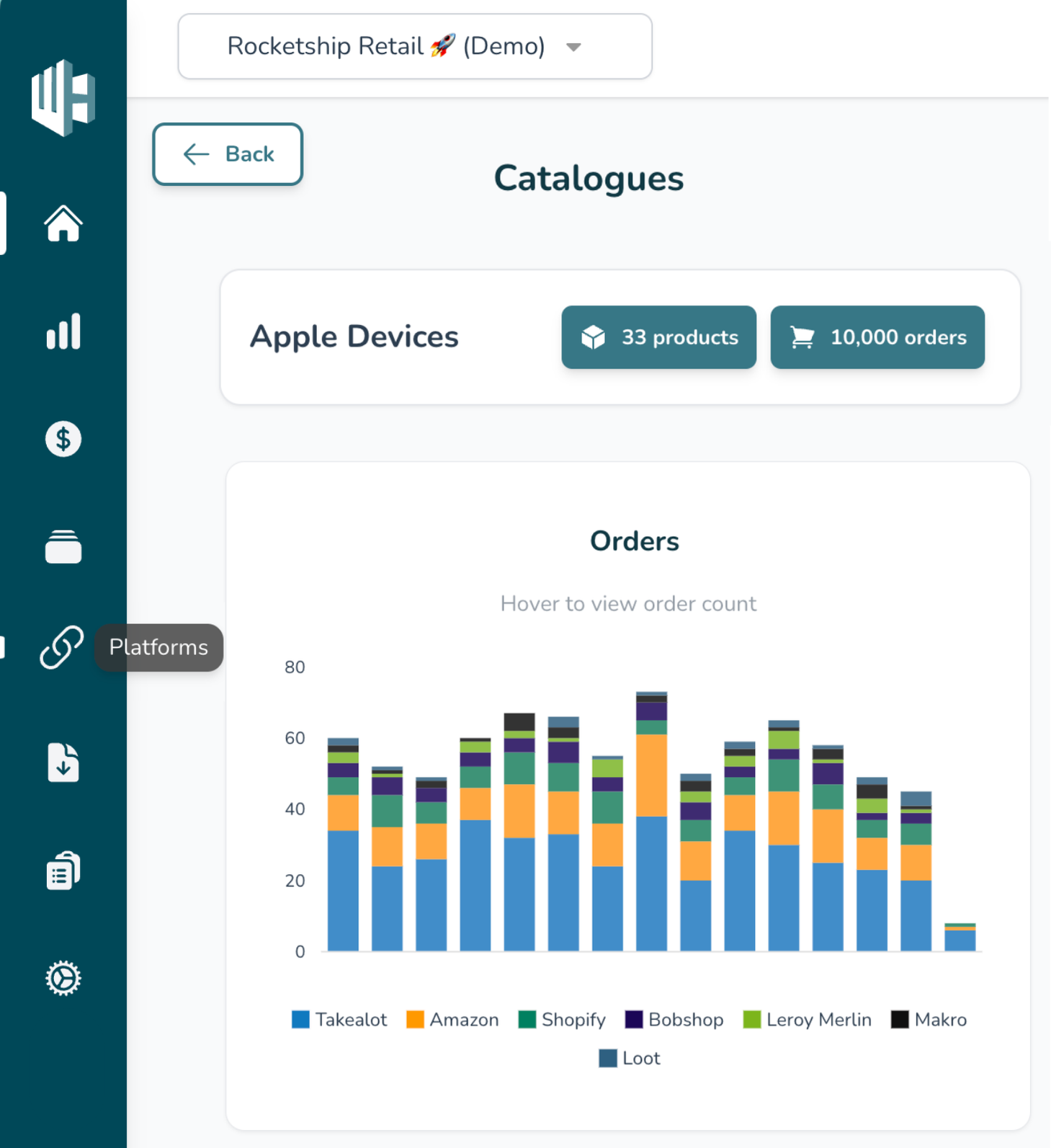
1️⃣ On the Wherehouse dashboard, within the subscription you’d like to authorize, select Platforms from the sidebar.
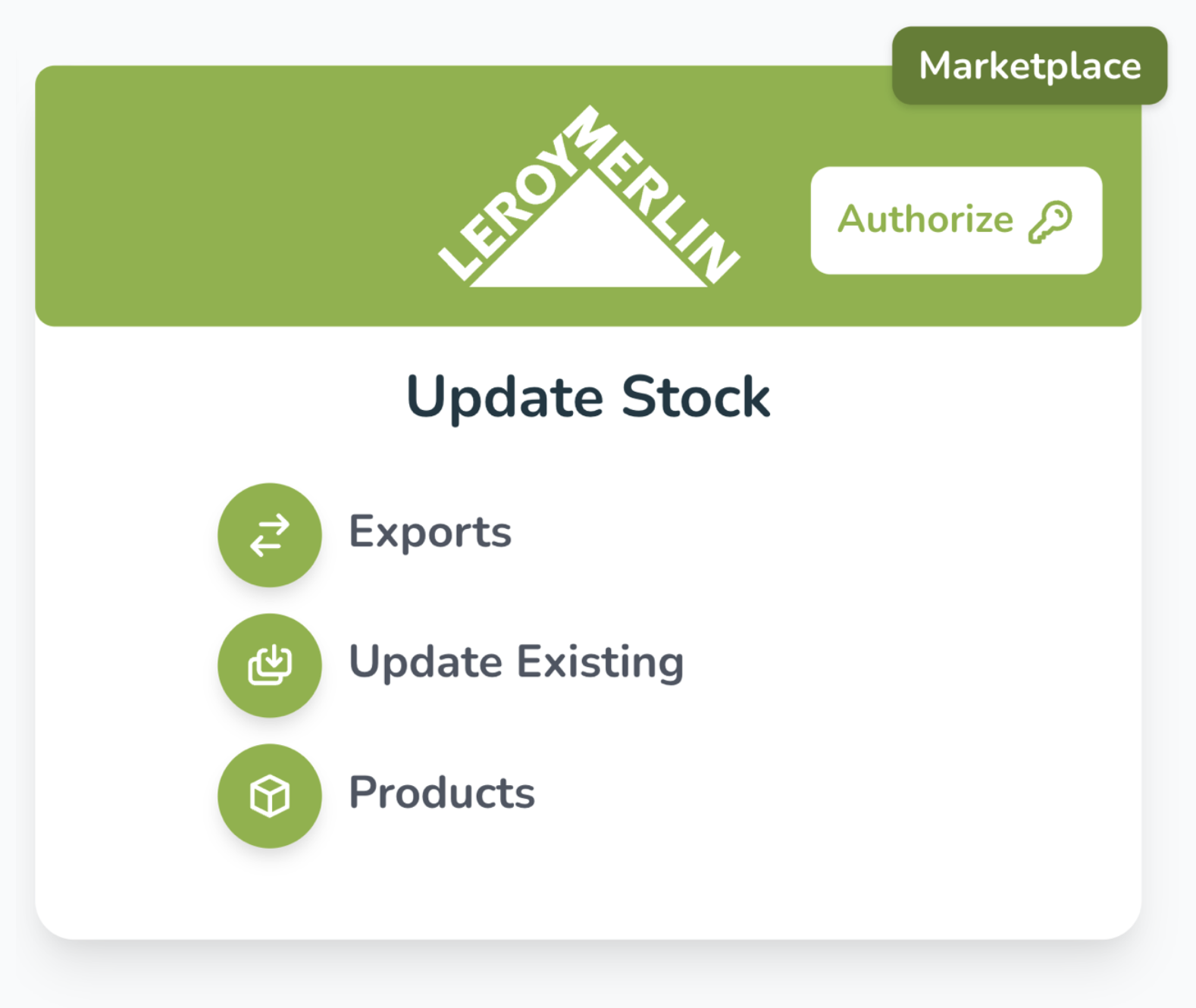
2️⃣ Look for the Leroy Merlin connector(s).
Each account may have multiple depending on the specific requirement, repeat the steps for each.
3️⃣ Click Authorize, this will take you to a modal asking for a
Leroy Merlin API Key more on how to locate that below.Finding your Key on Leroy Merlin 🕵️♂️

1️⃣ To find the required info, head to your Leroy Merlin Dashboard and click on your email on the top right to navigate to your User Settings.

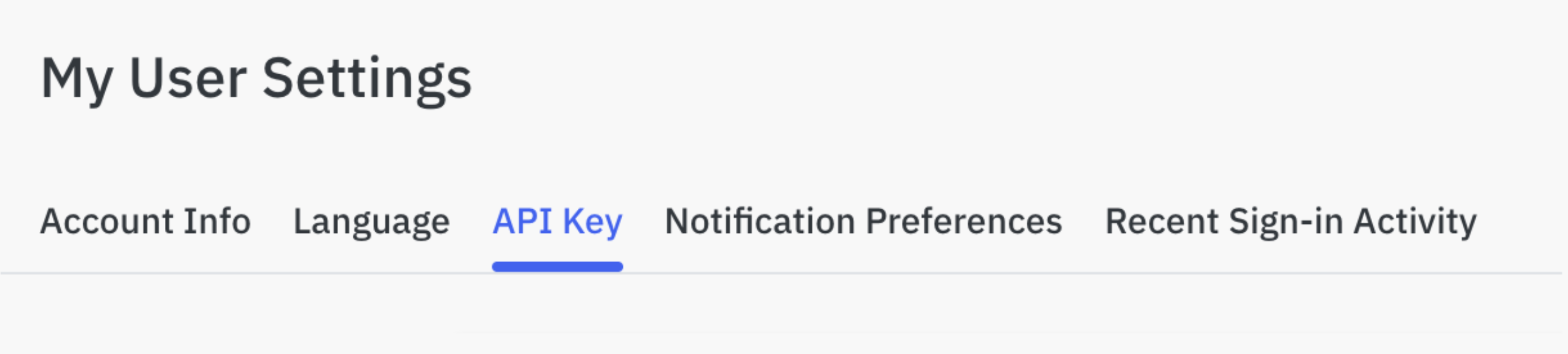
2️⃣ Navigate to API Key.
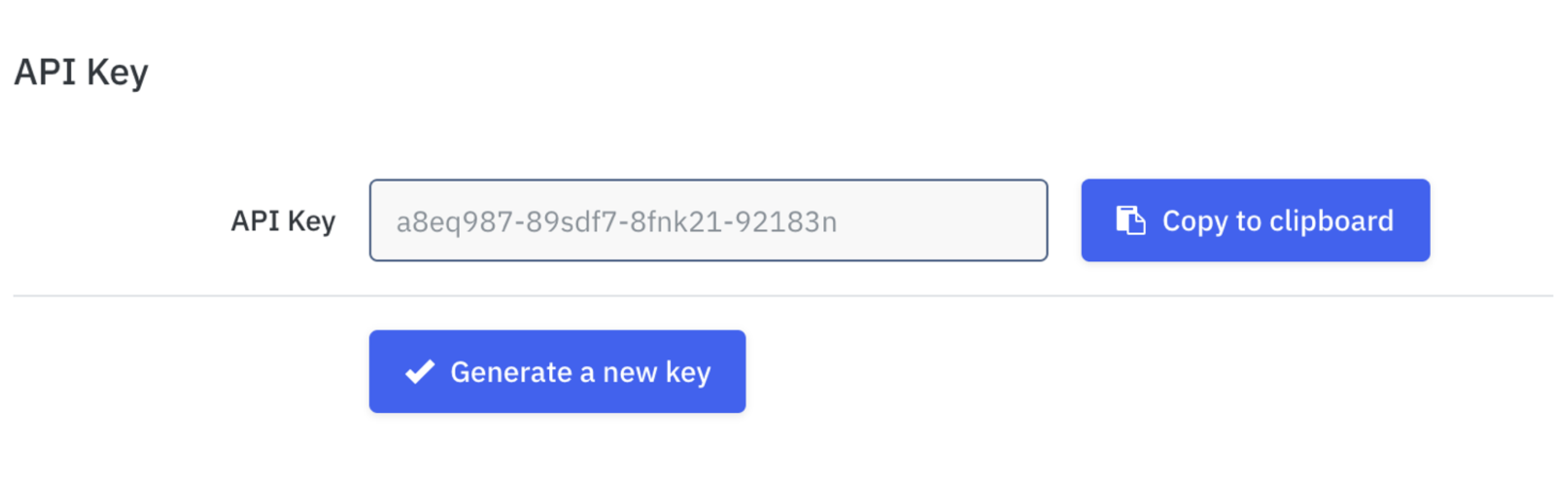
3️⃣ Generate and copy the
API Key to your clipboard.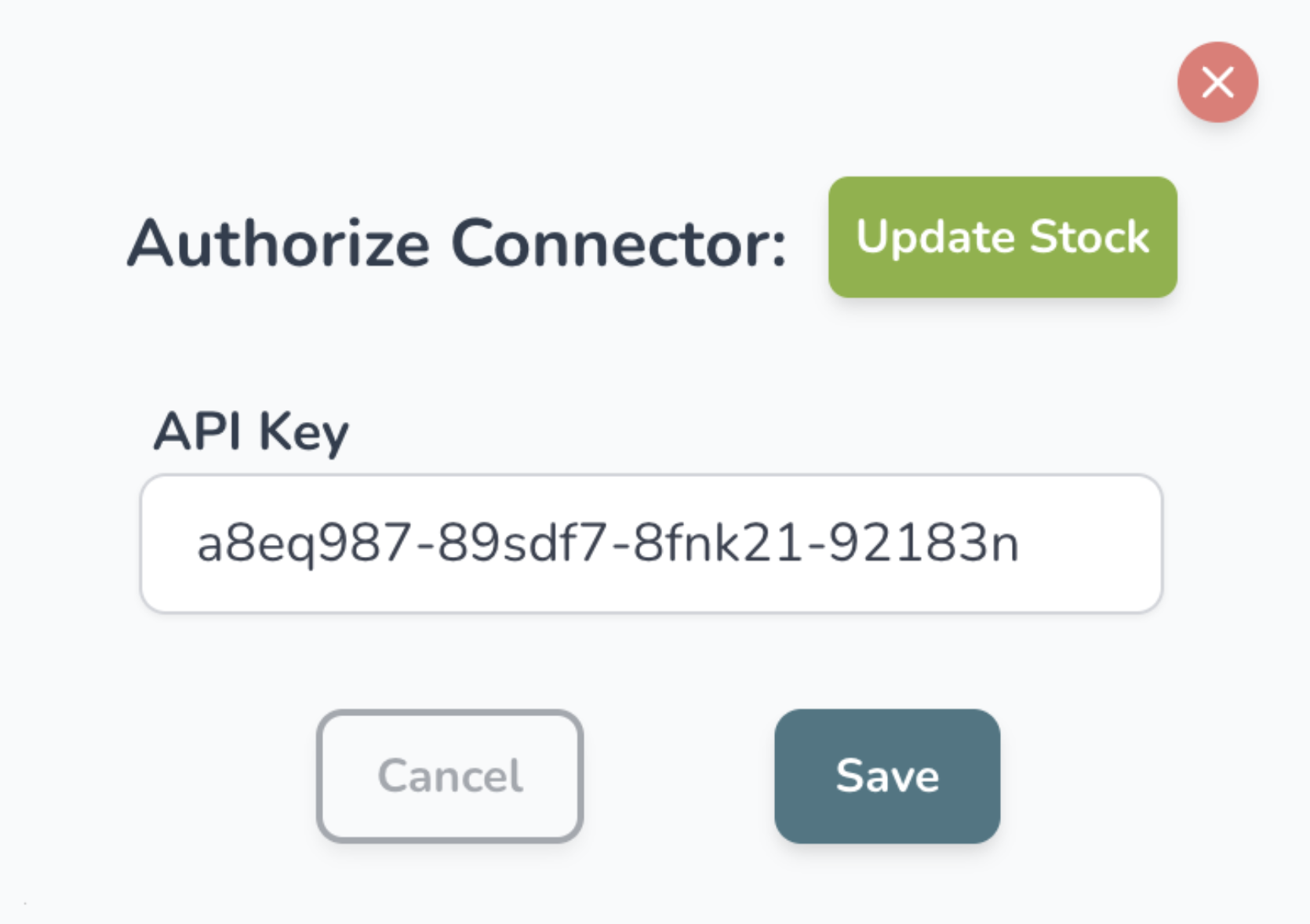
4️⃣ Paste the key to the modal on the Wherehouse dashboard.
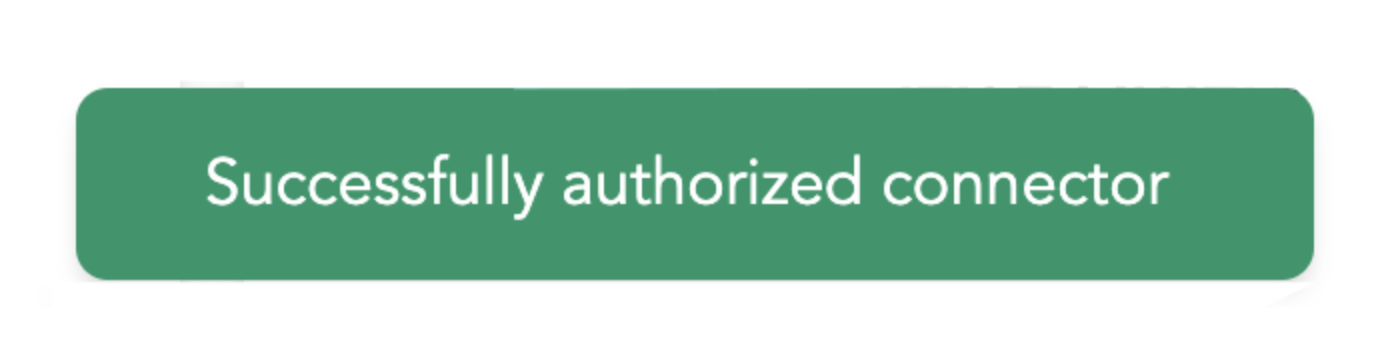
5️⃣ Hit save and if all went well you should see “Successfully authorized connector”.
Don’t let unnecessary notification emails clog your inbox. 📧
Follow these simple steps to disable some of the offer import notification emails Leroy Merlin sends.

1️⃣ Go to your Leroy Merlin profile.
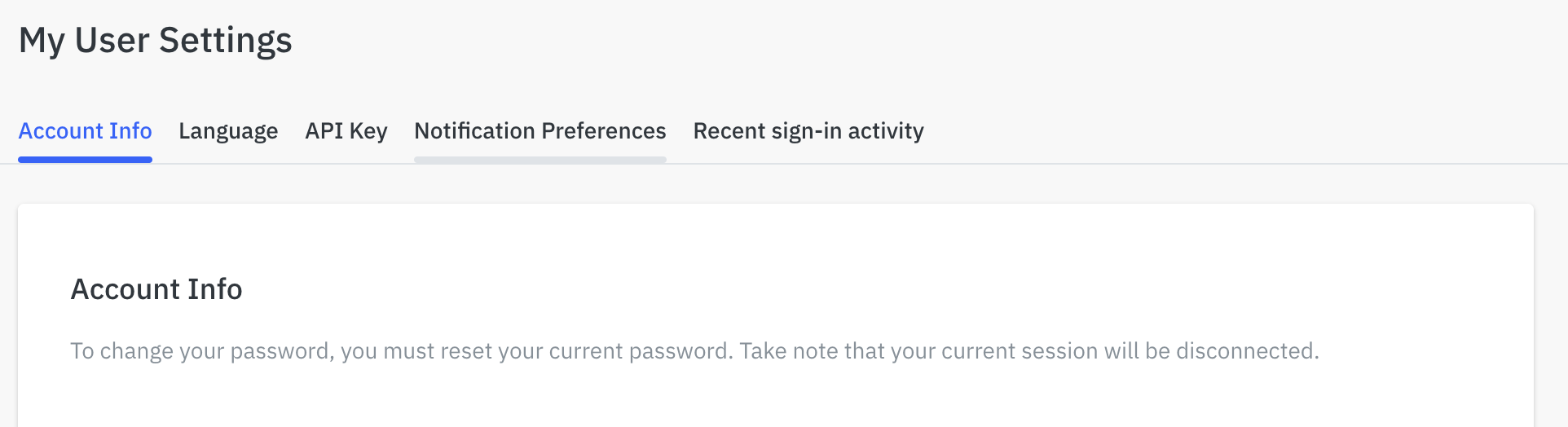
2️⃣ Look for Notification Preferences on your profile page.
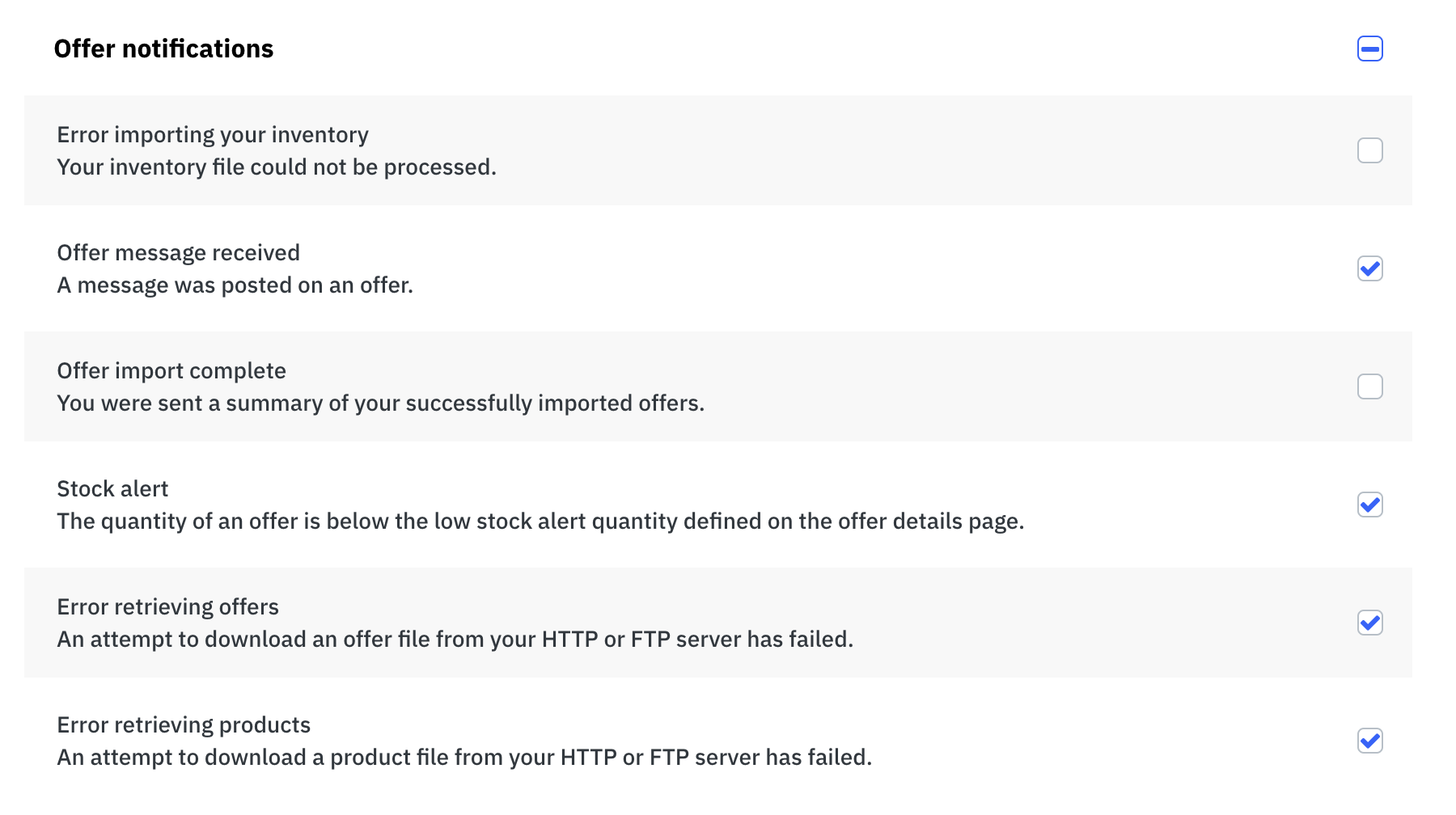
3️⃣ In Notification Preferences, uncheck the two offer notifications that need to be disabled - these are:
- Error importing your inventory
- Offer import complete