
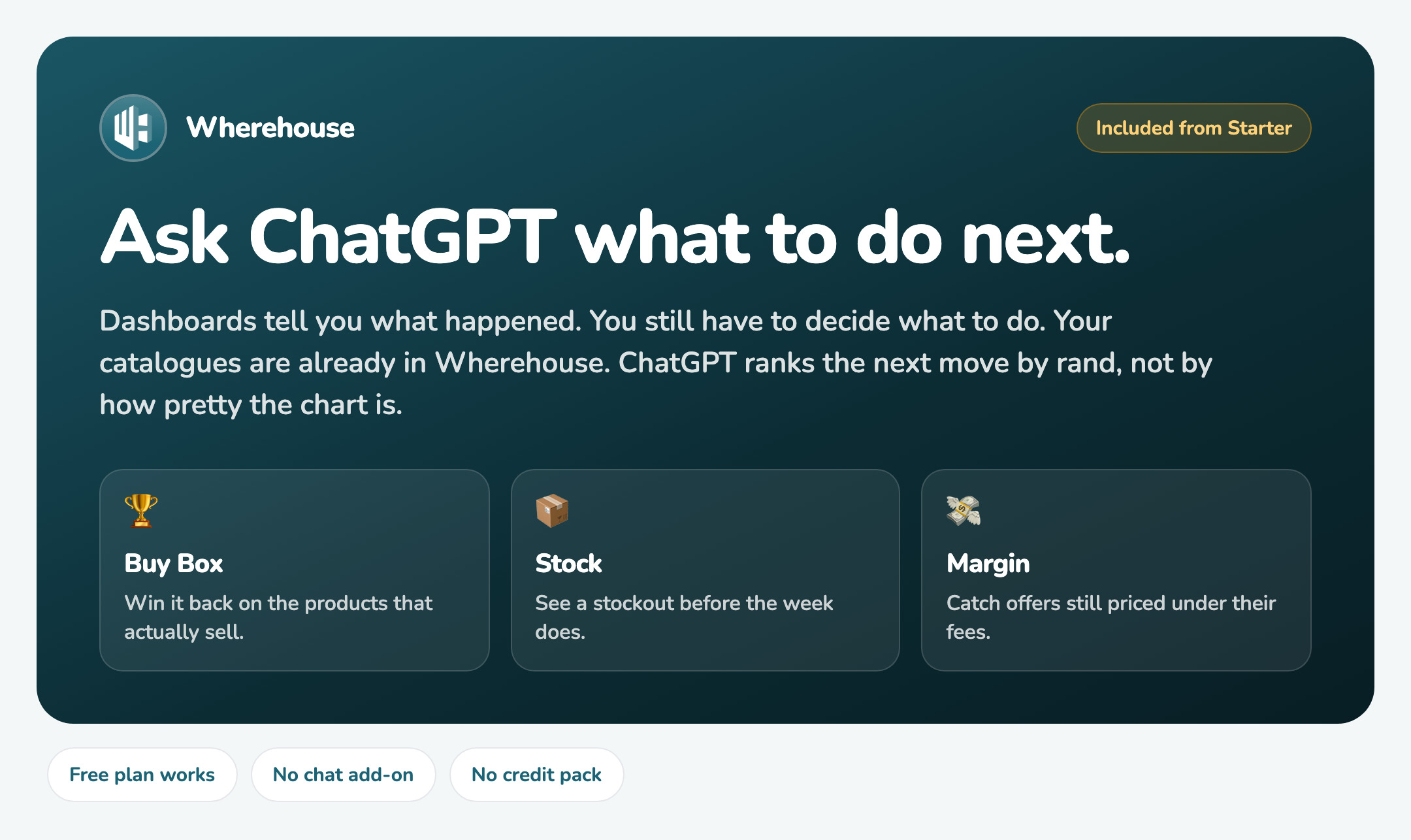
In this guide, we'll plug ChatGPT into the catalogues you already sync. Ask what to do next. Get answers that make you money.

Connecting Claude instead?
How to Connect Wherehouse to ClaudeAsk the low-hanging fruit
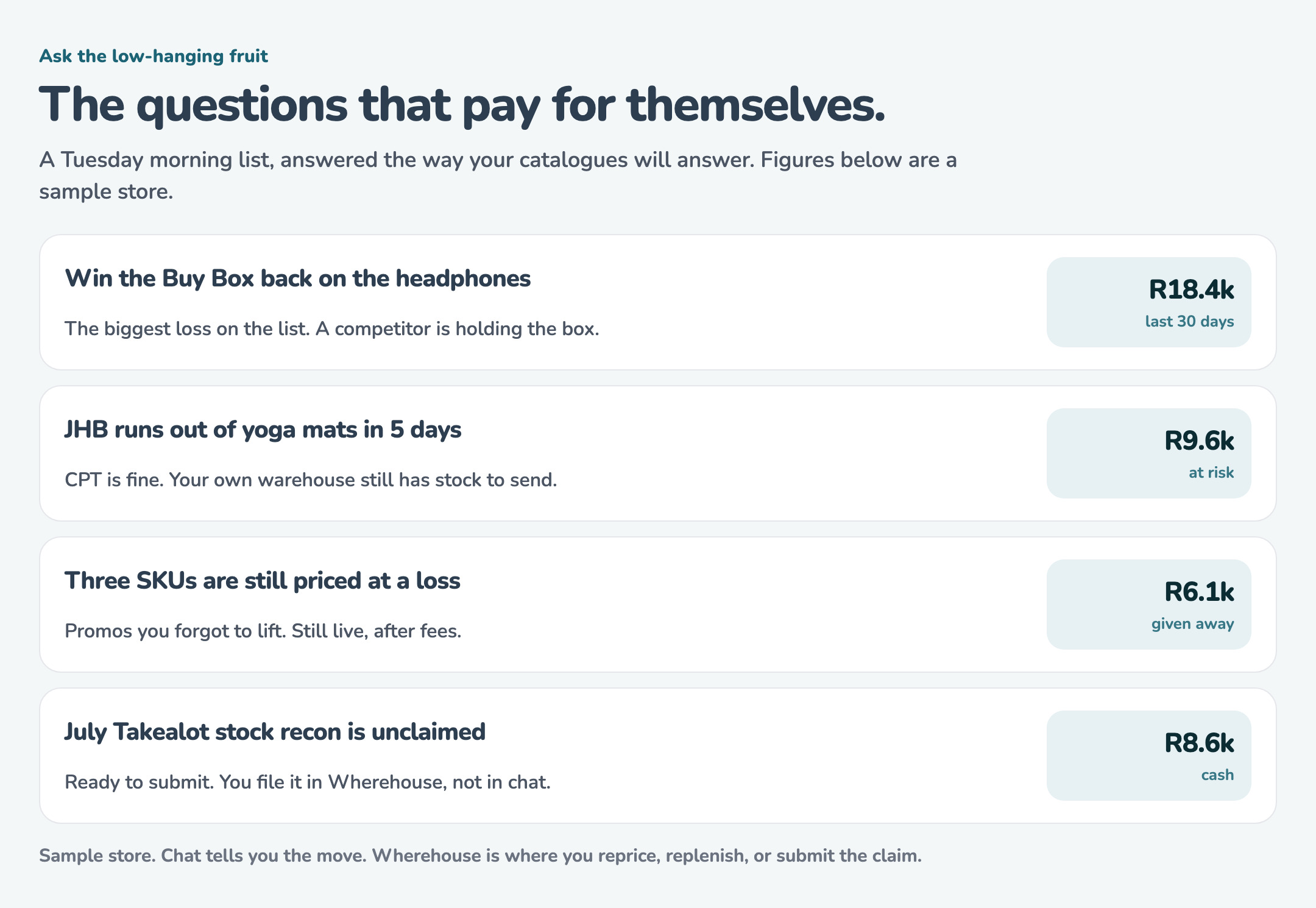
Start with what should I do today. ChatGPT ranks the next move by rand: Buy Box, stock, losses, recon, listings. The card below is a sample store. Yours uses your catalogues.
Included from Starter. You bring ChatGPT. We bring the live numbers. No chat add-on and no credit pack. A free ChatGPT plan works.
Your catalogues, your rules
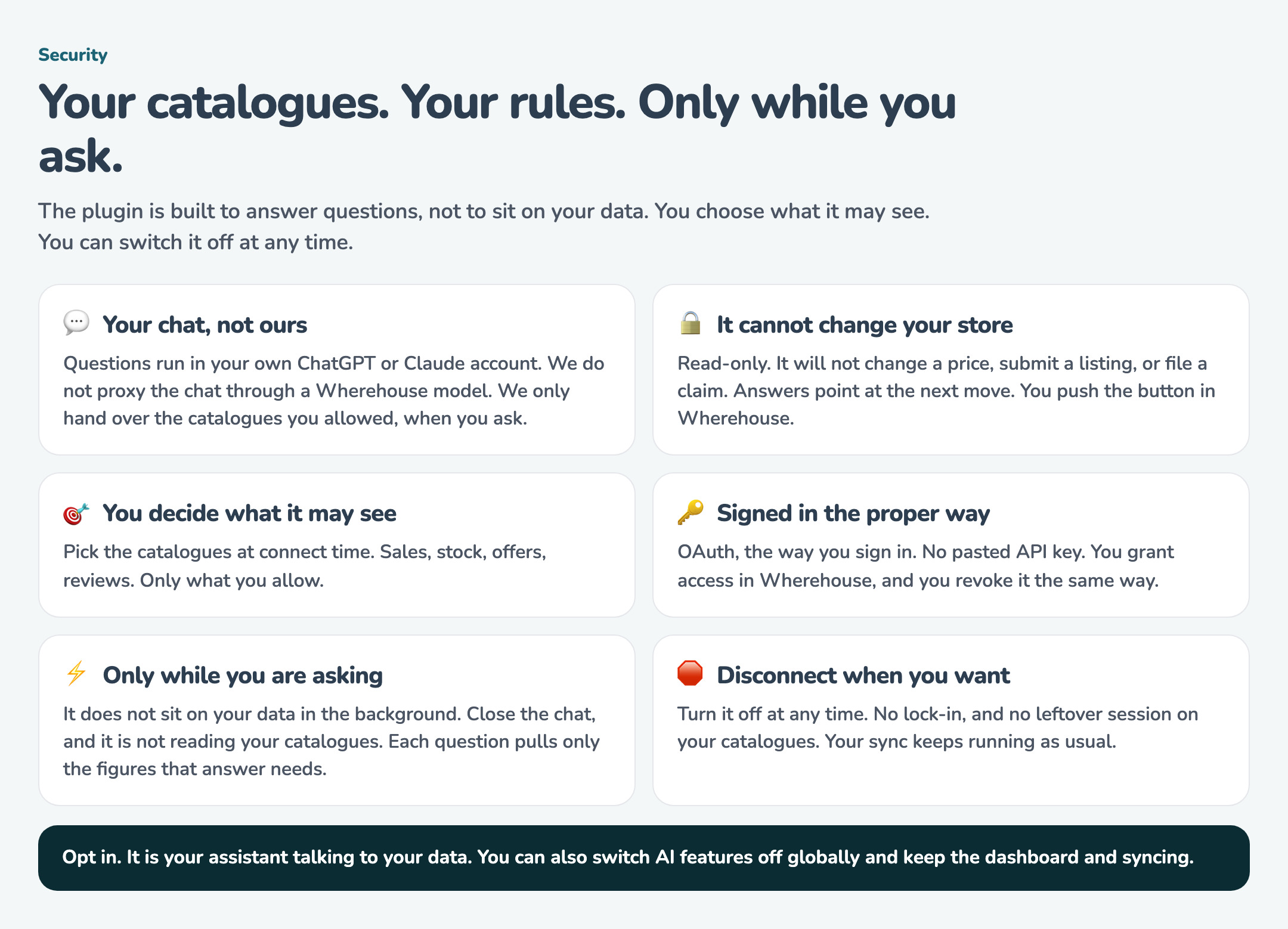
You choose what ChatGPT may see. You can switch it off at any time. Your prompts stay in your ChatGPT account. We only hand over the catalogue data you allowed, when you ask.
How to connect ChatGPT
- Open Connected Apps
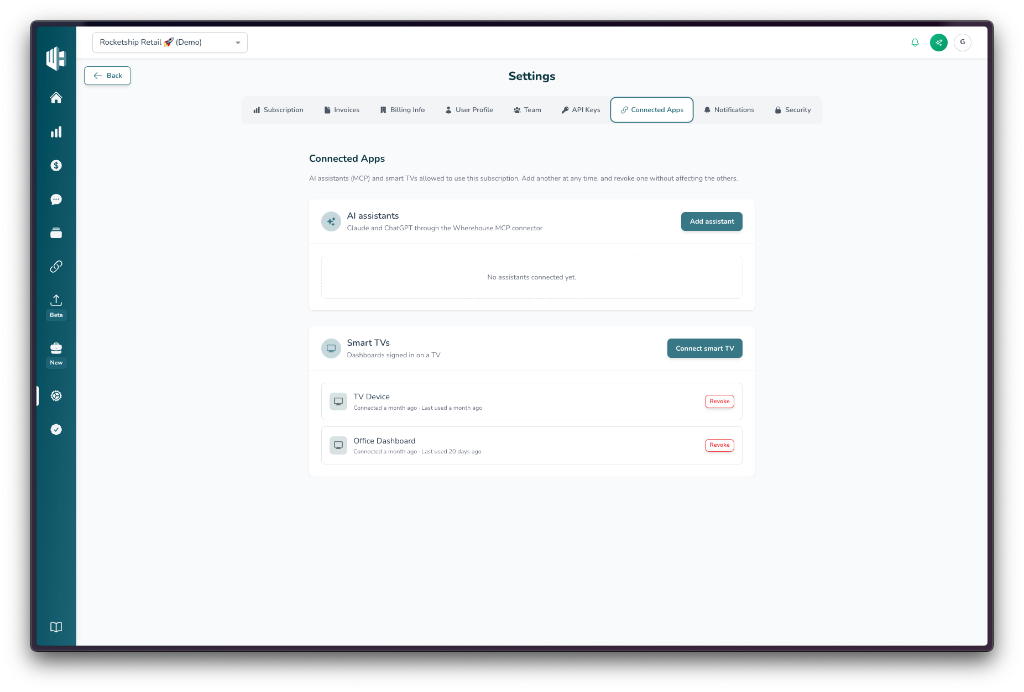
In Wherehouse, open Settings, then Connected Apps. Under AI assistants, click Add assistant.
- Copy the MCP URL
Copy the address under MCP URL. Use the copy button on the left of the field. You will paste this into ChatGPT.
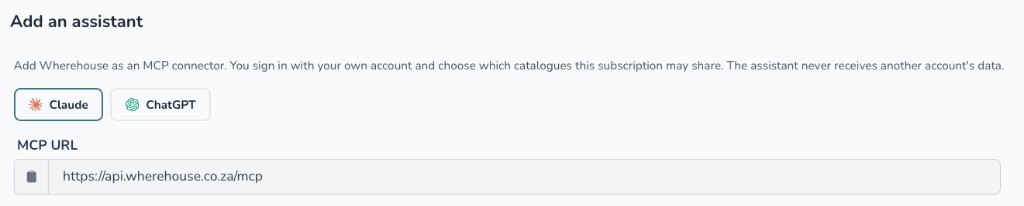
https://api.wherehouse.co.za/mcp- Open Plugins in ChatGPT
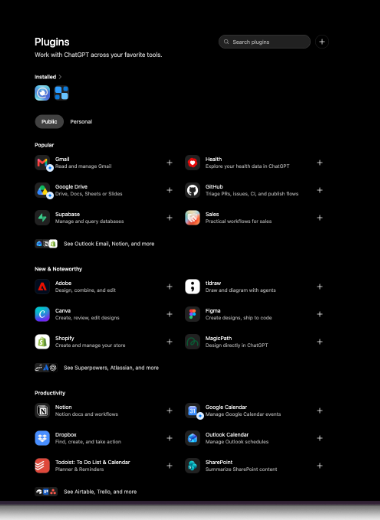
In ChatGPT, open Plugins. Click the + beside Search plugins.
- Paste the URL
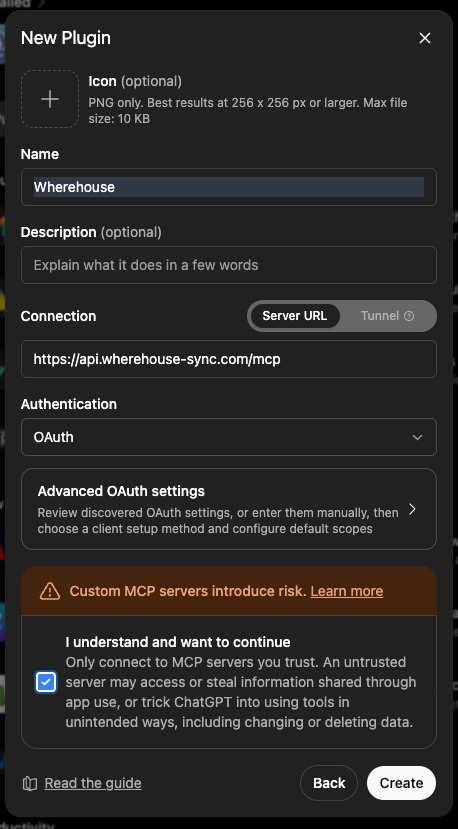
Name the connector Wherehouse. Leave Connection on Server URL. Paste the MCP URL you copied from Wherehouse into the address field. Set Authentication to OAuth. Tick I understand and want to continue, then click Create. Advanced OAuth settings can stay closed.
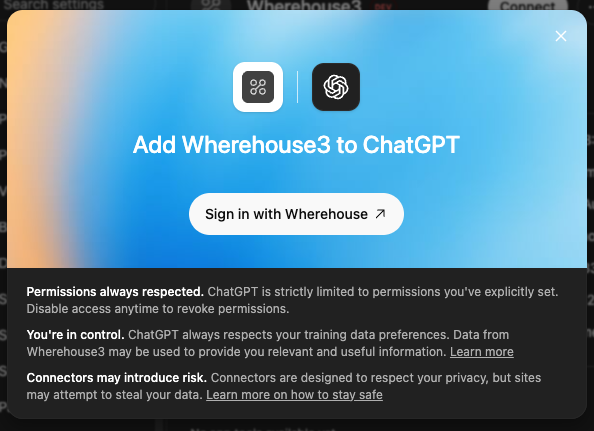
- Sign in with Wherehouse
ChatGPT asks you to sign in before it can use the connector. Click Sign in with Wherehouse. The window title uses the name you gave the connector.
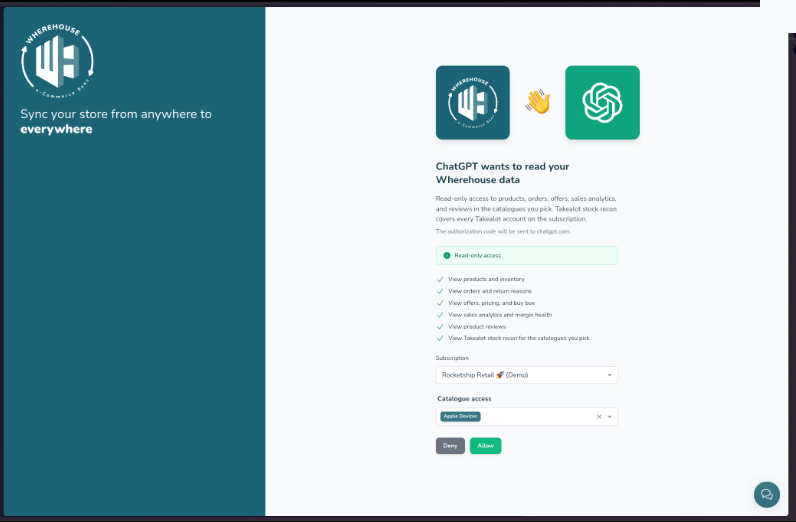
- Allow access
Wherehouse shows what ChatGPT can read. Choose the subscription. Under Catalogue access, choose the catalogues this assistant may read. Click Allow.
After you connect 📦
- Ask ChatGPT about stock, open orders, or which offers are winning the Buy Box on a catalogue you shared.
- The assistant shows under Settings, then Connected Apps in Wherehouse. Click Revoke there to disconnect it.
- Each person connects with their own Wherehouse login. Your catalogues stay on your account.
Access stays read-only. ChatGPT can look at your data. It cannot edit products, stock, prices, or orders.